From Ars Technica · · 3m
macOS 27 Golden Gate: Apple Intelligence takes over
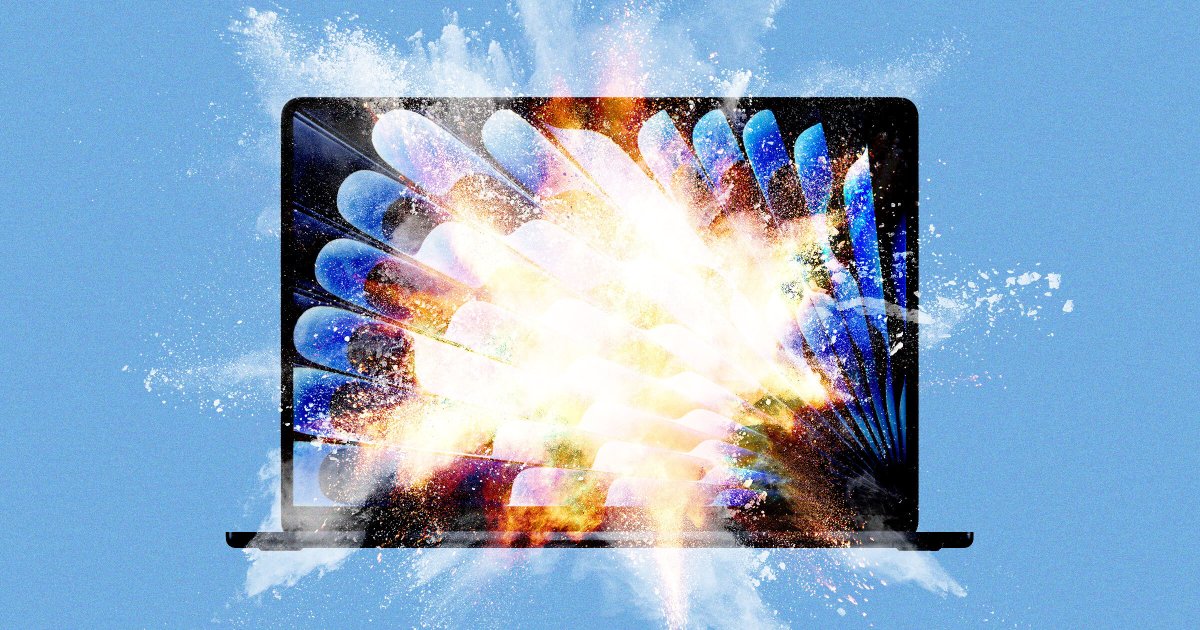
Apple's latest Mac update makes AI mandatory, drops Intel support, and refines the controversial Liquid Glass design.
In brief
Apple's latest Mac update makes AI mandatory, drops Intel support, and refines the controversial Liquid Glass design. macOS 27 Golden Gate forces Apple Intelligence on all users, consuming up to 22GB of disk space while making subtle design improvements to Liquid Glass. Originally reported by Ars Technica.
Apple Intelligence is now mandatory
You can't turn off Apple Intelligence anymore. The toggle that let you disable AI features and delete gigabytes of models is gone in Golden Gate.
“There used to be a toggle you could hit if you wanted to turn off Apple Intelligence and delete the gigabytes' worth of AI models it would download to your disk, and now there isn't.”
Intel Macs are officially done
Golden Gate is the first macOS since the mid-2000s that won't run on any Intel Macs. You need at least an M1 chip from 2020 or newer.
Two tiers of AI capability

The advanced AFM 3 Core model requires an M3 or newer chip plus 12GB of RAM. Older M1 and M2 Macs get the basic model only.
What to do with old Macs
If your Intel Mac still runs Sequoia or Tahoe, keep using it until security updates stop in 2027-2028. Older machines should be upgraded.
Named after a strait, not a bridge

The Golden Gate Bridge is named for the Golden Gate strait it spans. The name dates to the 1840s, before the gold rush began.
Golden Gate devours disk space
The update needs 17GB more space than Tahoe if you had AI turned off. Macs with the advanced model need 22GB just for Apple Intelligence.
No way to opt out
Apple Intelligence downloads automatically when you connect to the internet. The OS works fine without it, but you can't choose to skip it.
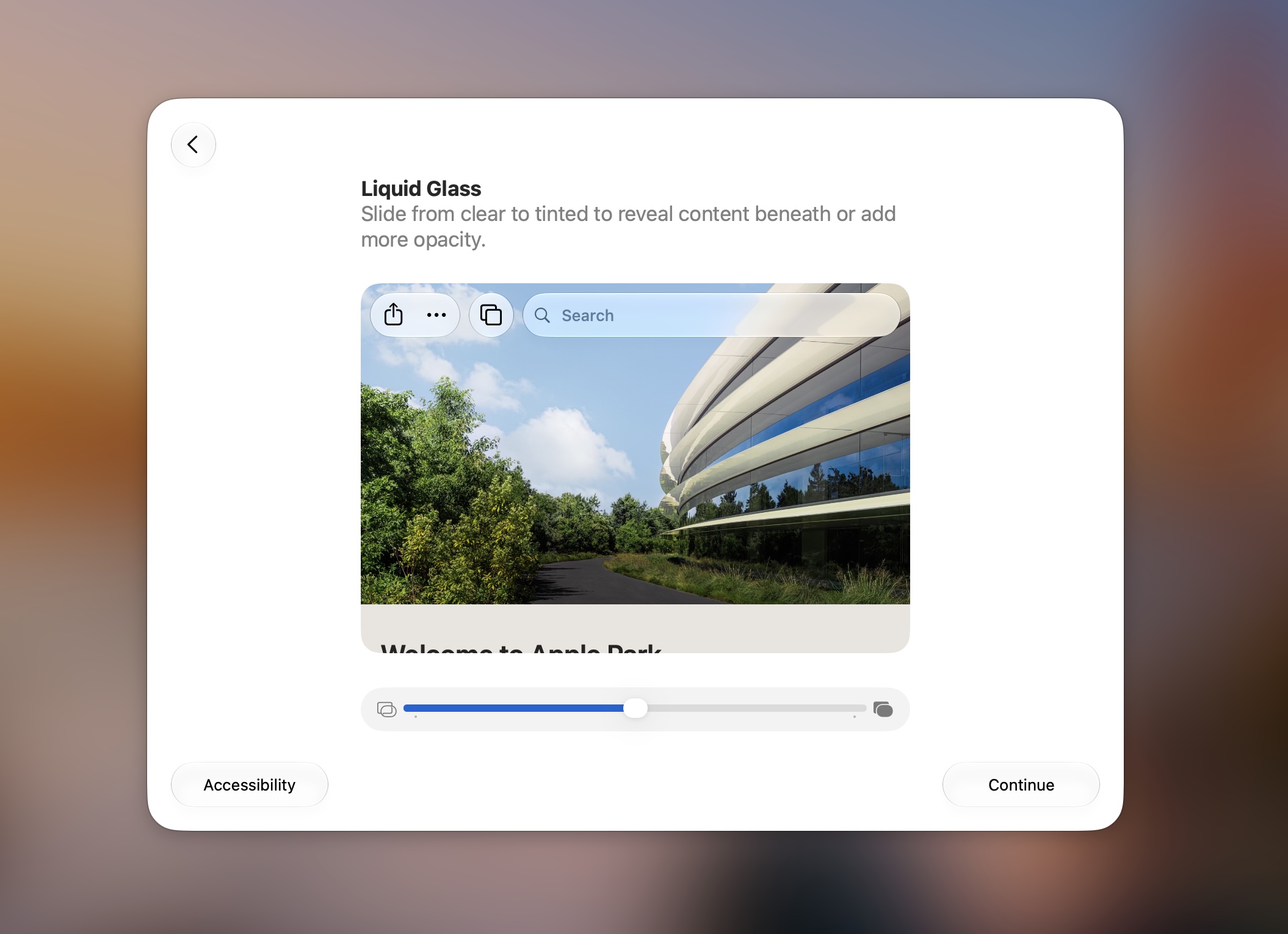
Choose your level of glassiness
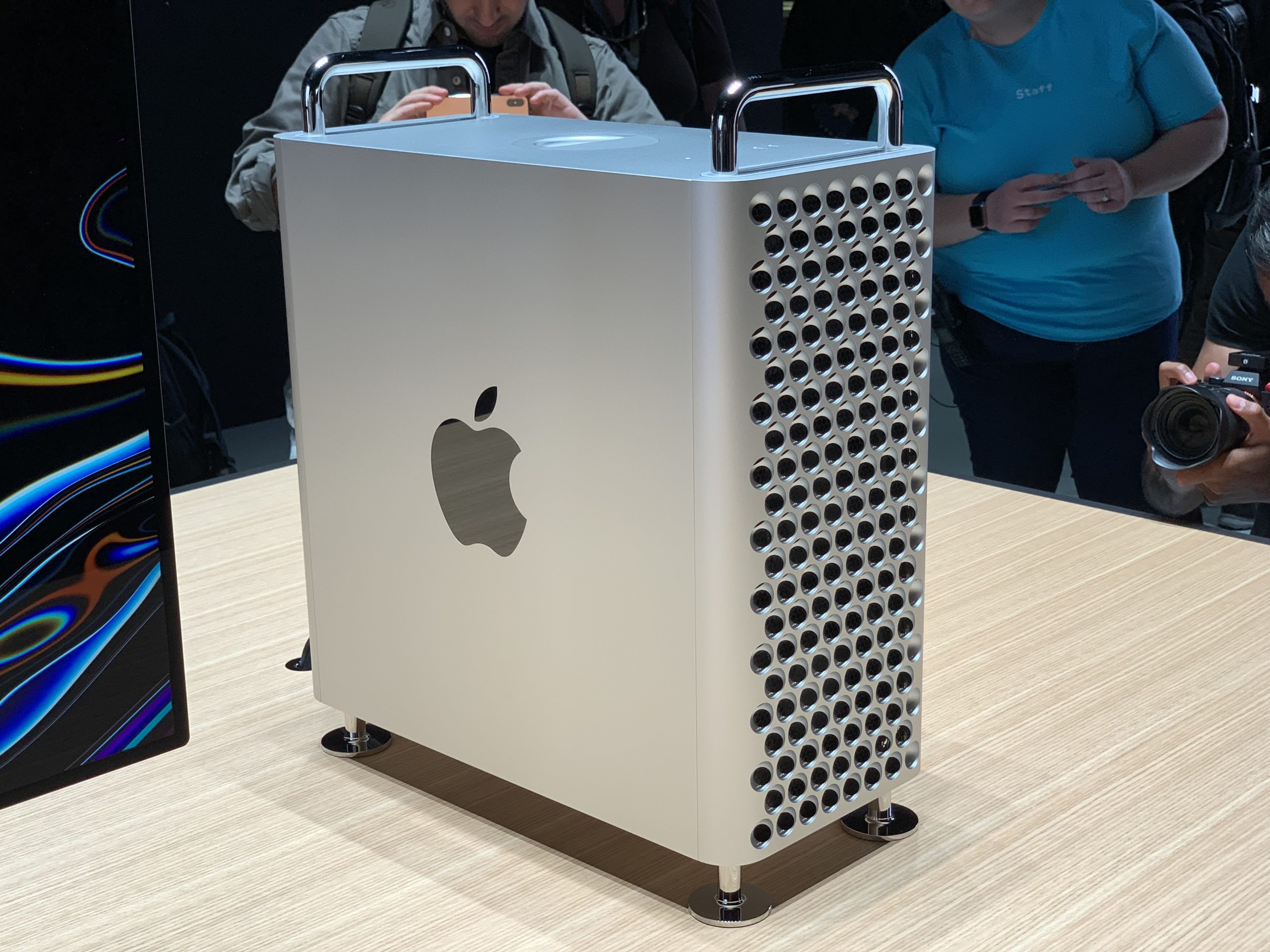
A new slider lets you control how intense the glass effect looks. Slide left for maximum shine, right for something closer to the old Big Sur style.
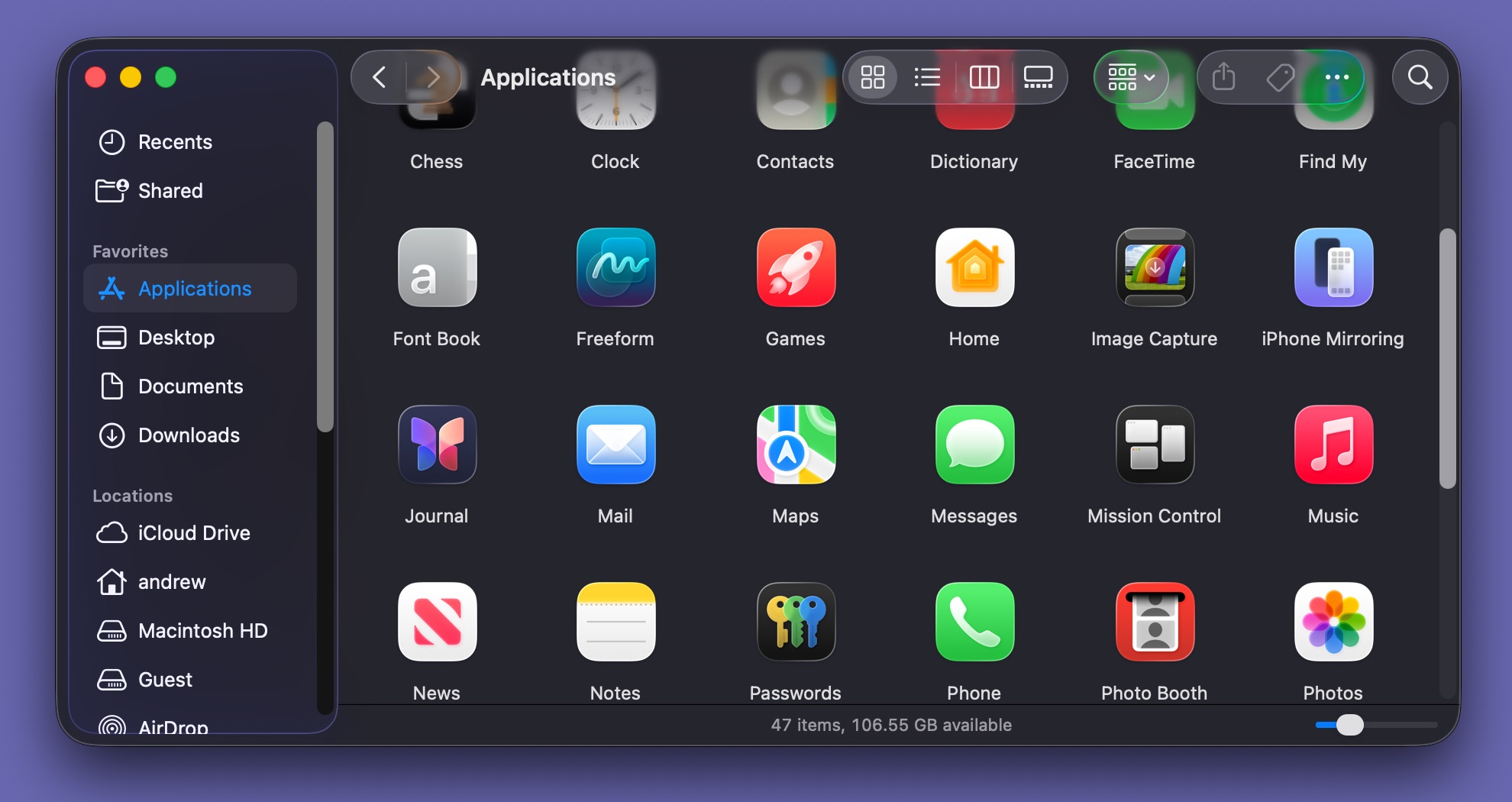
Title bars are back
The seamless window look from Tahoe is mostly gone. Apps now use visible title bars with hard borders, making windows easier to read.
Corners get less rounded
Window corners are smaller and more consistent across all apps. The extra-rounded Tahoe corners that made resizing difficult are gone.
Sidebars return to normal
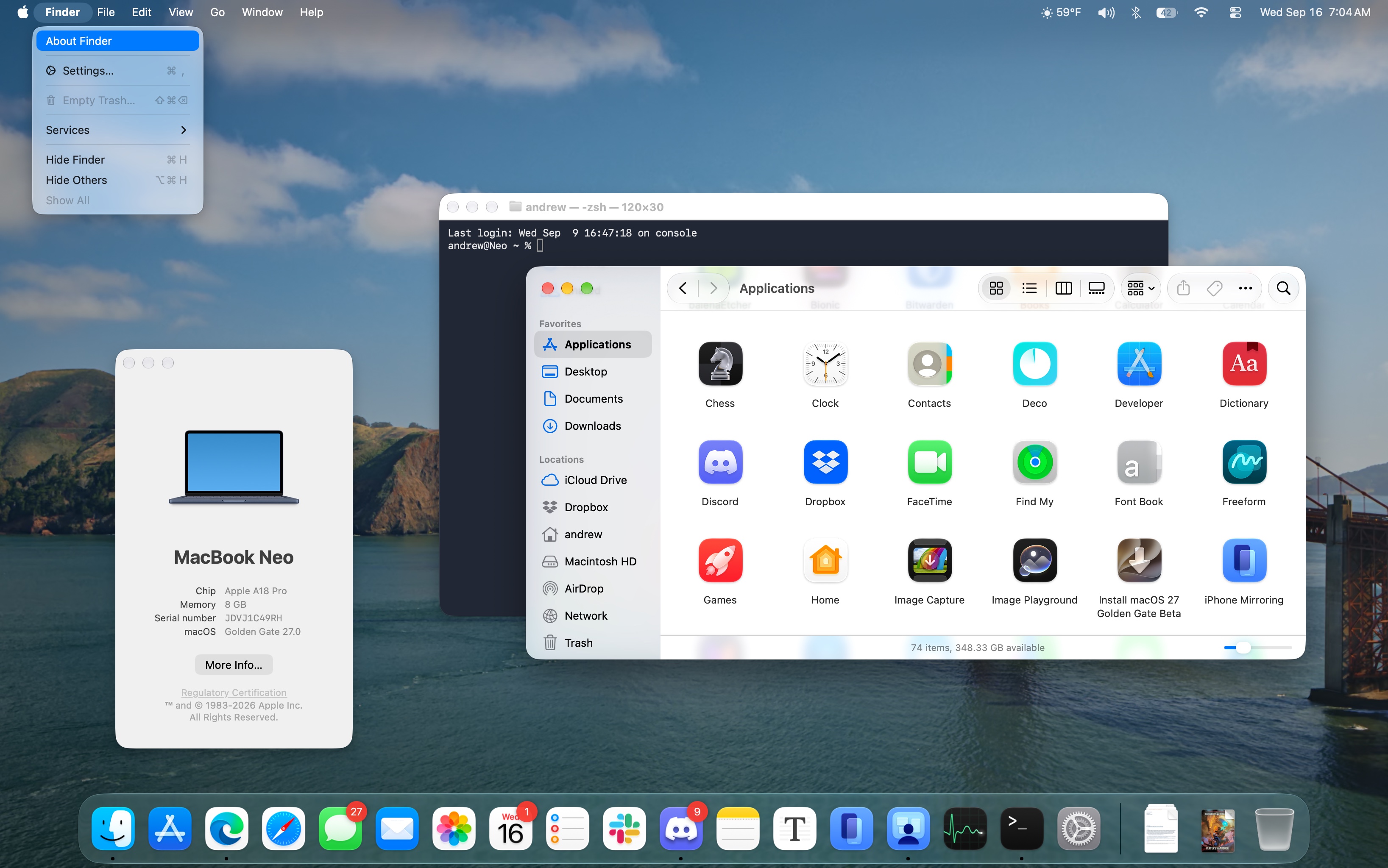
Sidebar icons regain their color and extend edge to edge again. The floating glass rectangle look from Tahoe has been abandoned.
Menu icons mostly disappear
Tahoe added icons to most menu items. Golden Gate removes them, using icons only sparingly. Apple now recommends developers do the same.
App icons get sharper and glassier
Most built-in app icons have been refined with better detail and more striking glass effects. Chess, Preview, and Siri get completely new designs.
Multiple AI models power features
AFM 3 Core runs on device for basic tasks. AFM 3 Cloud handles Siri and complex requests on Apple servers. Image generation uses separate cloud models.
Usage limits are coming soon
Apple will impose limits on Siri AI, Image Playground, and other cloud features in the future. Additional usage will cost money.
Siri AI replaces Spotlight
The new Siri takes over both old Siri and Spotlight with a unified interface. Most queries go to the cloud, and it fails without internet.
You can still opt out of Siri
While Apple Intelligence itself can't be disabled, you can turn off the Siri AI beta and revert to Siri Classic or disable Siri entirely.
In short
macOS 27 Golden Gate forces Apple Intelligence on all users, consuming up to 22GB of disk space while making subtle design improvements to Liquid Glass.