From Ars Technica · · 3m
Old tablet finds new life as PC control panel
PhoneBox turns forgotten Android devices into useful desktop displays with one terminal command.
In brief
PhoneBox turns forgotten Android devices into useful desktop displays with one terminal command. PhoneBox software lets users repurpose old Android tablets as secondary PC displays, controllable via a single installation command and web interface. Originally reported by Ars Technica.
Forgotten tablets need a purpose
Most people have old phones or tablets gathering dust in drawers, perfectly functional but no longer meeting daily needs. PhoneBox offers a solution to repurpose these devices instead of donating them.
One command sets everything up
Installation requires only plugging the Android tablet into a PC via USB and executing a single copied command in a Linux terminal.
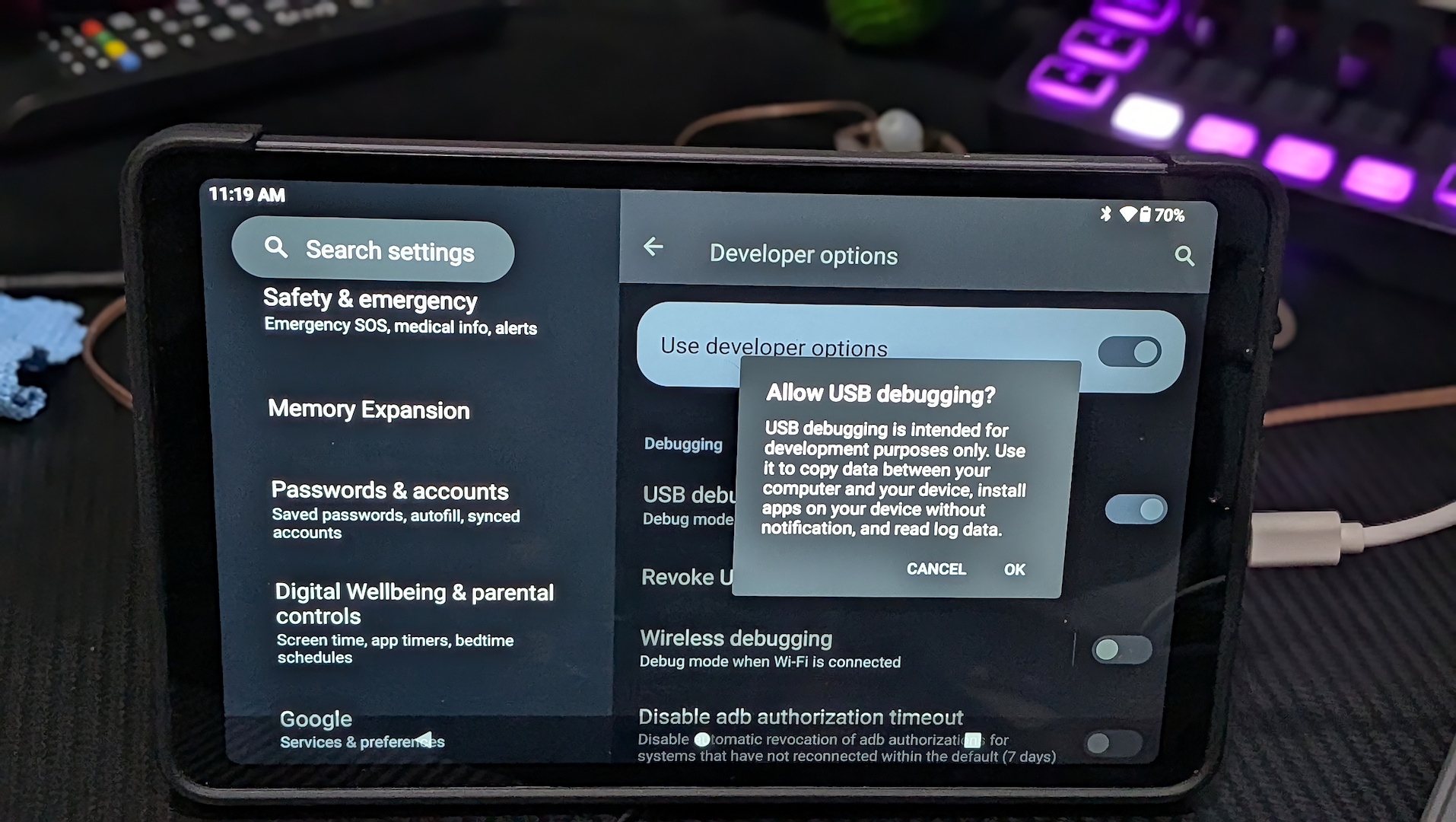
Developer mode and ADB required
The tablet must be in developer mode and allow ADB over USB in settings. Total installation time from copying the script to everything running was less than a minute.
Live PC stats on the tablet
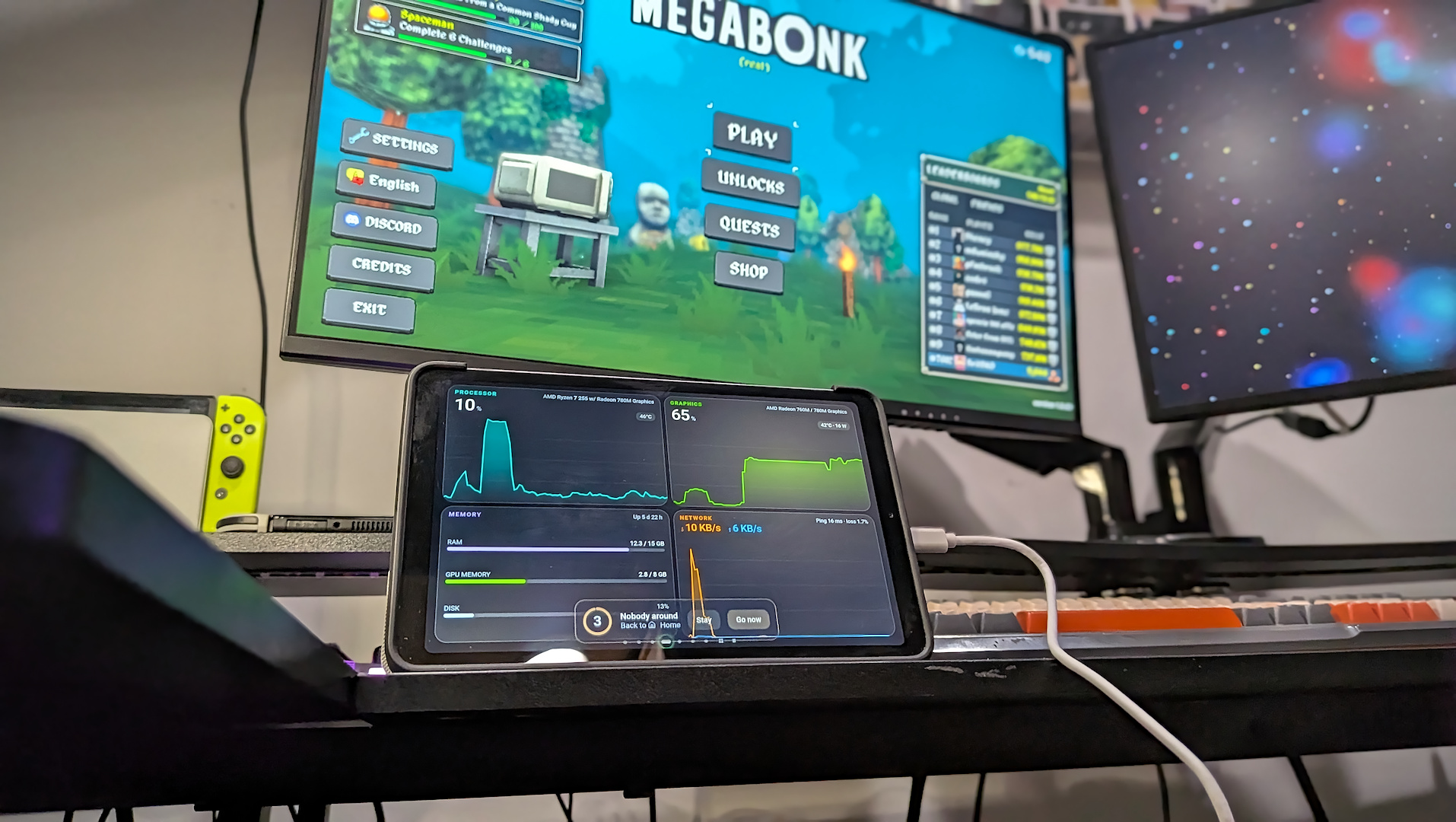
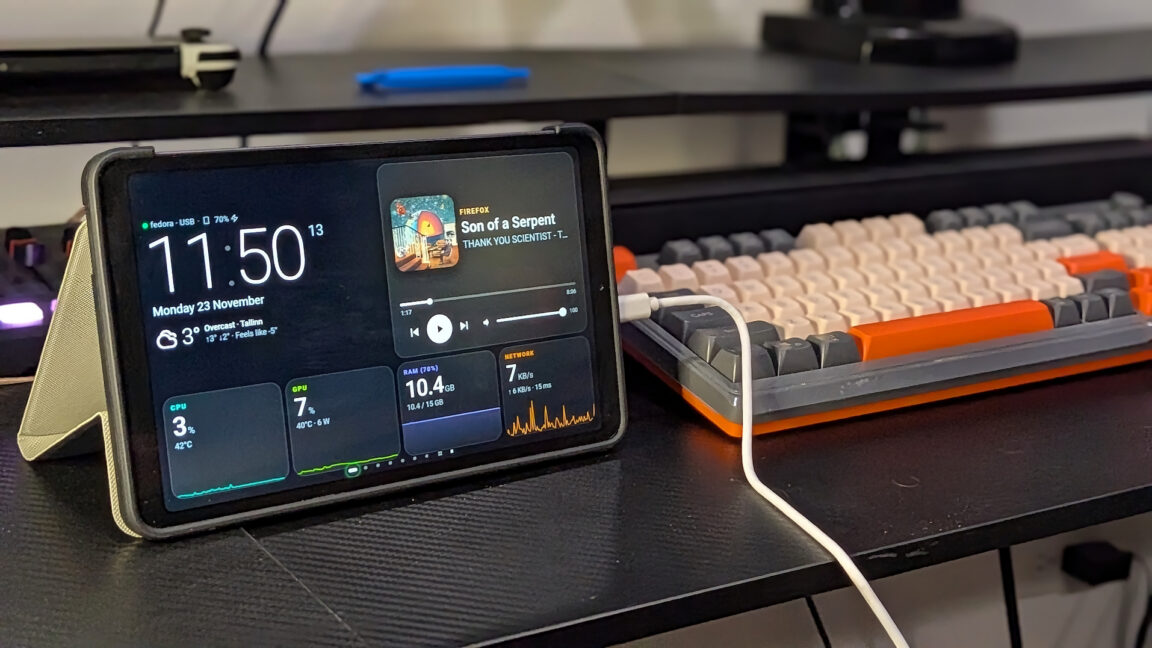
PhoneBox displays live performance and diagnostic information from the PC on the tablet screen. Users can customize several pages of optional content to show information relevant to their setup.
Widget catalog adds functionality
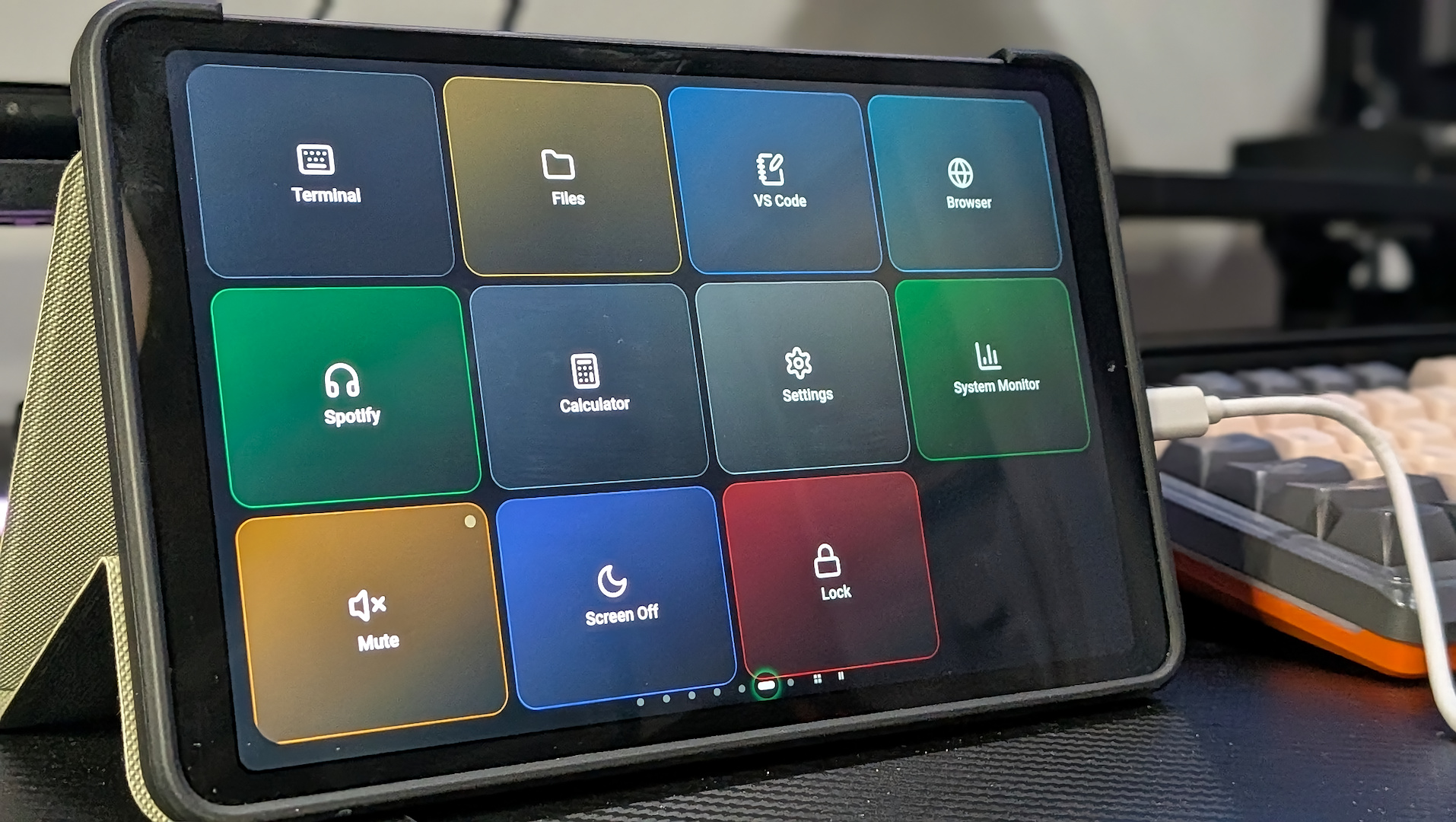
PhoneBox includes a widget catalog of free add-ons that can be added as pages to the tablet. Options include RSS feeds, timers, world clocks, and integrations with Steam and Home Assistant.
Steam library launcher works instantly
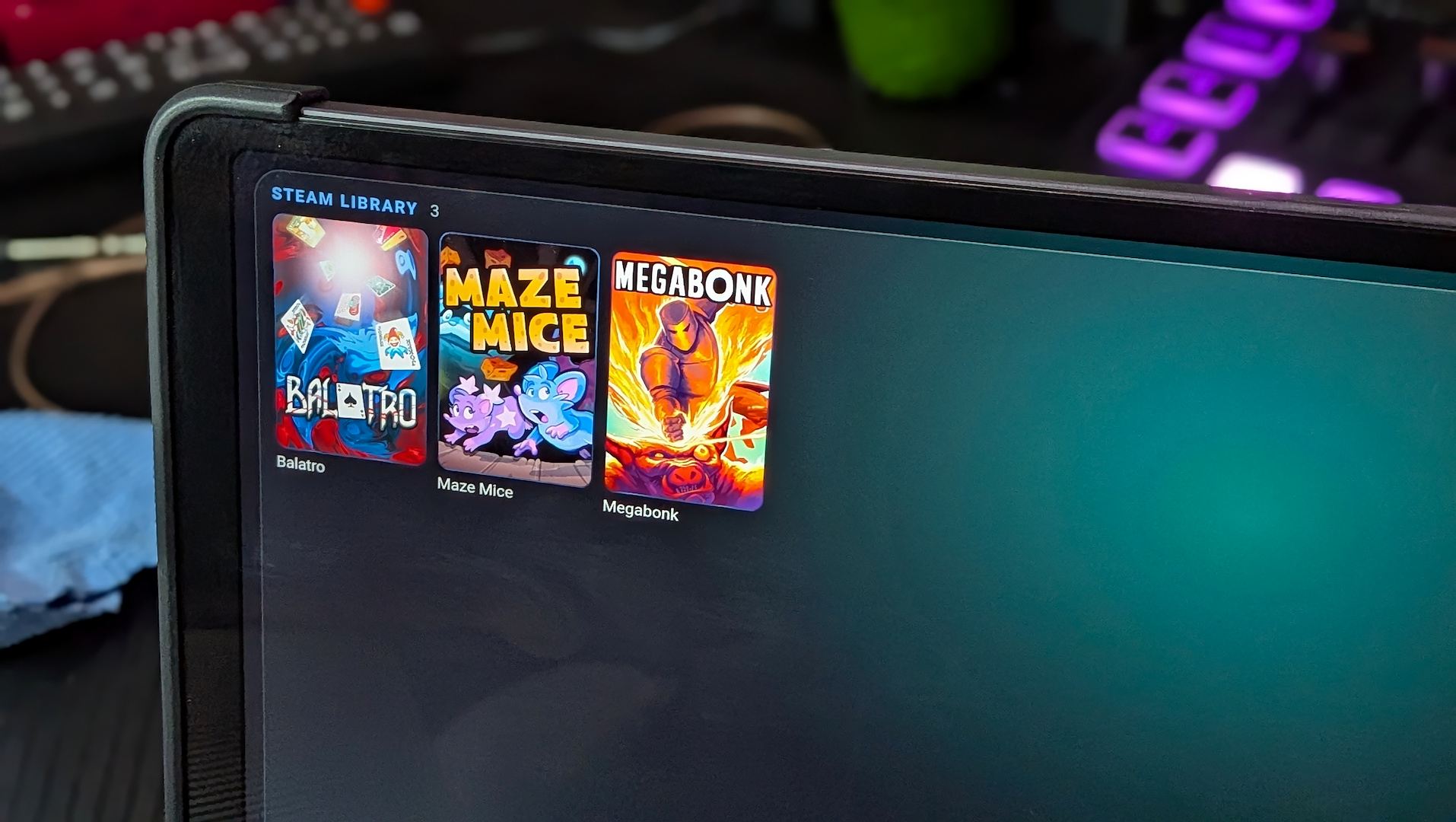
One widget lets users view their library of installed Steam titles and launch them on the PC with a tap. The author was launching games from the tablet within seconds of adding the widget.
Smart home control from tablet
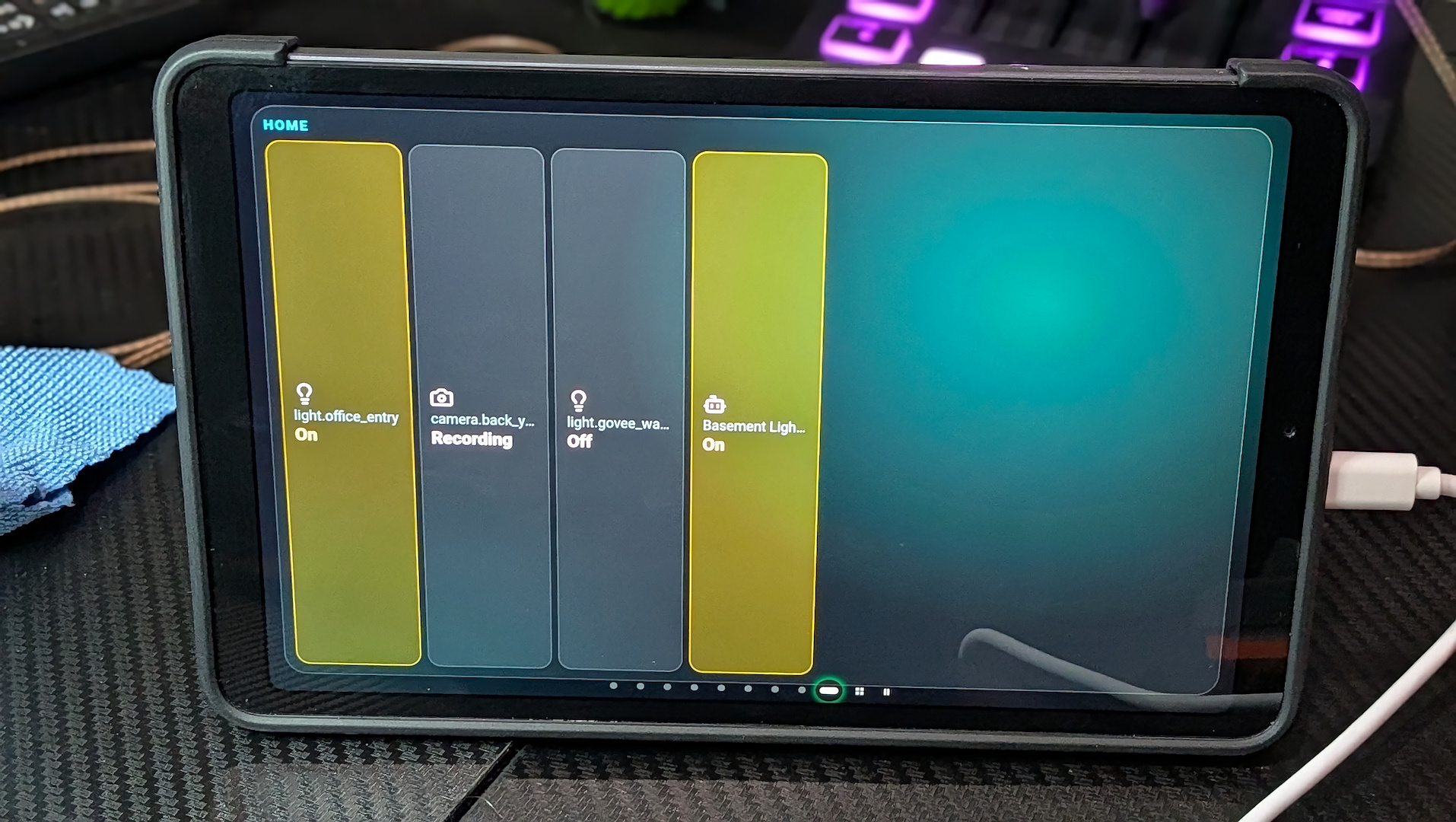
Another widget allows control of smart home entities hosted by a Home Assistant server. The author was controlling office lights from the tablet within seconds of adding the widget.
Wireless mode had connection issues
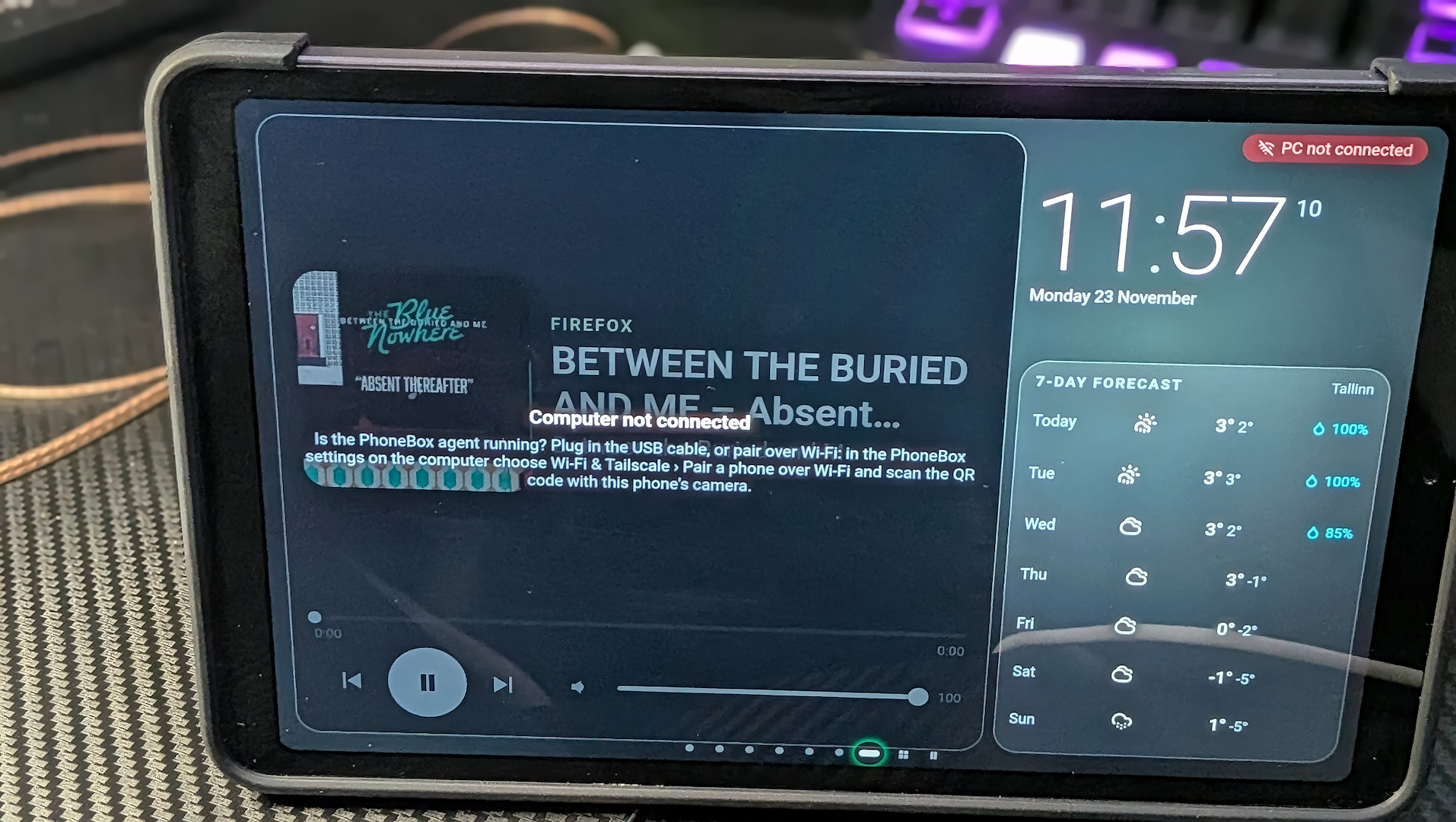
USB connection worked painlessly, but wireless setup failed during testing. Users are meant to scan a QR code from the PhoneBox web interface, but the tablet camera refused to cooperate in this case.
Forgotten tablet gets new life
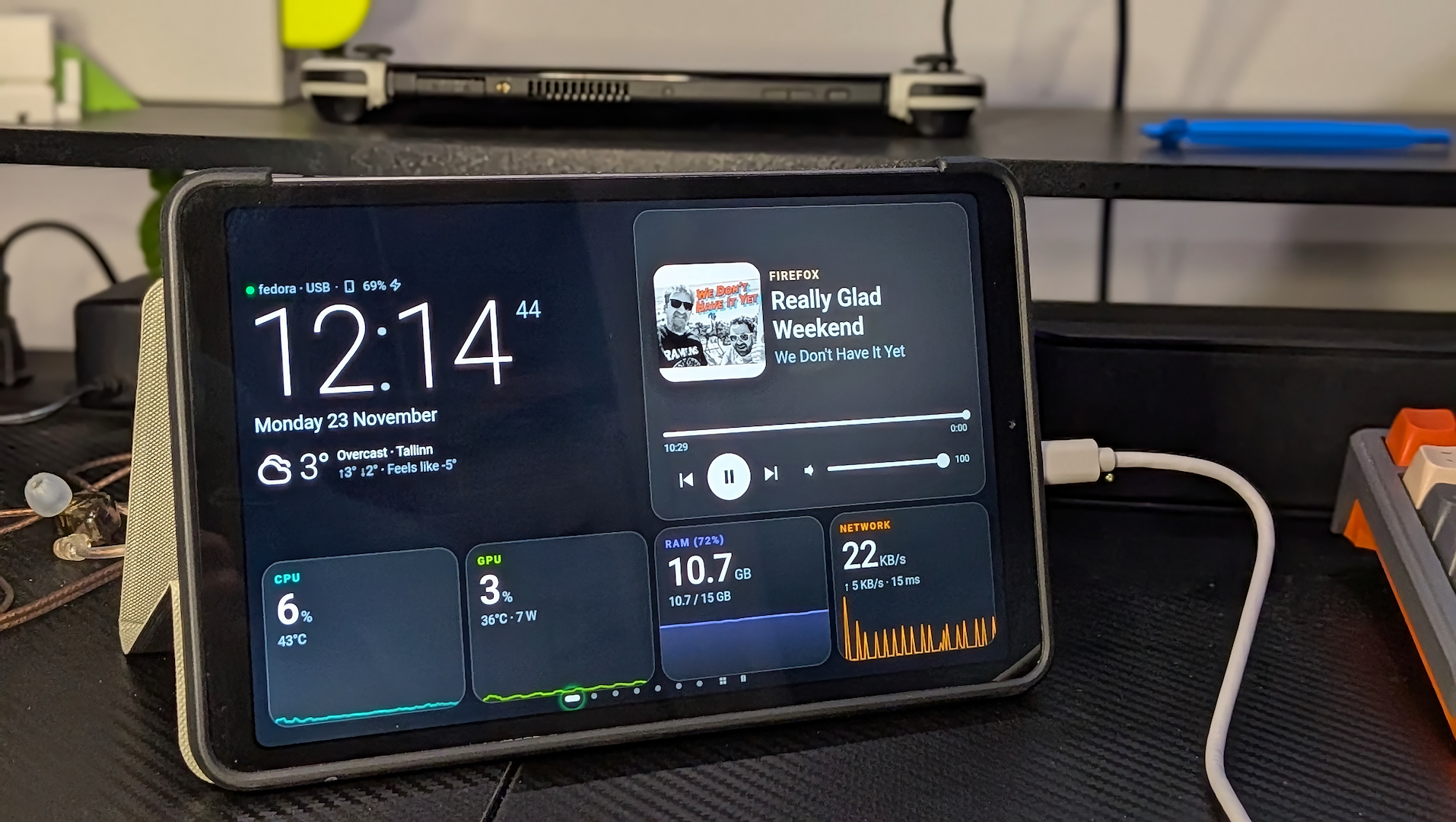
PhoneBox transformed an AllDoCube iPlay fifty mini Pro eight point four inch tablet from a junk drawer into a useful secondary desk display.
The key point
PhoneBox software lets users repurpose old Android tablets as secondary PC displays, controllable via a single installation command and web interface.
Read the TL;DR — this story on one card.