From Digital Camera World · · 2m
iPhone 18 Pro's secret weapon against AI fakes
Apple's new reference image feature lets you prove a photo hasn't been altered by AI, all built into the hardware.
In brief
Apple's new reference image feature lets you prove a photo hasn't been altered by AI, all built into the hardware. The iPhone 18 Pro can save an unprocessed reference image alongside every photo, creating a verifiable record of what the camera actually captured before any AI or processing changes. Originally reported…
Apple's new anti-AI camera feature
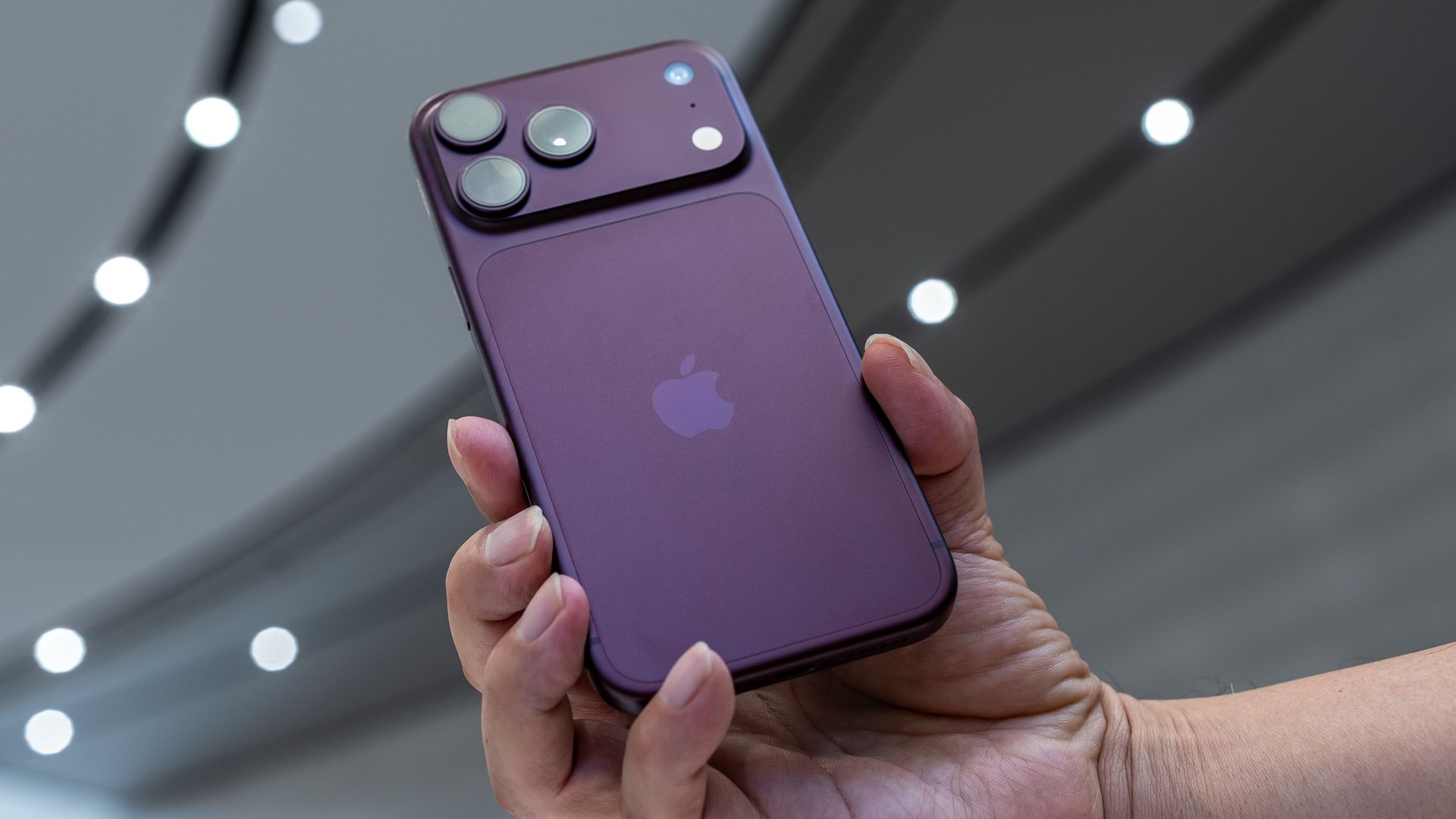
The iPhone 18 Pro can save an unprocessed reference image alongside every photo, creating proof of what the camera actually captured before any alterations.
“the reason I want an iPhone 18 Pro is actually much simpler: an anti-AI tool called reference image”
How reference image works
The camera sensor captures a secure digital negative, then Apple uses Private Cloud Compute to process it into a viewable image. Both versions are saved together.
Hardware verification prevents tampering
The camera sensor and processor each get a unique identifier during manufacturing. This allows reference images to be validated by confirming the photo came from a matching sensor and processor pair.
“Apple says that hardware solutions are less susceptible to compromise”
You need internet to verify
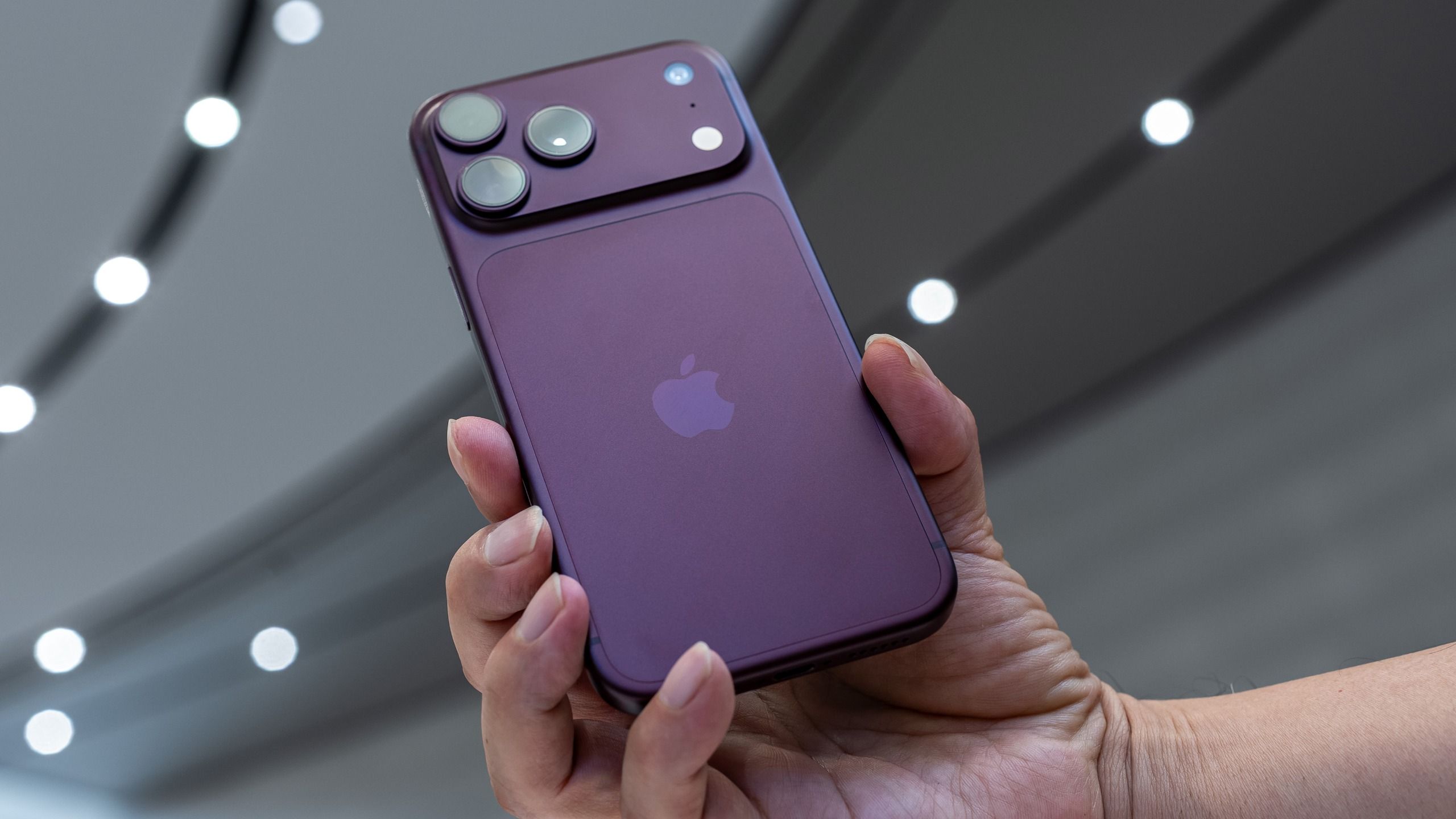
Reference images require an internet connection to validate that the sensor and processor keys match with Apple's Private Cloud Compute. Without connection, you can't verify authenticity until you reconnect.
It's opt-in and takes extra space
Reference image is disabled by default. You must enable it in Settings under Camera, and photos taken in this mode use more storage because they save both the raw and processed versions.
Compare original to edited version
In the Photos app, tap reference at the top of a photo to develop and view the original unprocessed image. You can then toggle between the reference and the final edited version to see what changed.
Android users can't verify yet
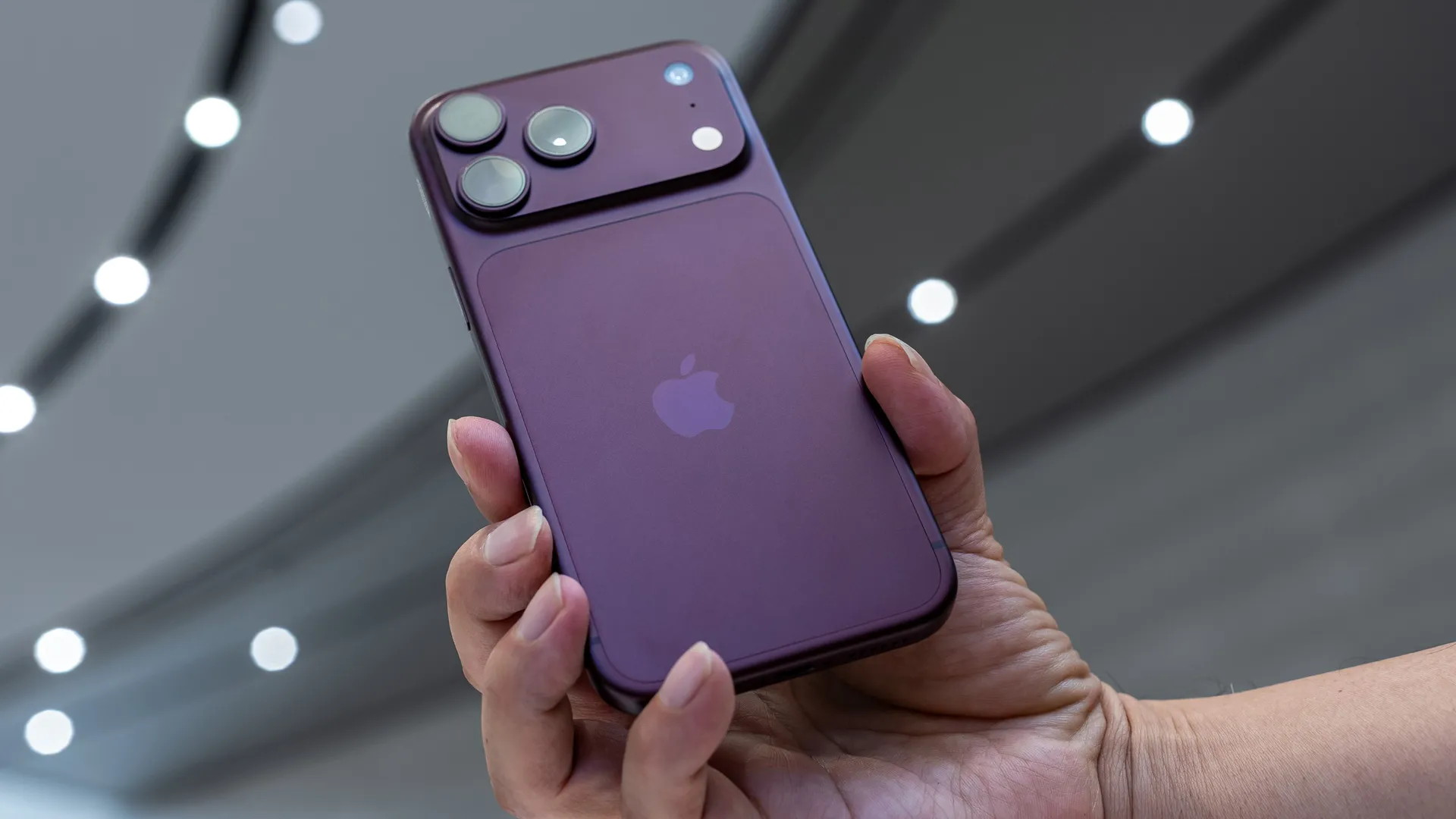
Reference images only work on iOS 27 or later, so Android users can't check authenticity unless Apple or third parties release compatible apps in the future.
Apple doesn't access or train on them
Apple says it has no access to reference images and doesn't use them for AI training. Users can also choose whether to share reference image data in camera settings.
“Apple says that it doesn't have access to those reference images and doesn't use those images for AI training”
A step toward image transparency
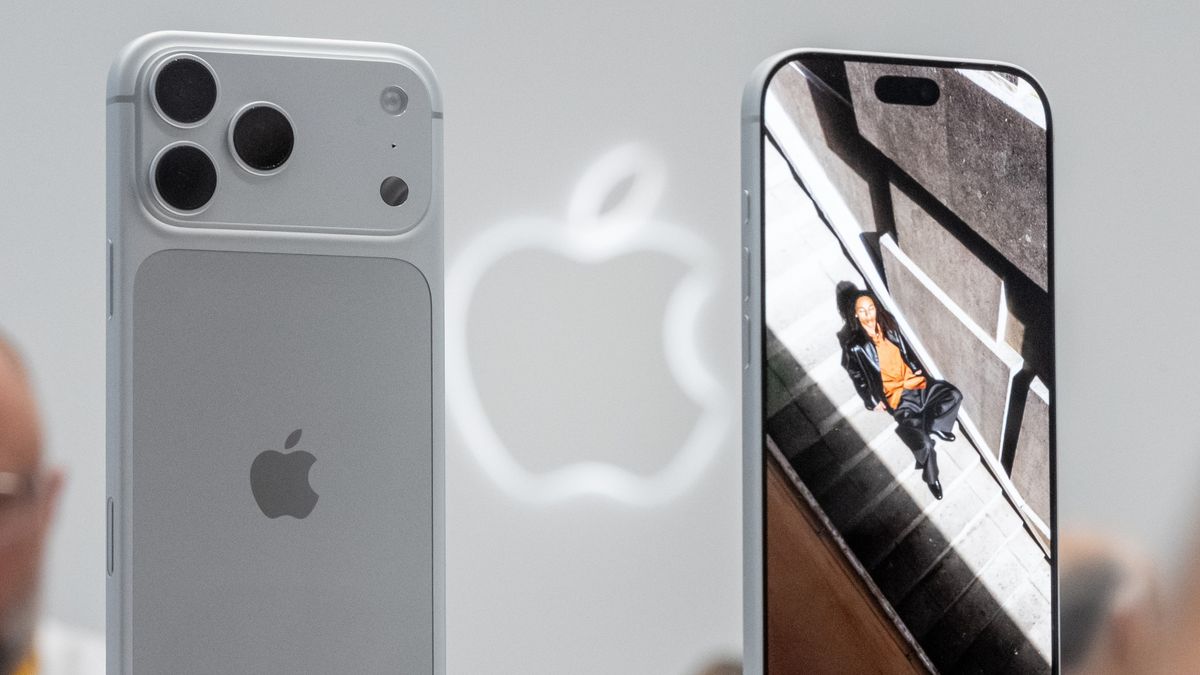
While not perfect, reference image represents real progress on proving whether photos have been altered by AI. It's a hardware-based approach that lets you see the actual unprocessed original.
What to remember
The iPhone 18 Pro can save an unprocessed reference image alongside every photo, creating a verifiable record of what the camera actually captured before any AI or processing changes.