From Digital Camera World · · 1m
Lightroom 2027 saves favorite sliders in one place
Adobe Lightroom 2027 lets photographers save all favorite sliders in one panel.
In brief
Adobe Lightroom 2027 lets photographers save all favorite sliders in one panel. Photographers can now save all favorite Lightroom sliders in one place using the new Favorites section in Lightroom 2027. Originally reported by Digital Camera World.
New Lightroom 2027 customization
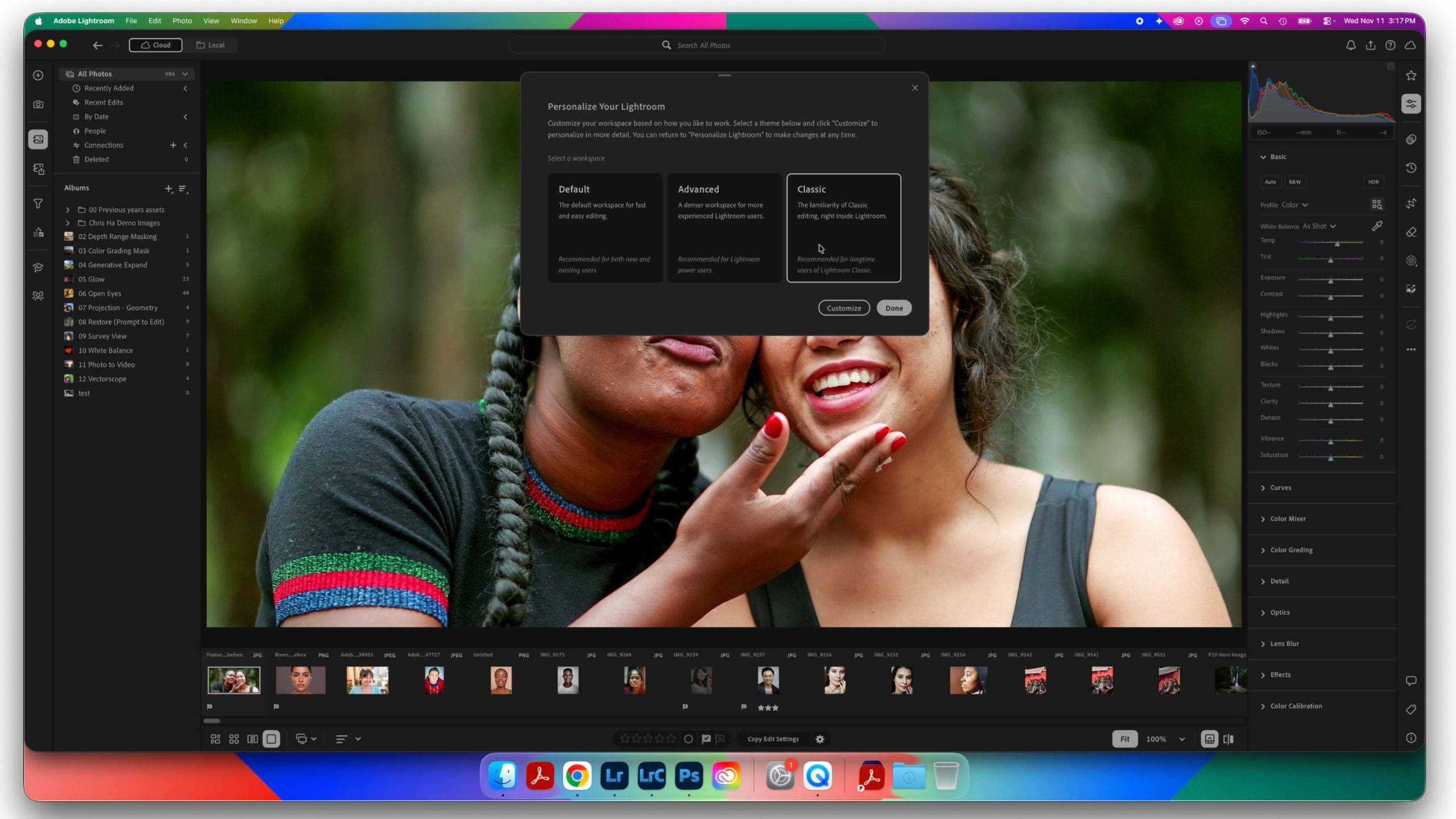
Adobe Lightroom now has an all-new way to customize the user interface including saving favorite sliders in one place.
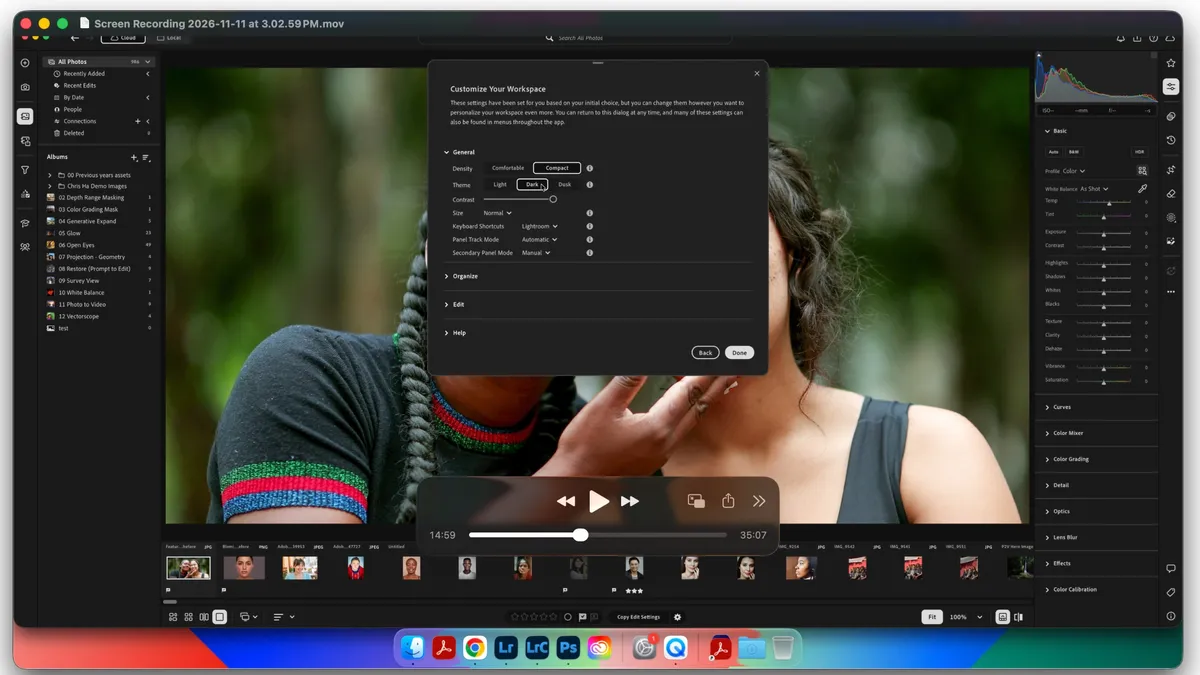
Custom workspace options
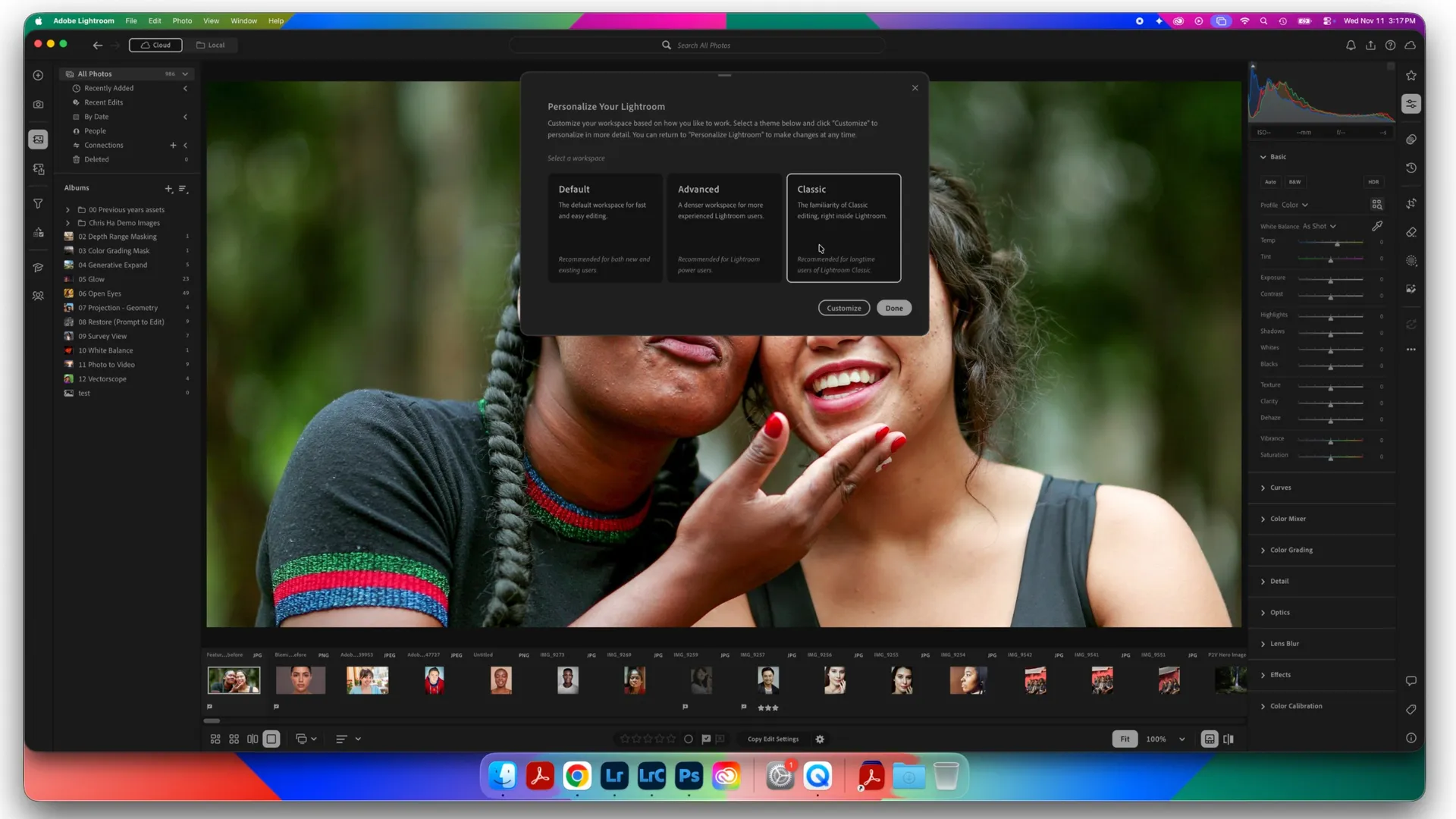
Users can choose from default, advanced, or classic modes to customize Lightroom's appearance.
Access customization settings
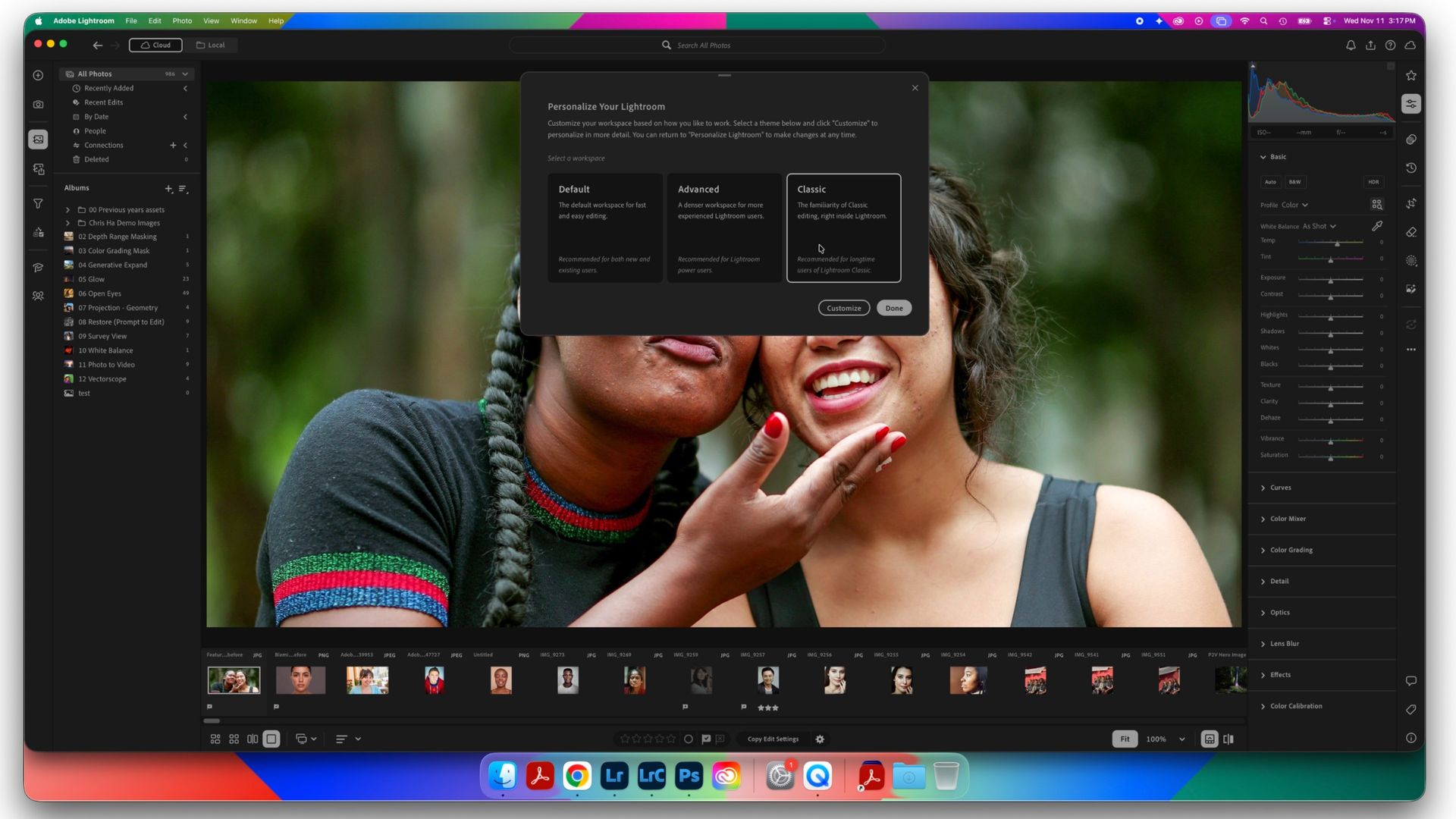
Go to Lightroom > Personalize Lightroom to open customization options.
Save favorite sliders
Click the star icon to open Favorites section then choose Manage Favorites to save tools.
Organize favorite sliders
Drag and drop sliders to change order in the Favorites panel for quick access.
Share favorites across devices

Export or import favorites to share with other creators or between devices.
The headline
Photographers can now save all favorite Lightroom sliders in one place using the new Favorites section in Lightroom 2027.