From Engadget · Novak Božović · · 2m
256GB SSD or 1TB hard drive? Depends on you
Speed and space pull in opposite directions, and the right pick comes down to how much stuff you actually keep on the machine.
In brief
Speed and space pull in opposite directions, and the right pick comes down to how much stuff you actually keep on the machine. Pick the SSD if 256GB covers what you keep locally, because adding an external drive later is far easier than swapping out your system drive. Originally reported by Engadget.
Two questions, not one
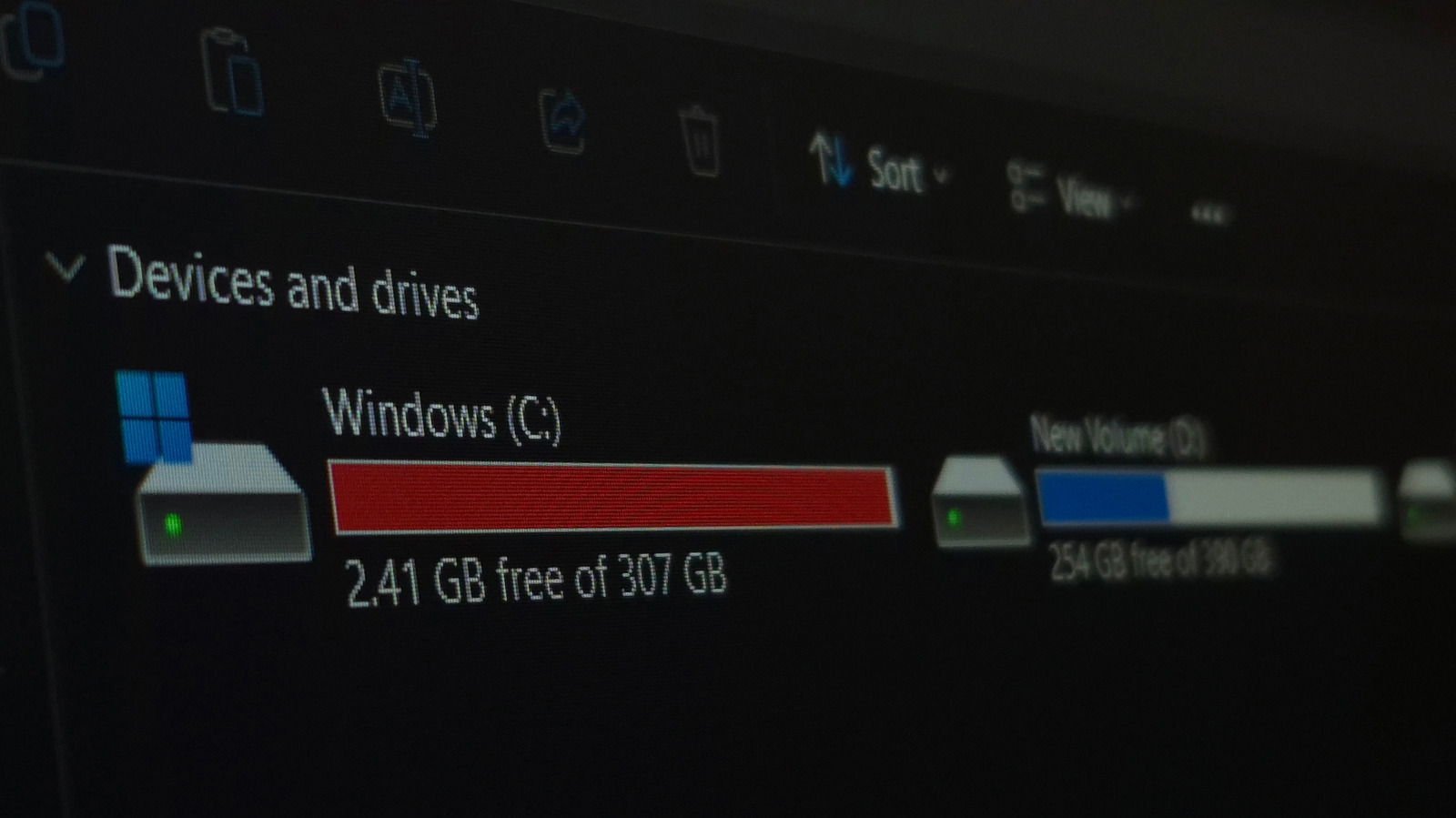
Choosing between a 256GB SSD and a 1TB HDD means answering two separate things: which storage technology you want, and how much room you actually need.
“One is about the technology that stores your data. The other is about how much data you need to keep.”
Why SSDs feel faster
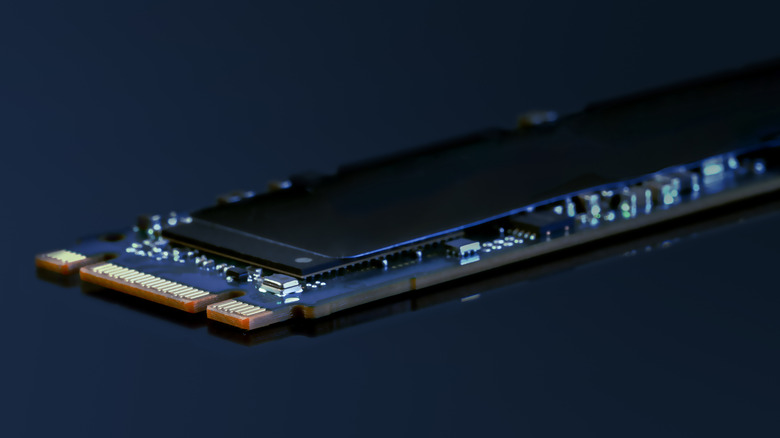
An HDD spins platters and moves a read/write head to the data. An SSD pulls it from flash memory electronically, with no mechanical parts to wait on.
System drives notice most
Booting Windows and opening apps hammer storage constantly. Cutting that wait is why an SSD swap can make an old PC feel responsive again.
“switching from an HDD to an SSD can make even an older PC feel more responsive”
Silent and shock tolerant
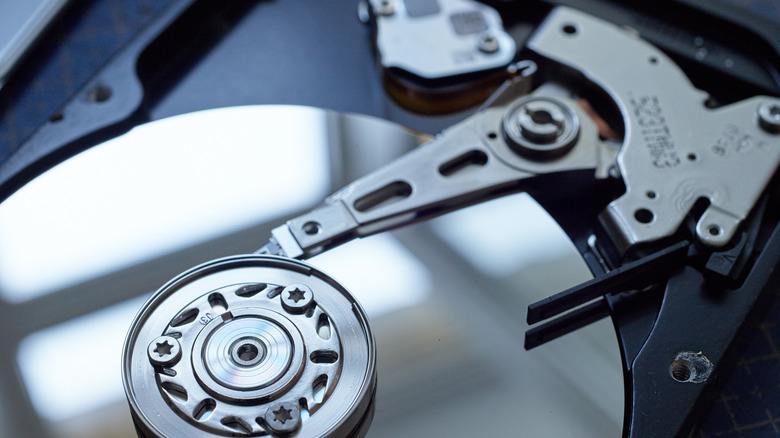
No spinning platters means no noise and better tolerance for bumps and vibration, which matters in a laptop or a drive you carry around.
256GB fills up fast
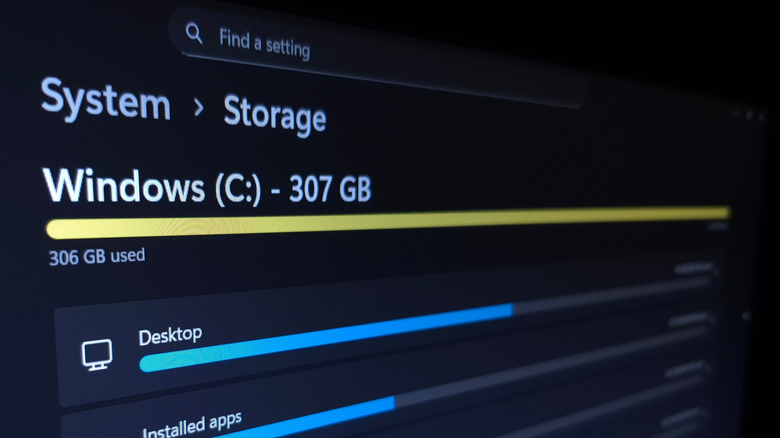
Windows 11 needs 64GB minimum, but that's a floor, not a target. Programs, updates and downloads all eat into what's left.
“That 64GB figure is a floor, though, not a recommendation”
Who 256GB suits
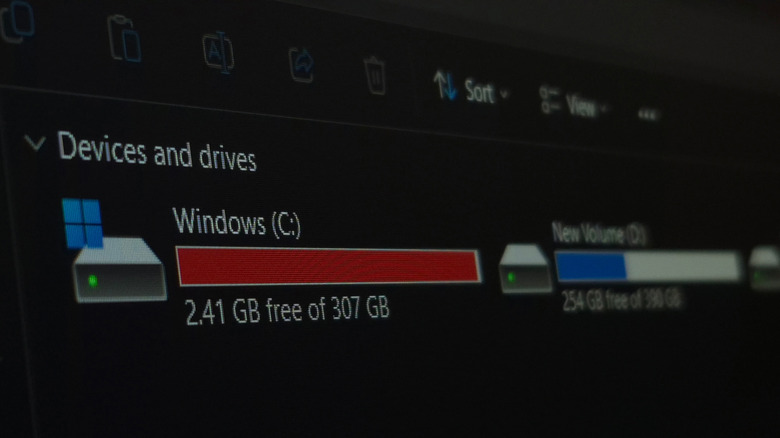
It works if you browse, write documents, stream, and keep files in the cloud. Store lots locally and 512GB or more makes better sense.
Check SATA versus NVMe
Older PCs often take a 2.5-inch SATA drive, while newer systems support much faster NVMe. What your machine supports can narrow the choice before capacity does.
Capacity wins for bulk
1TB is nearly four times the space. Big games, RAW photos, video projects and backups keep growing, and speed can't fix files that don't fit.
“faster storage can't compensate for files that don't fit”
Run both together
A desktop with two bays can boot from the SSD and keep media and backups on the HDD. An external drive does the same job for a laptop.
When in doubt, SSD
If there's only one bay, take the SSD when 256GB covers your local files. Adding external storage later beats replacing the system drive.
“it's easier to add an external drive for more storage later than to replace the system drive”
At a glance
Pick the SSD if 256GB covers what you keep locally, because adding an external drive later is far easier than swapping out your system drive.





