From Engadget · Gabriela Vătu · · 1m 50s
Add Ethernet ports without replacing your router
An Ethernet switch expands your wired network capacity in minutes, delivering faster speeds than Wi-Fi for gaming and streaming.
In brief
An Ethernet switch expands your wired network capacity in minutes, delivering faster speeds than Wi-Fi for gaming and streaming. Ethernet switches offer a simple, affordable way to add ports to your router without replacement, improving performance for wired devices. Originally reported by Engadget.
Running out of router ports
Most home routers come with four LAN ports and one WAN port. As more devices need wired connections, these ports fill up quickly, leaving users frustrated.
The simple solution
An Ethernet switch is a plug-and-play device that connects to one router port and immediately expands capacity. A single switch can add four, seven, fifteen or more ports without replacing your router.
Why wired beats wireless
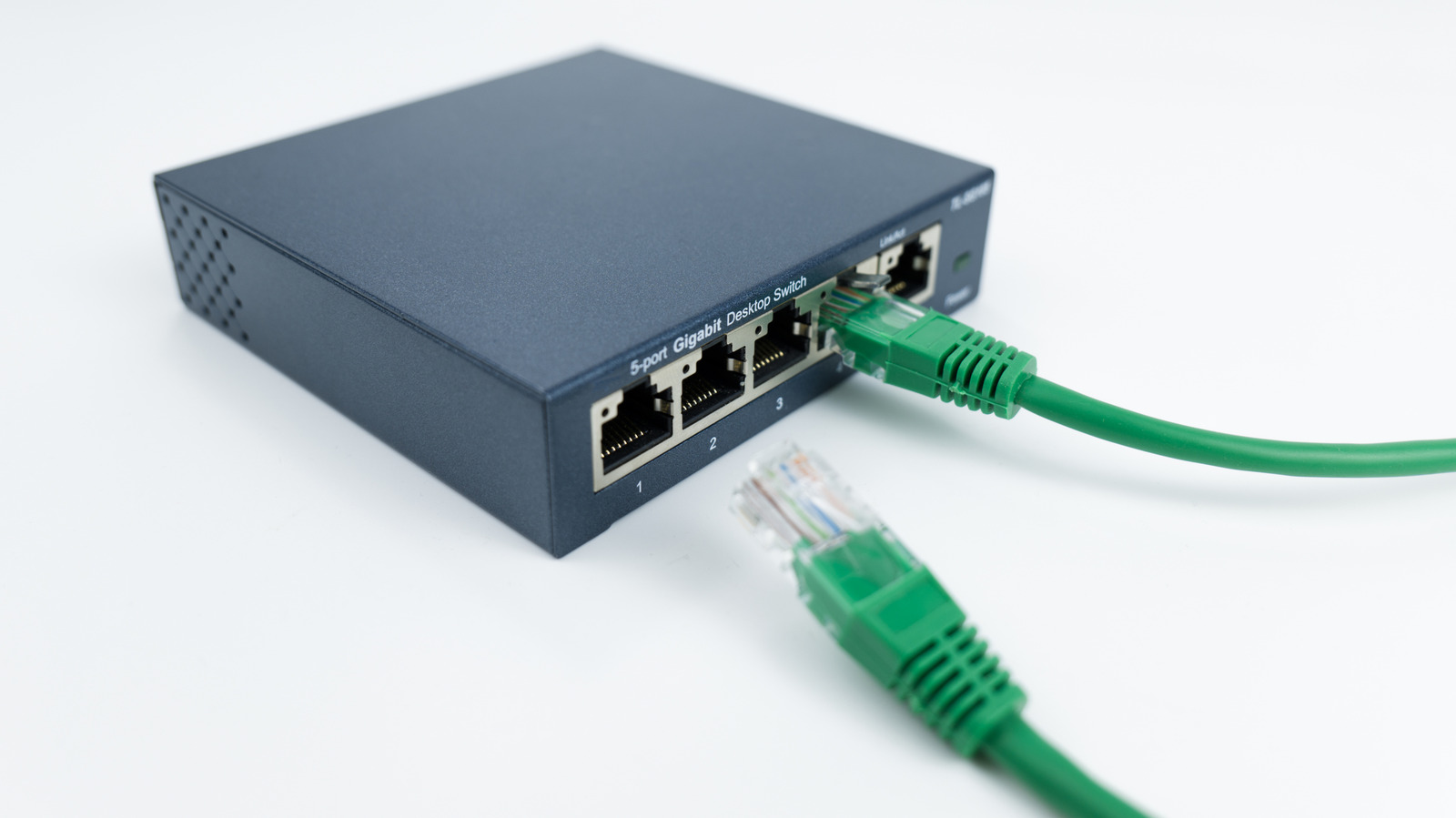
While Wi-Fi has improved significantly over the years, a wired Ethernet connection still delivers better, more consistent performance for online gaming, four K streaming and large file transfers.
How switches differ from routers
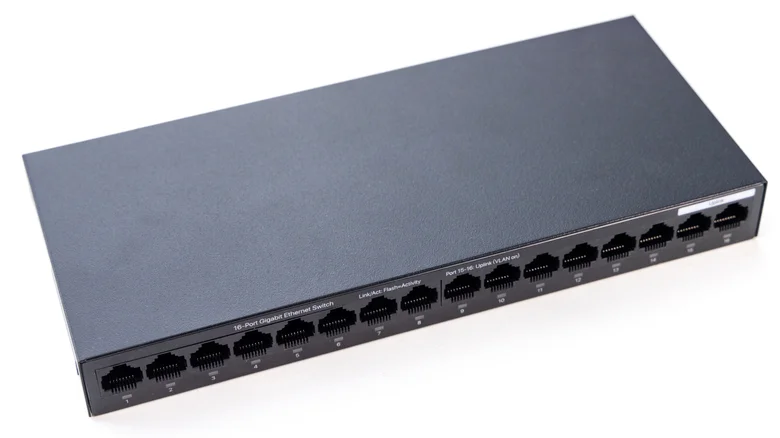
A router directs traffic between devices and the internet. A basic switch simply provides more Ethernet ports and ensures data goes to the right place. It doesn't replace your router or affect Wi-Fi performance.
Choosing the right switch type
For most people, an unmanaged switch is the way to go as they require zero setup and come at a lower cost. Managed switches have advanced features like monitoring and virtual networks, which aren't necessary for adding ports.
Match port speeds to avoid bottlenecks
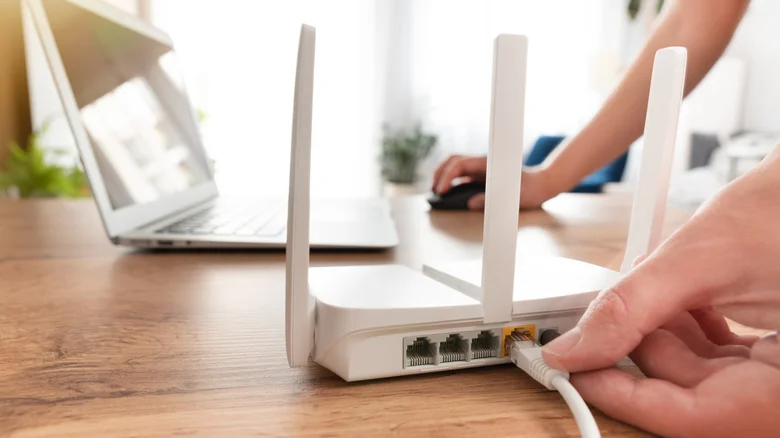
Check your router's port speeds. If your computer and router both support two point five gigabit Ethernet but your switch only supports one gigabit, performance will be bottlenecked. Plug the switch into your router's highest-speed port.
Alternatives if cables aren't an option
If running new cables through walls isn't realistic, MoCA adapters send broadband over coaxial wiring, powerline adapters use electrical outlets, or surface-mounted fiber optic kits run thin cables along baseboards for high-speed performance.
The main idea
Ethernet switches offer a simple, affordable way to add ports to your router without replacement, improving performance for wired devices.





