From Engadget · Husain Parvez · · 1m 40s
Android Auto won't connect? Check the car
When your phone checks out fine, the software in your dashboard is the half of the connection most people never think to update.
In brief
When your phone checks out fine, the software in your dashboard is the half of the connection most people never think to update. Android Auto needs both sides working. If phone-side fixes fail, your car's infotainment firmware is the next thing to check, starting at the automaker's website. Originally reported by…
You fixed the wrong device
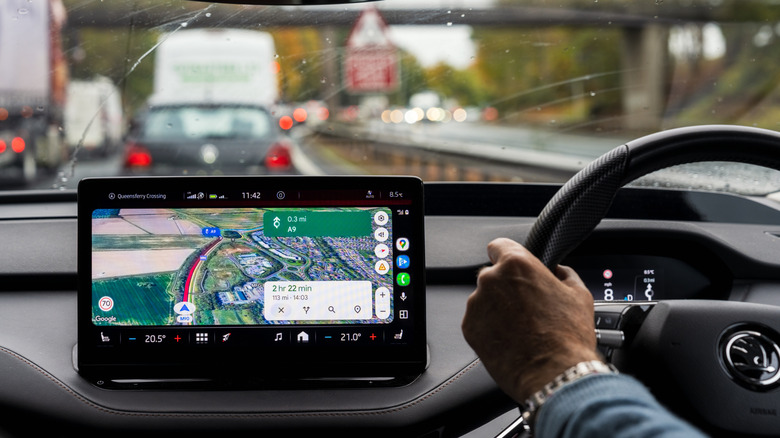
The usual drill is all phone: swap the cable, restart, forget the car, reconnect, update the app. When that fails, the software needing attention might be in the dashboard.
“Your phone isn't the only device that may need an update when Android Auto starts acting up.”
The dashboard runs software too
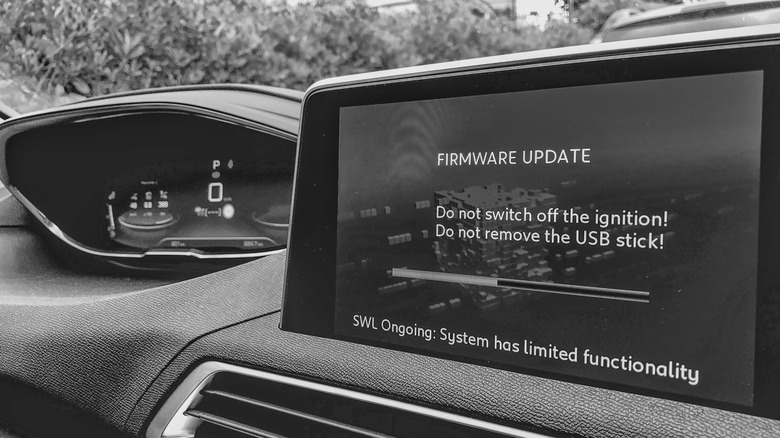
An out of date infotainment system can break the connection on its own. Google says restart the head unit, and for aftermarket Pioneer or Kenwood receivers, check the maker's site for firmware.
Automakers are shipping fixes
Hyundai's February 2026 update for ccNC cars in Europe improved wireless connectivity and added faster reconnection. Chevrolet lists updating both phone and vehicle software as step one.
No universal update button
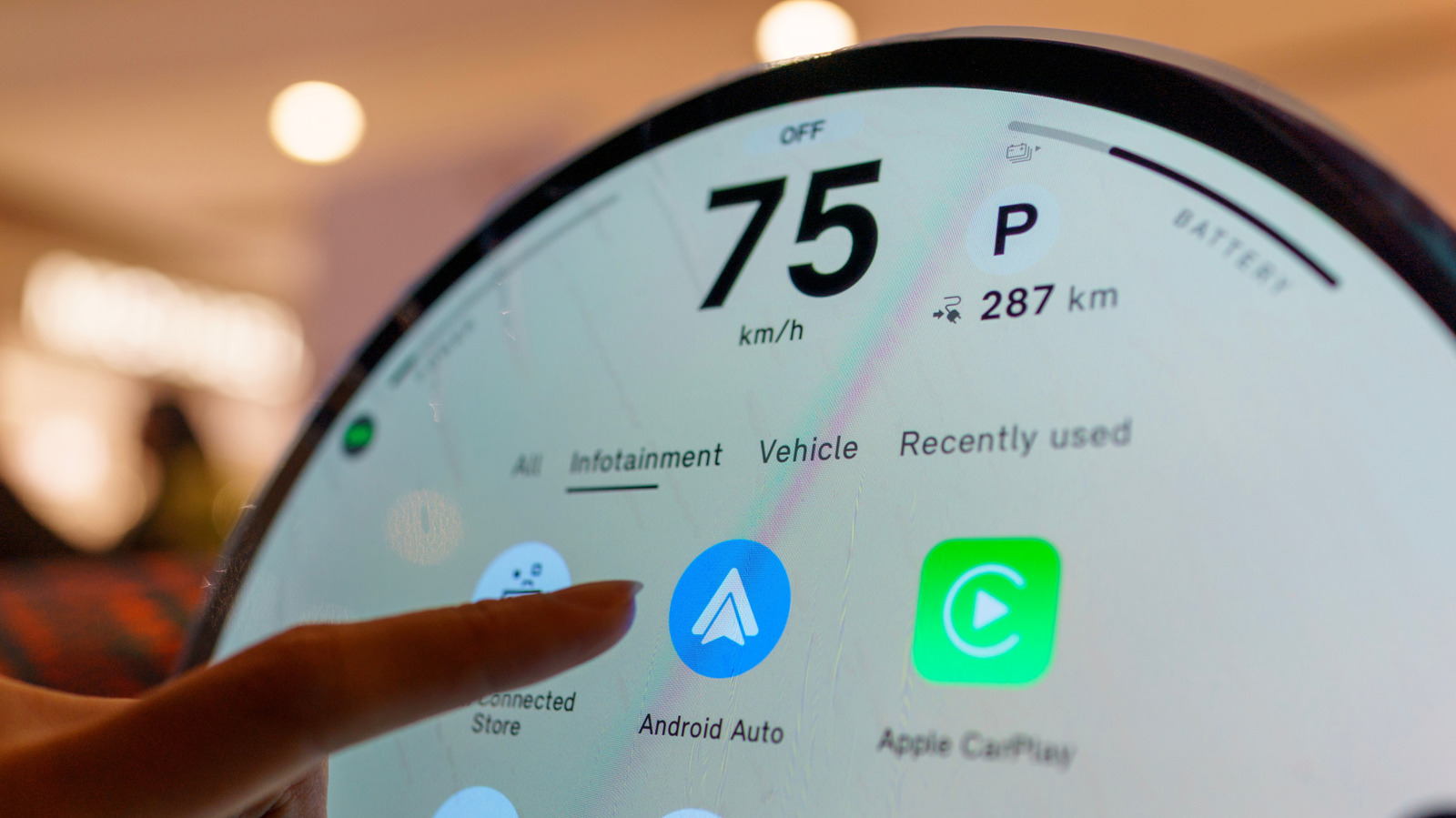
Some systems pull updates over Wi-Fi, others want a USB drive or SD card, and some need a dealer. Start at your automaker's site and give it your VIN or model if asked.
“If the process is not clear... a dealer is the safer route than getting an update file from elsewhere.”
Check Google's issues page first
If it broke right after a phone or app update, start there. Google recently fixed connection problems on Pixel 10 and Galaxy S26, and was still investigating an S25 issue.
Firmware is not a magic bullet
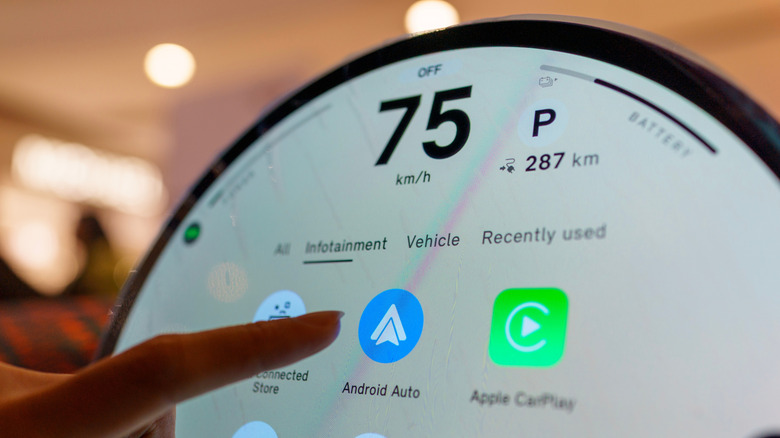
An update can't add Android Auto to hardware that never supported it. Uconnect says its systems can't be upgraded into it, though Uconnect 5 and some 4 and 4C models include it already.
“Updating the car is a troubleshooting measure and not a magic bullet.”
The headline
Android Auto needs both sides working. If phone-side fixes fail, your car's infotainment firmware is the next thing to check, starting at the automaker's website.