From Engadget · Jack Whitcombe · · 3m
Apple Wallet vs Google Wallet: what actually differs
Same job, different habits: how the two digital wallets split on passes, payment flow, dead batteries and privacy.
In brief
Same job, different habits: how the two digital wallets split on passes, payment flow, dead batteries and privacy. Google Wallet is more flexible about what you can stuff into it; Apple Wallet is tighter, more consistent and better on privacy. Your phone already picked for you. Originally reported by Engadget.
Wallets store, Pay pays
Apple Pay and Google Pay are the payment services. The Wallet apps are the containers that hold your cards, tickets and passes. People swap the names constantly, but they are different parts of one chain.
“The names are often used interchangeably, though they refer to different parts of a connected process.”
Your phone makes the choice
There is no real decision here. iPhone means Apple Wallet, Android means Google Wallet, and the rest is about what each one lets you add and how you pull it up.
Both hold roughly everything
Credit and debit cards, loyalty and gift cards, boarding passes, event and transit tickets. Also NFC passes like hotel keys, car keys and office badges, where the issuer supports it.
“As long as NFC support is there, there's a chance it'll work.”
Adding a card is easy either way
In Apple Wallet, hit plus and pick Debit or Credit Card. In Google Wallet, tap Add to Wallet then Payment card. Both then verify with your bank before the card goes live.
Apple wants official passes
Apple expects an Add to Apple Wallet button from the airline, venue or hotel. The payoff is live updates, like a boarding pass that changes gate numbers and mirrors to your Apple Watch.
“The experience is uniform, with a strict Apple template for passes and cards.”
Google takes the junk drawer
Google Wallet imports tickets from Gmail and has an Everything Else option for photographing a parking, library or gym card. No live updates, but your analog cards finally go digital.
Two different tap rituals
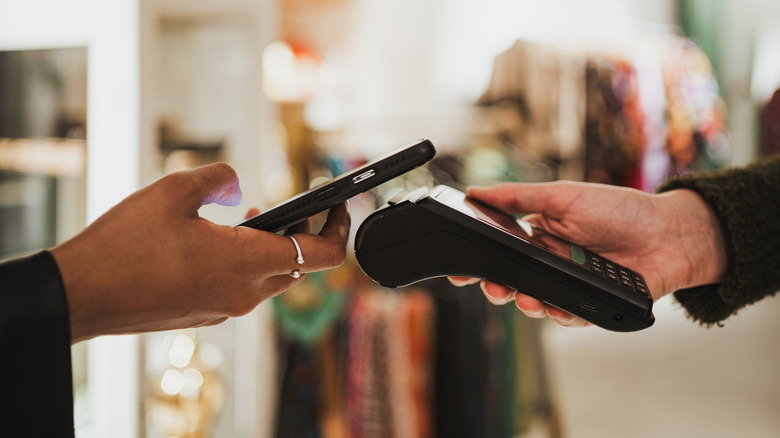
On iPhone you double-click the side button, authenticate, then tap. On Android you just unlock and tap, and your default card pays unless you open the app to switch.
Transit skips the check
Apple's Express Mode works without waking or unlocking the iPhone. Google's Express Pay also skips verification, but the screen has to be on.
Apple survives a dead battery
On supported iPhones, eligible Express Cards keep working up to five hours after the battery dies. That only applies if the phone drained on its own, not if you powered it down.
“Eligible Express Cards can work for up to five hours after the battery runs out.”
Digital ID is a lottery
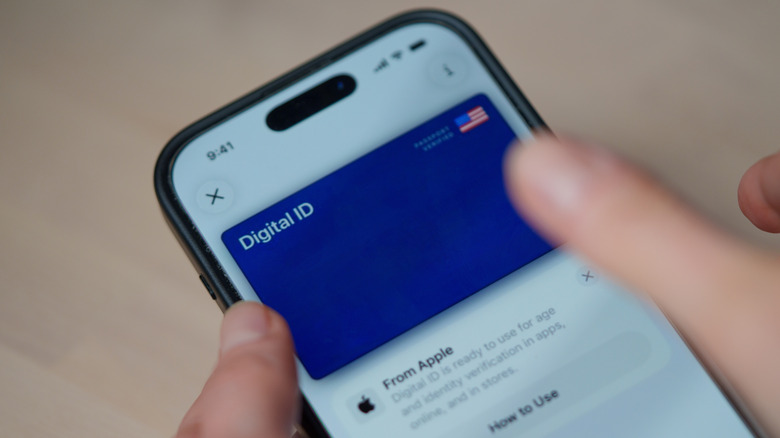
ID support depends on your state or government, not the phone maker. Apple covers some US states and territories, Google can build a pass from certain passports, and neither replaces the physical card.
Apple wins on privacy
Apple does not keep your transaction history or real card number on its servers. Google collects purchase details and stores your actual card number. Both are secure, but only one collects less.
“Both are secure, but Apple Wallet definitely gets points for privacy.”
The key point
Google Wallet is more flexible about what you can stuff into it; Apple Wallet is tighter, more consistent and better on privacy. Your phone already picked for you.





