From Engadget · Erin Carson · · 1m 20s
Apple's Image Playground app: what it does and how to use it
Apple's AI image generator got major updates this fall, including natural language style descriptions and touch-based editing.
In brief
Apple's AI image generator got major updates this fall, including natural language style descriptions and touch-based editing. Apple's Image Playground app generates custom images on device using Apple Intelligence, with new fall updates adding natural language style control and touch editing. Originally reported by…
What Image Playground does
Apple's Image Playground generates custom images on your device using Apple Intelligence. You can save, share or turn images into Genmoji, personalized emoji made with Apple Intelligence.
When Apple launched it
Apple initially launched Image Playground in December two thousand twenty-four. The app is integrated into several Apple apps like Messages, Keynote and Freeform.
What devices support it
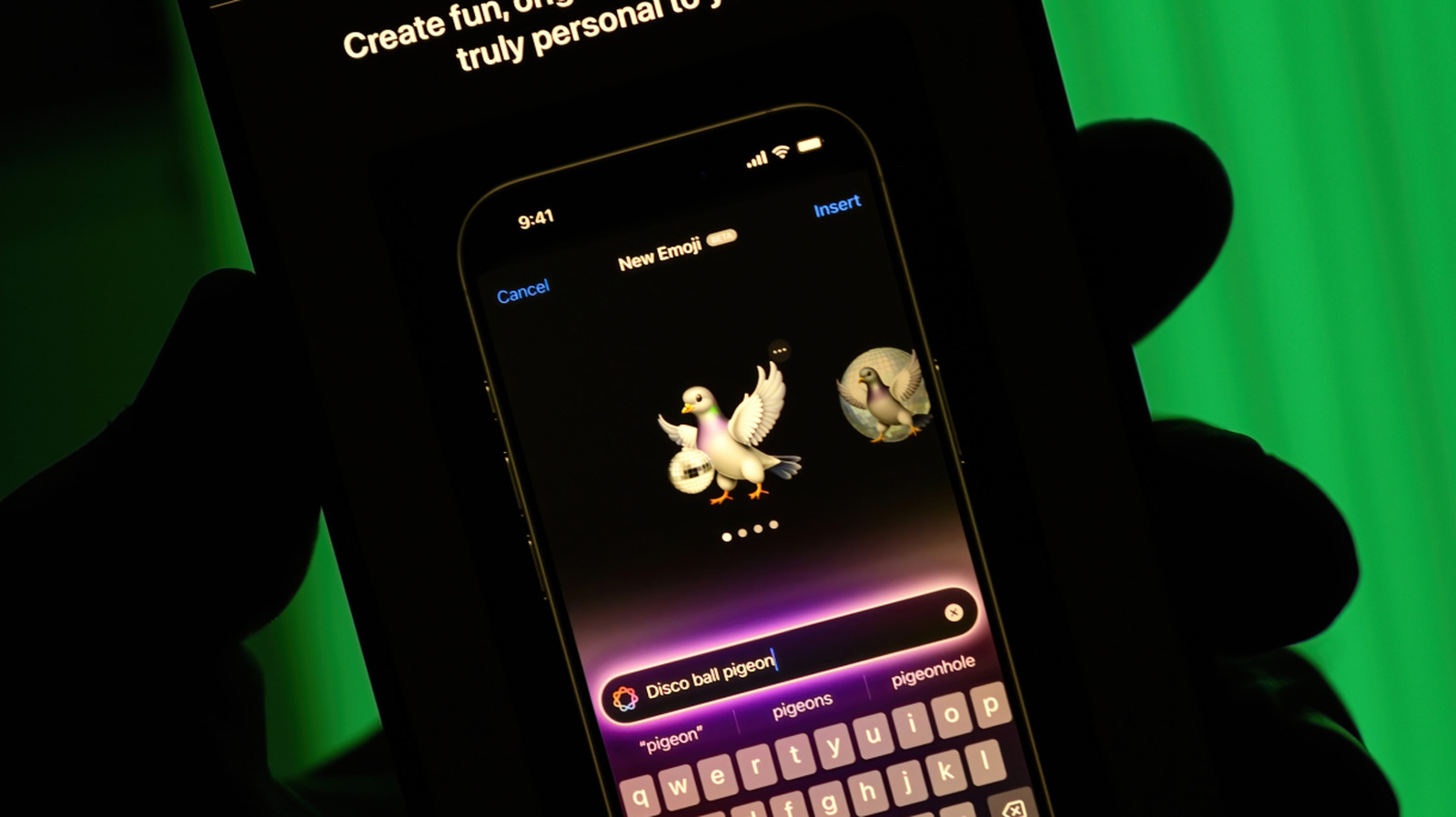
You need an iPhone fifteen Pro or Pro Max, or iPhone sixteen or later with Apple Intelligence on.
The fall updates
iOS twenty-seven brings updates including natural language style descriptions. The new Any Style option lets you specify virtually any visual approach, replacing earlier limited style selections.
Editing and new features
You can now modify created images with touch and natural language.Select part of an image with your finger and prompt changes like making a door red or moving it.
How to create images
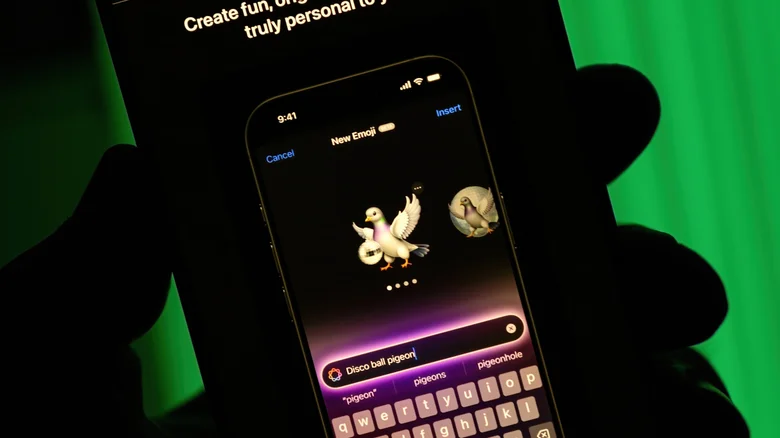
Open the app and describe what you want in the prompt box, or tap a person icon to use a photo as reference.
The bottom line
Apple's Image Playground app generates custom images on device using Apple Intelligence, with new fall updates adding natural language style control and touch editing.