From Engadget · Ben Stegner · · 2m
Background App Refresh, decoded
What that iPhone toggle really controls, and which apps actually deserve to keep it on.
In brief
What that iPhone toggle really controls, and which apps actually deserve to keep it on. Leave Background App Refresh on, but switch it off for the apps you rarely open. Turning it off never silences notifications. Originally reported by Engadget.
The first setting people check
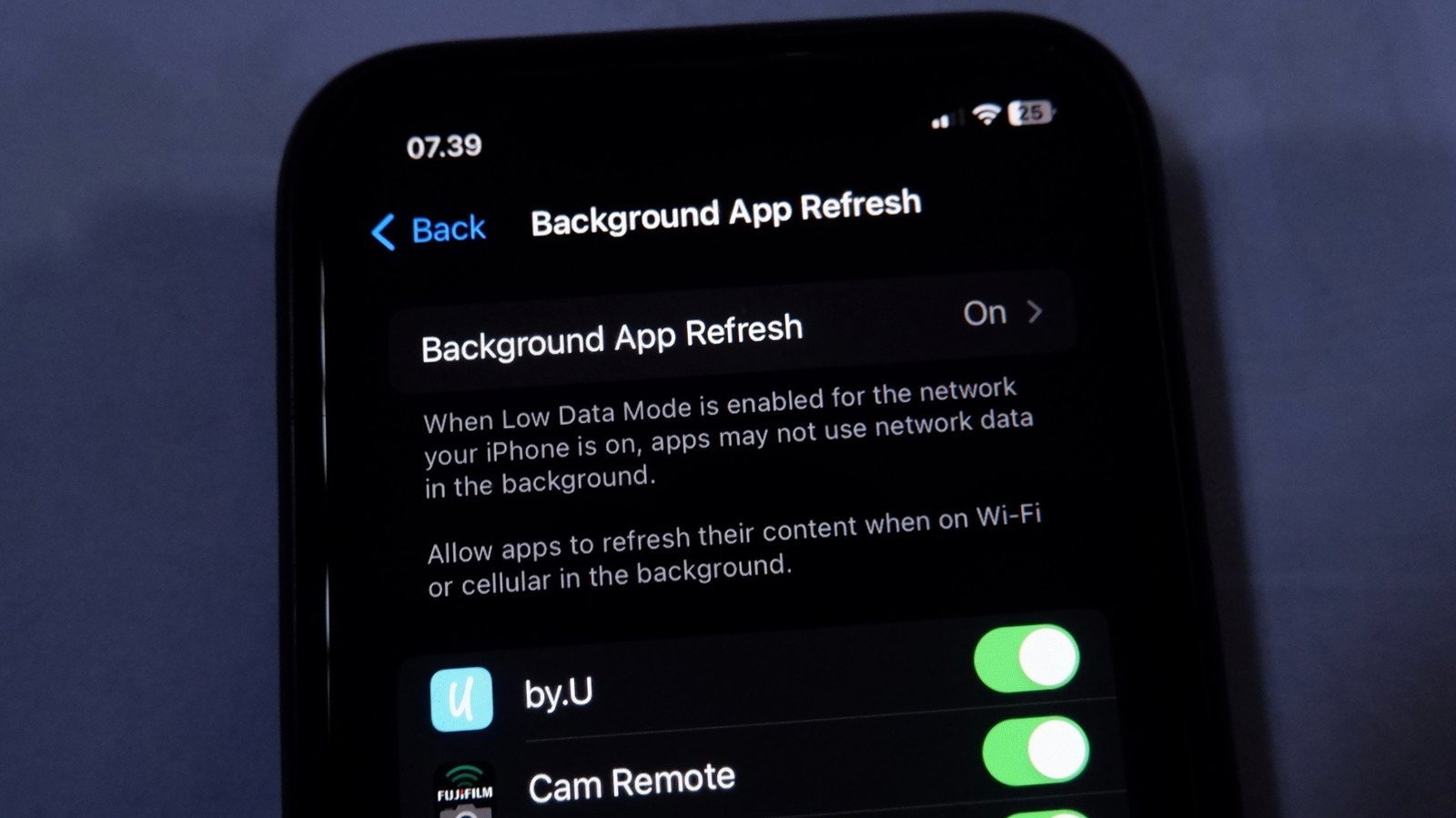
Hunting for better battery life or lower data use on an iPhone usually starts here. You can see what your open app is doing, but not what dozens of sleeping ones are up to.
It fetches from the internet
The feature lets apps pull new information while you aren't using them. It's purely about network activity, which is why Settings lets you limit it to Wi-Fi only.
“Allows apps to refresh their content . . . in the background.”
Who actually uses it
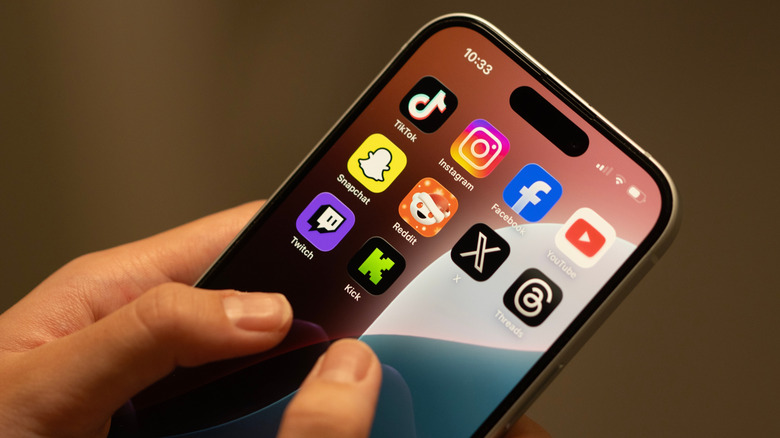
Weather apps update as you travel, Google Photos and OneDrive sync files, podcast apps grab new episodes, and social and news apps load fresh posts before you tap in.
It's all about preloading
The common thread is having content ready so you never stare at a spinner. Nobody wants to open their podcast app on the bus and find nothing downloaded.
Go app by app
Settings > General > Background App Refresh lists nearly every app, and each has its own switch. The top control picks Wi-Fi and cellular, Wi-Fi only, or off entirely.
Keep it, kill it
Keep refresh on for travel, navigation, file syncing, reminders and productivity apps. Turn it off for food, shopping, games and reference apps like Wikipedia or IMDb.
“If you barely ever open it, you probably don't need regular updates to its content.”
Notifications still come through
Switching off refresh does not mute alerts. An app will still notify you as long as notifications are enabled and a Focus isn't blocking them. Worst case, you wait a few seconds for data to load.
Low Power Mode is the big switch
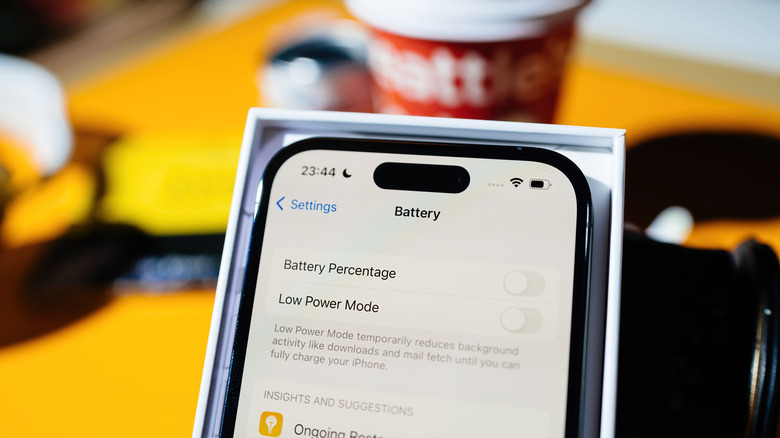
Flip it on from Control Center and background refresh stops for every app at once. That makes it the emergency option when battery matters more than freshness.
Cut data at the source
Under Settings > Cellular, tap Show All and switch off any data hog so it only works on Wi-Fi. Data Mode > Low Data Mode limits background activity per network, and Wi-Fi networks have the same toggle.
The big picture
Leave Background App Refresh on, but switch it off for the apps you rarely open. Turning it off never silences notifications.





