From Engadget · Will Shanklin · · 1m 10s
Check your Samsung Galaxy warranty in seconds
Samsung Galaxy owners can now find warranty details straight from Settings on newer devices, or use older methods if their phone is out of date.
In brief
Samsung Galaxy owners can now find warranty details straight from Settings on newer devices, or use older methods if their phone is out of date. Samsung added a dedicated warranty menu to One UI 9 Settings, making it faster to check Galaxy device coverage and access repair options. Originally reported by Engadget.
One UI 9 adds warranty menu
Samsung made checking Galaxy warranty easier on newer devices running One UI 9 by adding a dedicated warranty menu to the Settings app.
Find coverage in Settings
On One UI 9, go to Settings, then Warranty and care. The menu shows your device's warranty details, coverage type, expiration date and repair options.
Older devices use Samsung Members
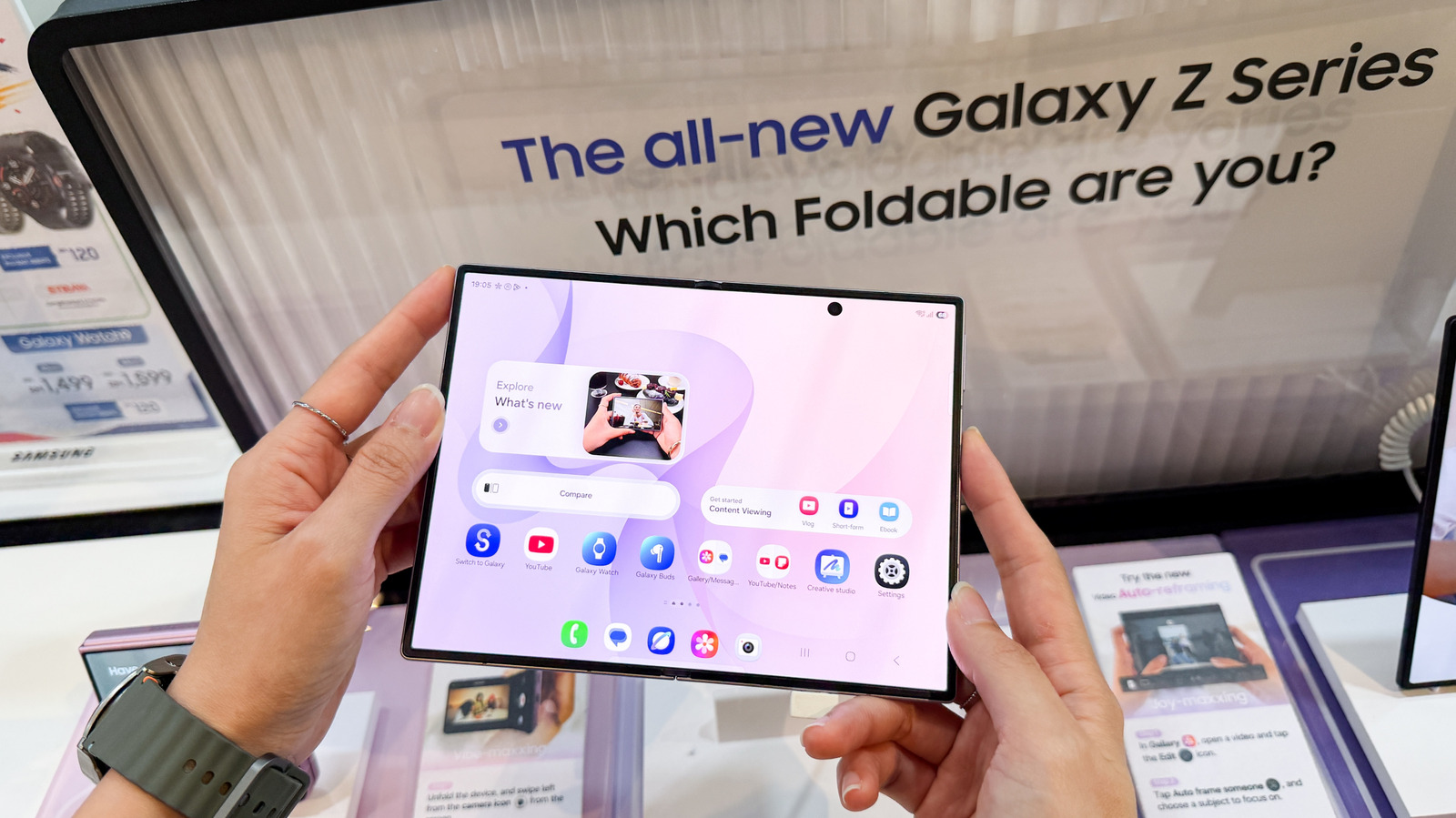
If your Galaxy device is too old for One UI 9, open Samsung Members, sign in and tap Support to register your device and check warranty status.
Samsung's website is the fallback
If Samsung Members does not show warranty details, sign into Samsung's online devices portal and check My Products. You may need your device's serial number or IMEI.
The takeaway
Samsung added a dedicated warranty menu to One UI 9 Settings, making it faster to check Galaxy device coverage and access repair options.





