From Engadget · Christine Persaud · · 1m 40s
Clean your secondhand tech before you use it
A used gadget can look spotless and still carry someone else's grime, so here is how to strip it back to fresh.
In brief
A used gadget can look spotless and still carry someone else's grime, so here is how to strip it back to fresh. Never trust a seller's cleaning. Unplug the device, work with a microfiber cloth and gentle solutions, then keep a regular cleaning schedule. Originally reported by Engadget.
A good find needs a scrub
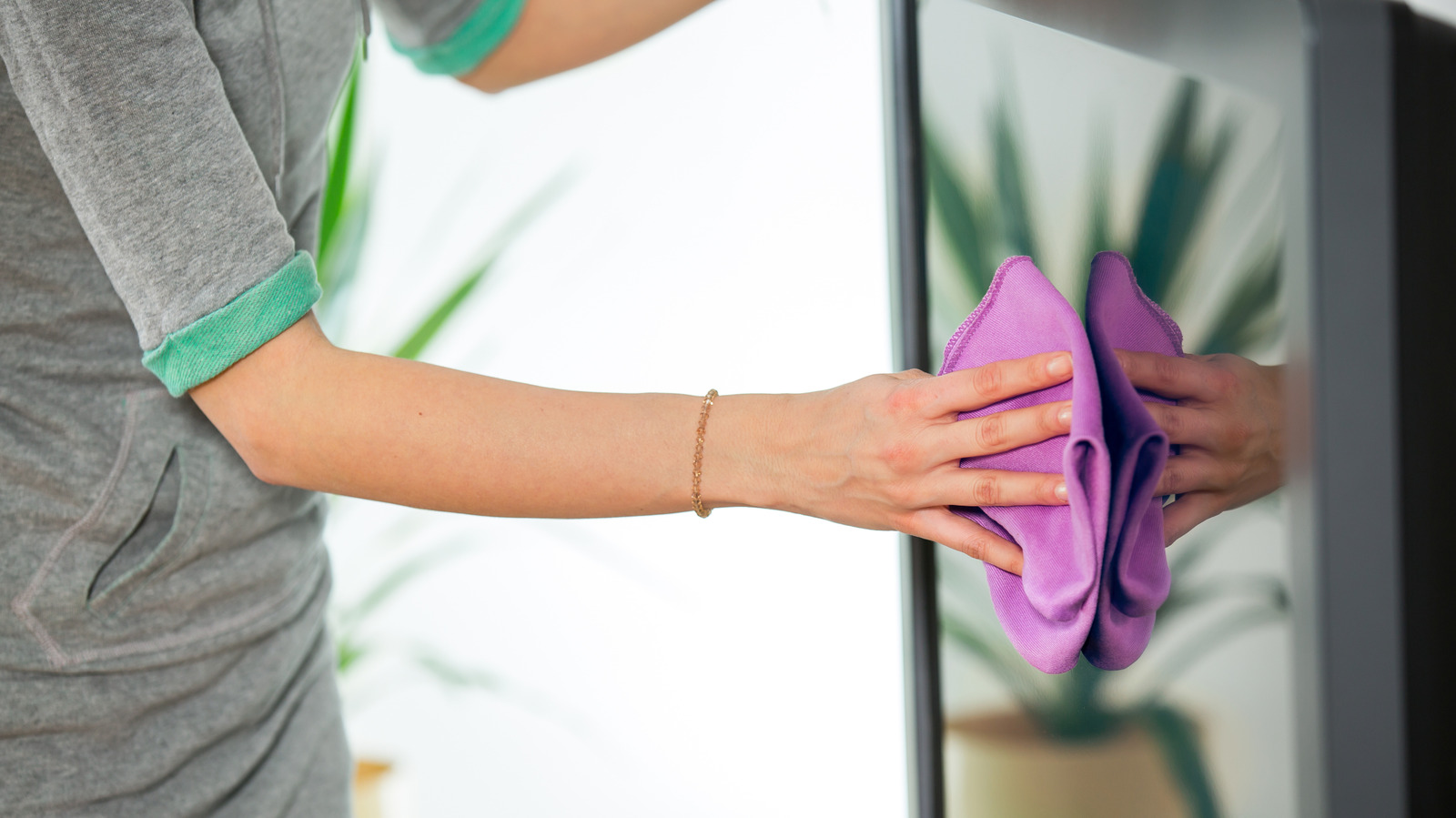
Buying used tech saves money and keeps working gear out of landfill. It also means inheriting whatever the last owner left behind.
Don't trust the seller
Used gadgets hide things a surface wipe misses, from bugs to caked-on gunk you cannot see. Do the cleaning yourself, properly.
“Secondhand gadgets can harbor all types of nasty surprises”
Power off, microfiber only
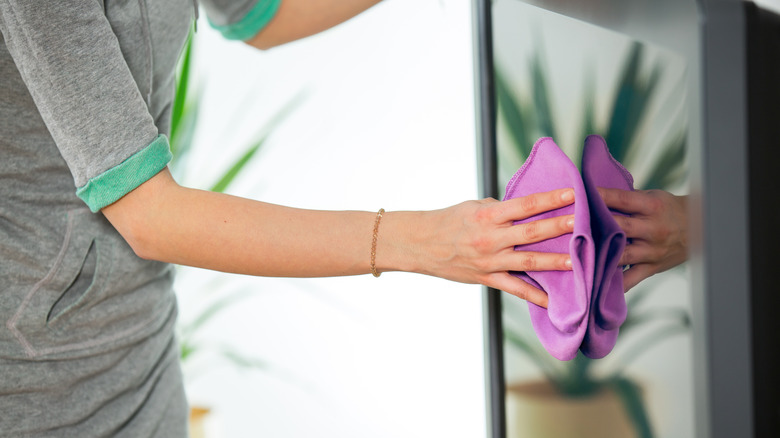
Unplug it and switch it off first, then wipe with a soft microfiber cloth to lift dirt and fingerprints. Any other cloth risks scratching screens and delicate surfaces.
Skip the harsh chemicals
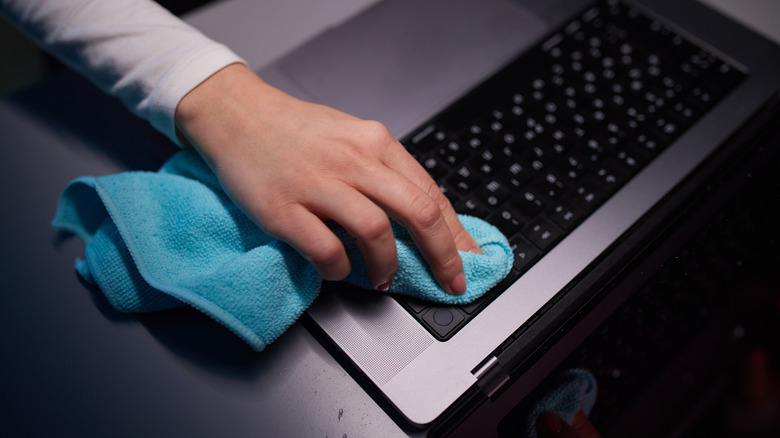
Mild detergent and warm water are fine. Avoid chlorine, peroxides, solvents and ammonia, which eat internal parts and screen coatings. Whoosh! and Tech2Clean are safe bets.
Blow out the crevices
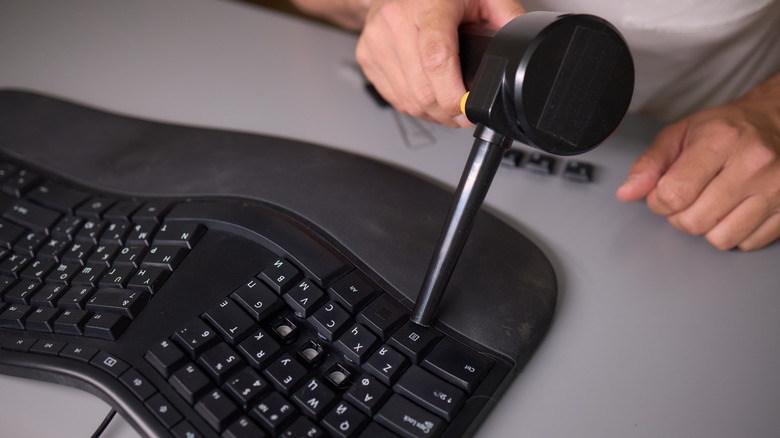
Turn a laptop or keyboard over and shake gently to free loose debris, then use compressed air on ports and vents. Turntable needles need a soft-bristle brush or a dedicated kit.
Swabs for the gunk
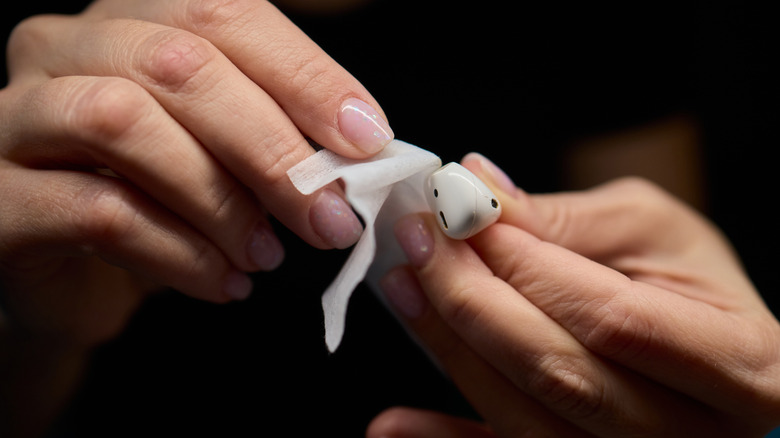
A cotton swab with a few drops of isopropyl alcohol lifts baked-on grime. Use gentle strokes on earbud acoustic vents and ear tips, then let everything air dry before powering up.
Then keep it up
A UV sanitizer from Phonesoap or Homedics handles phones, which run 10 times dirtier than a toilet seat. Deep clean a laptop every 3-6 months, a phone weekly, earbuds monthly, screens every two to four weeks.
In short
Never trust a seller's cleaning. Unplug the device, work with a microfiber cloth and gentle solutions, then keep a regular cleaning schedule.





