From Engadget · Calvin Wankhede · · 1m 40s
E Ink tablets vs iPad: which is right for you
E Ink tablets excel at reading and drawing but struggle with video and speed compared to iPads.
In brief
E Ink tablets excel at reading and drawing but struggle with video and speed compared to iPads. E Ink tablets are best for static tasks like reading, drawing, and note-taking; iPads are better for media consumption and anything requiring fast performance. Originally reported by Engadget.
How E Ink displays work
E Ink uses millions of tiny charged particles instead of a built-in light source. The display only needs power when the image changes, not to keep showing content.
“E Ink displays look remarkably paper-like, consume little power, and can be more comfortable to use than conventional displays for long periods of time.”
E Ink wins at reading and drawing
E Ink tablets are easier on the eyes because they reflect light rather than emit it. They also perform better outdoors and often have matte surfaces that feel like paper.
“E Ink is a reflective display rather than an emissive one, meaning your eyes don't have to adjust to bright light being emitted directly from the display.”
Battery life advantage
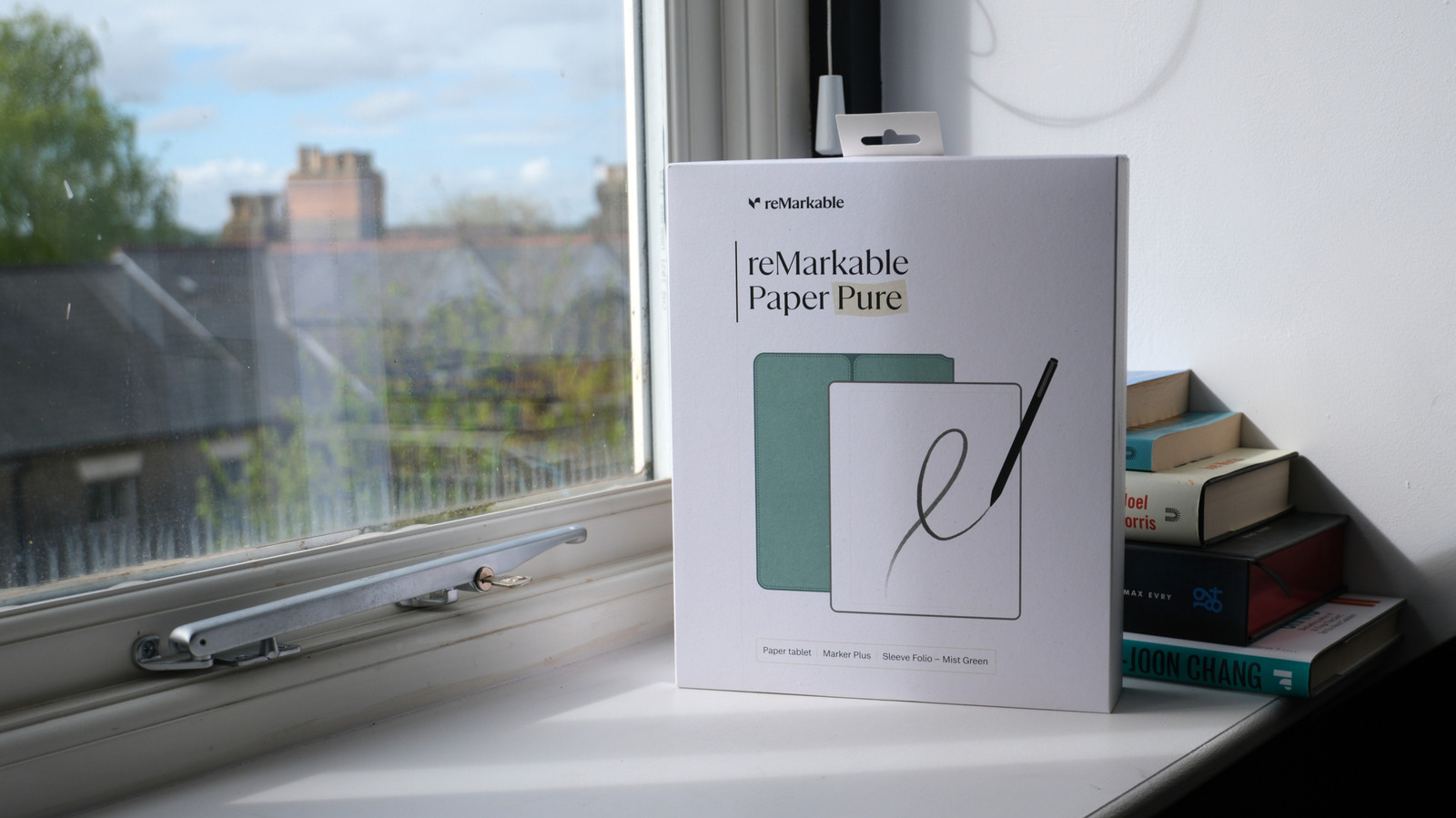
E Ink tablets like the reMarkable Paper Pro last longer than iPads during active use because the display only consumes power when refreshing, not continuously.
“E Ink tablets only consume power when refreshing or displaying new content, allowing them to enter a low power state between page turns.”
Color and image quality lag
Even the best color E Ink displays can't match an iPad's color vibrancy and accuracy. Comics, images, and web content look noticeably better on an iPad.
“Even the best color E Ink displays available today fall short of an iPad's color volume and vibrancy.”
Motion and speed problems
E Ink displays struggle with video and fast motion, leaving visible trails behind moving elements. Menu navigation and app switching feel sluggish compared to iPads.
“E Ink displays struggle with any kind of motion, with some panels leaving a noticeable trail behind moving elements that makes watching any kind of video nearly impossible.”
Underpowered hardware
E Ink tablets often have weaker processors because they're not designed for graphically intensive apps. Loading complex webpages can be frustratingly slow.
Choose based on your needs
E Ink tablets suit reading, drawing, and note-taking. Pick an iPad or Android tablet if you want media consumption, video, or need fast performance.
“E Ink tablets are best suited for relatively static applications like reading, drawing or note-taking.”
The key point
E Ink tablets are best for static tasks like reading, drawing, and note-taking; iPads are better for media consumption and anything requiring fast performance.





