From Engadget · Luke James · · 1m 40s
eGPUs work, but they're not worth the hassle
External graphics cards can boost laptop gaming, but performance hits, high costs, and compatibility issues make a budget PC a smarter buy.
In brief
External graphics cards can boost laptop gaming, but performance hits, high costs, and compatibility issues make a budget PC a smarter buy. eGPUs lose 7 to 32 percent performance over Thunderbolt and cost hundreds just for the enclosure, making a basic gaming PC a better investment. Originally reported by Engadget.
What is an eGPU anyway
An eGPU is a desktop graphics card in an enclosure that connects to a laptop via Thunderbolt or USB4, letting thinner machines run demanding games.
Thunderbolt creates a bandwidth bottleneck
Thunderbolt 4 gives a GPU only 32 Gbps for PCIe data, versus 256 Gbps in a desktop slot. This limits how fast the card can work.
Real world performance losses are significant
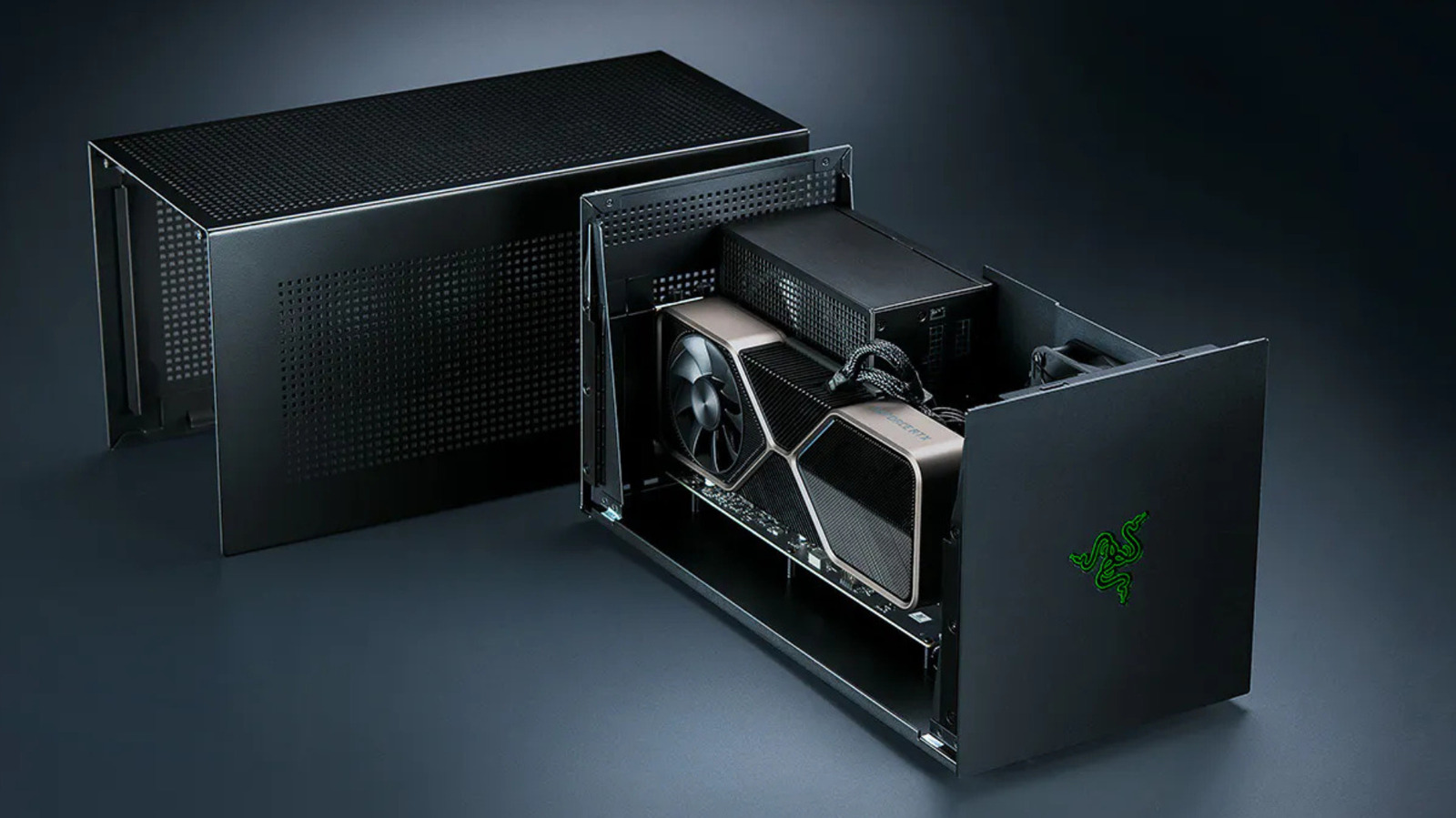
Tests show eGPUs lose 7 to 32 percent performance versus desktop cards. Faster GPUs suffer more, making mid-range cards the smarter choice.
The enclosure itself costs hundreds
Razer's Core X V2 enclosure costs $350 and doesn't include a power supply or I/O ports. Add those separately and you're spending $740 minimum.
Framework offers an alternative approach
Framework's OCuLink Dev Kit bypasses Thunderbolt entirely, running bare PCIe over a cable for up to 128 Gbps. But it lacks plug-and-play convenience.
Apple Macs can't use eGPUs for gaming
Apple dropped eGPU support in 2020 when it switched to Apple Silicon. TinyGPU works for AI tasks only, not gaming.
Just buy a gaming PC instead
When you add up the enclosure, dock, power supply, and GPU, you're better off investing in a budget gaming rig and avoiding bandwidth limits entirely.
The short version
eGPUs lose 7 to 32 percent performance over Thunderbolt and cost hundreds just for the enclosure, making a basic gaming PC a better investment.





