From Engadget · Ben Stegner · · 2m
External HDD vs SSD: which one you actually need
Speed or space, cheap or tough: how to pick the right external drive without overpaying.
In brief
Speed or space, cheap or tough: how to pick the right external drive without overpaying. Buy an SSD if you touch the files often, an HDD if you just need somewhere big and cheap to park them. Originally reported by Engadget.
Laptops need outside help
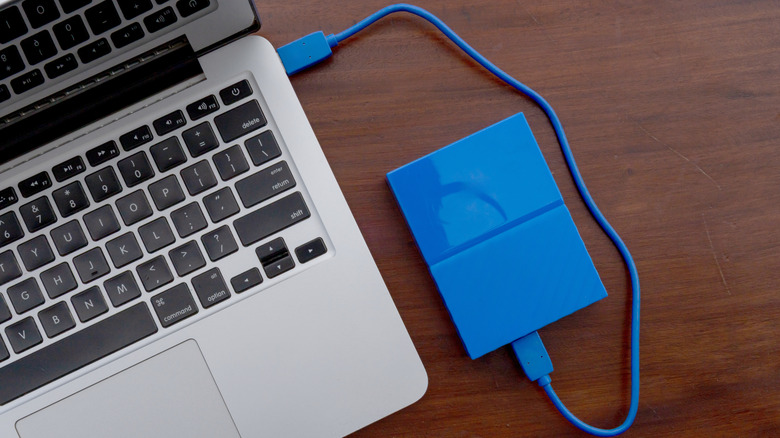
Swapping or adding an internal drive in a modern laptop usually isn't an option. An external drive is how you add space, move files between machines, or build a backup archive.
Newer doesn't mean better
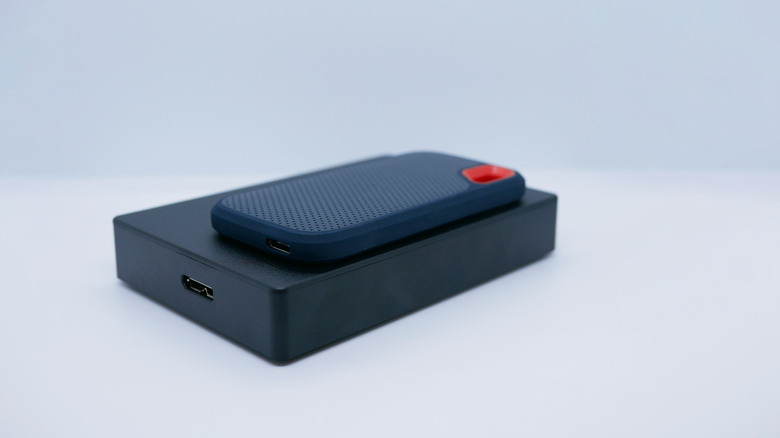
SSDs are the modern option, but they don't win every scenario. Owning one of each is the ideal, though inflated storage and RAM prices make that a luxury.
“Even though SSDs are more modern, they aren't automatically the right choice in every scenario.”
Speed is the headline
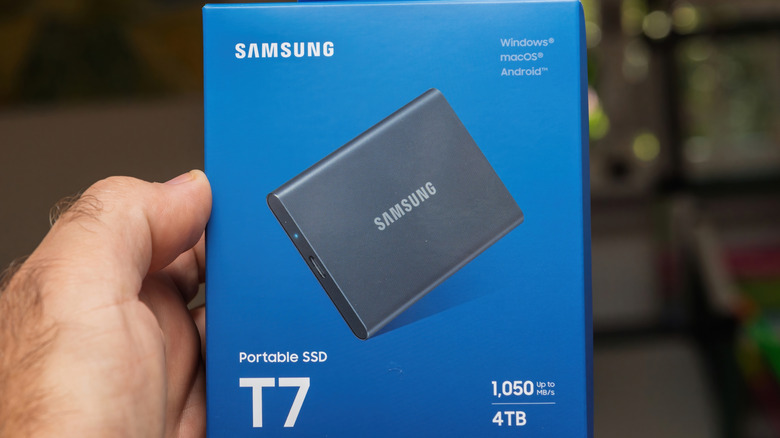
Flash storage loads random sections instantly. On an external drive that shows up mainly in how fast files transfer and open, not in boot times.
Only if you use it
Moving gigabytes daily or editing photos and video straight off the drive? Huge difference. Building an archive you rarely touch? The speed barely registers.
Built for a backpack
No moving parts means an SSD shrugs off bumps and drops. They're also lighter and smaller, which matters when the drive lives in your bag.
Silent and power sipping
No motors means no noise for the people around you, and less draw on your battery when you're working away from a charger.
You pay per gigabyte
A 1TB Samsung T9 runs about $232 while a 2TB Seagate portable hard drive is $130. Whatever the configuration, an SSD buys you less space.
“you're going to get less space for the money with an SSD no matter what”
HDDs win on bulk
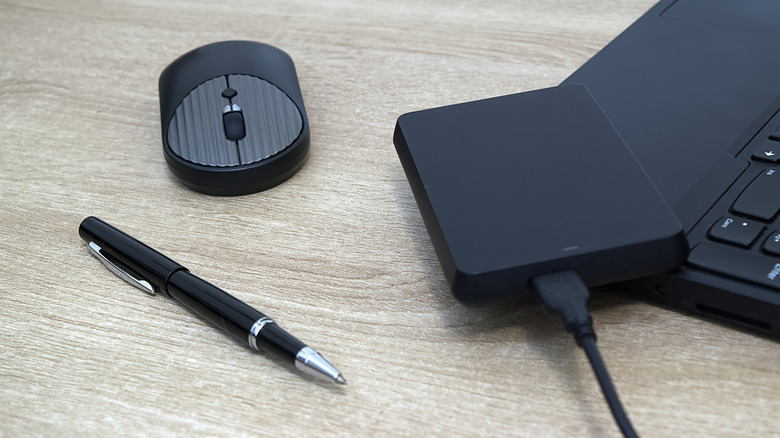
Past roughly 4TB, external SSDs get punishing to buy. Hard drives hit those huge capacities at prices that still make sense.
The tradeoffs going the other way
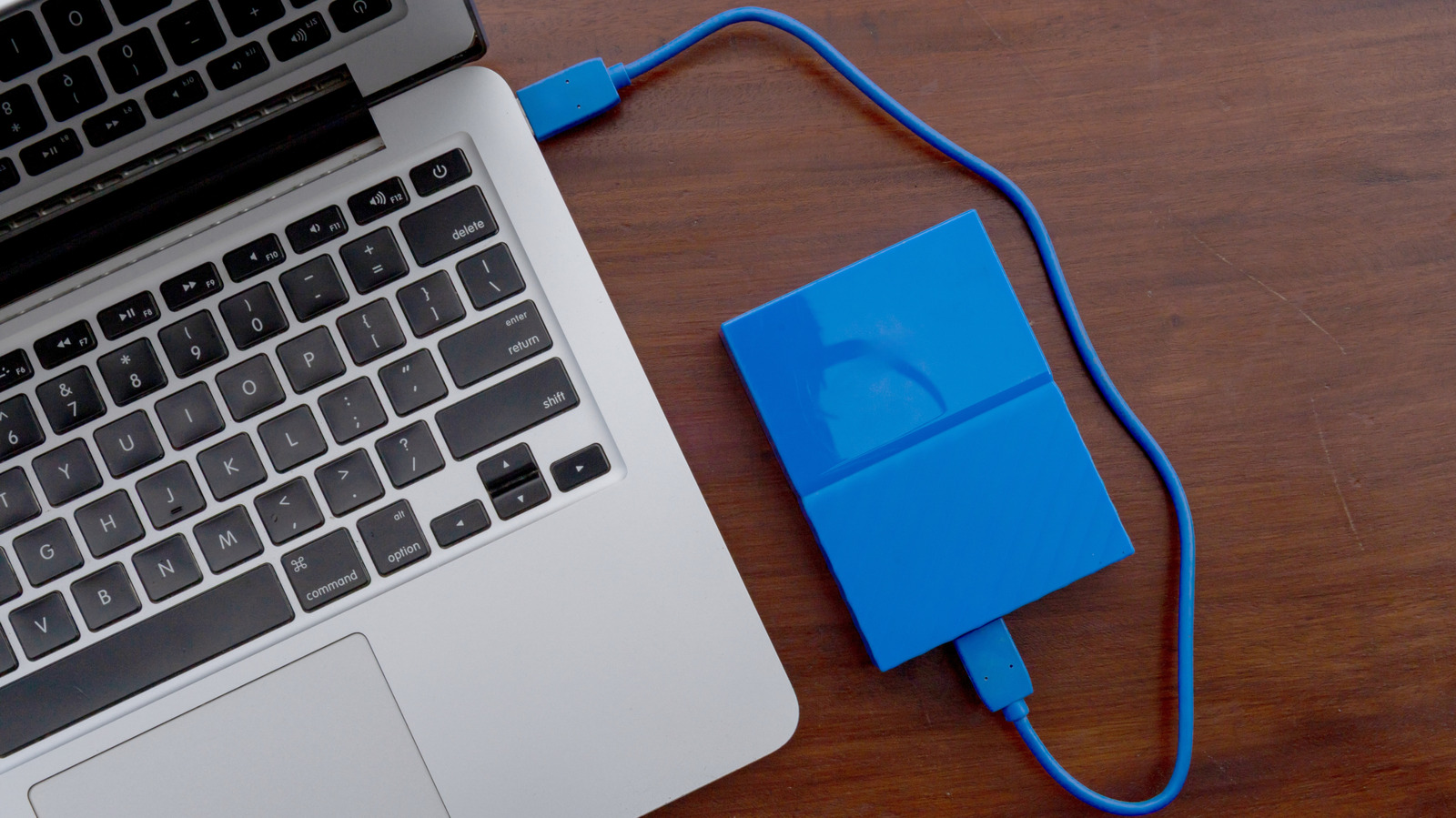
An external HDD hovers near 100MB/s against 500MB/s or more for SSD, and the spinning platters make noise, draw more power, and hate drops and heat.
Check the USB port first
Both types run over USB, which lags internal SATA unless the drive and port both do 10Gbps or more. Plug a fast SSD into USB 2.0 and you wasted your money.
“You won't enjoy the speed benefits of an external SSD if you plug it into a USB 2.0 port”
The key point
Buy an SSD if you touch the files often, an HDD if you just need somewhere big and cheap to park them.





