From Engadget · Mariella Moon · · 2m
Find your lost Android phone with Google's Find Hub
Google's Find Hub lets you locate missing Android devices from any browser, even if they're offline.
In brief
Google's Find Hub lets you locate missing Android devices from any browser, even if they're offline. Google's Find Hub helps you locate missing Android phones, tablets and accessories from any device or browser without needing another Android phone. Originally reported by Engadget.
Google's tracking network for Android
Google offers Find Hub, a tracking network similar to Apple's system that helps locate missing Android phones, tablets and accessories. You can access it from any browser on a computer or smartphone.
Enable location on your phone
To prepare for potential loss, keep your phone updated with the latest software. Log into a Google account you can access and verify your email address. Turn on Location in Settings.
Activate Find Hub protection
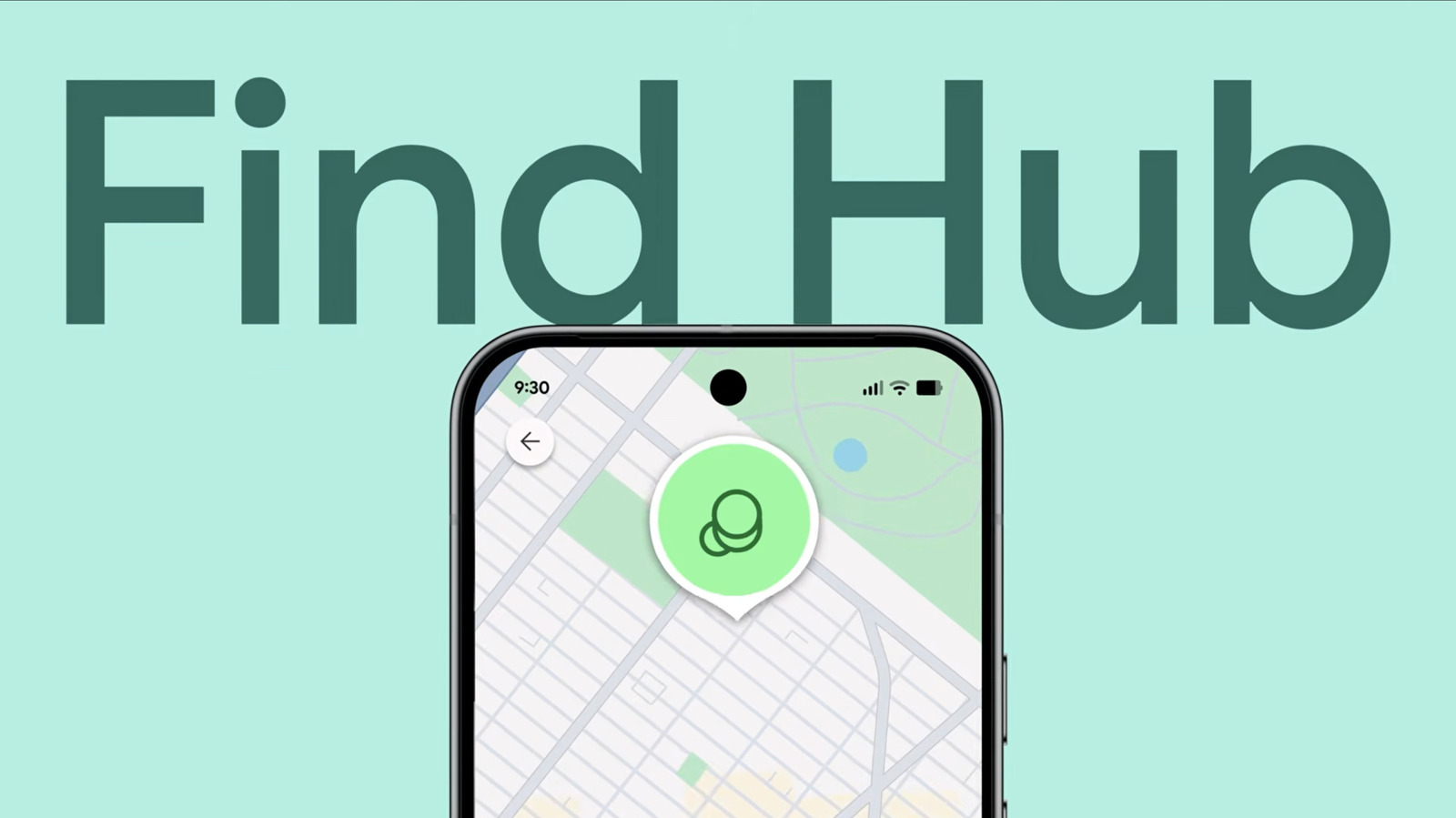
In Settings, go to Security or Security and Privacy, then Find Hub or Lost Device Protection. Tick on Allow device to be located or Allow this phone to be found to enable the service.
Turn on offline finding
Switch on Find your offline devices so Find Hub shows your device's most recently recorded location even when offline. You must set a PIN, pattern or password. Newer Pixel phones can be located several hours after turning off.
Access Find Hub when your phone is lost
Open Find Hub on another Android device, Wear OS smartwatch, or visit the website in a browser. Sign in with your Google account and go to the Devices tab to see your phone's last location.
Play a sound or lock your device
If your phone is within ten metres, use Maps from Find Hub to get directions. You can remotely trigger a sound even if it's on silent. Tap Mark as lost to lock it with your PIN, pattern or password.
Factory reset as a last resort
If you've lost hope of recovery, you can remotely factory reset your phone from Find Hub to protect your data. This permanently deletes everything and removes the device from Find Hub, so you cannot find it anymore.
The short version
Google's Find Hub helps you locate missing Android phones, tablets and accessories from any device or browser without needing another Android phone.