From Engadget · Filipe Espósito · · 1m 40s
Five ways to let Gemini handle your daily grind
Google's AI assistant can schedule tasks, plan your week and manage your inbox without you lifting a finger.
In brief
Google's AI assistant can schedule tasks, plan your week and manage your inbox without you lifting a finger. Gemini can automate everyday tasks like checking calendars, summarizing news and planning weekends when you set up scheduled actions and connect your apps. Originally reported by Engadget.
Gemini does more than answer questions
Google's Gemini can schedule and automate tasks without manual work each time. It checks calendars, monitors websites and manages your day when you set it up properly.
Check your day for travel trouble
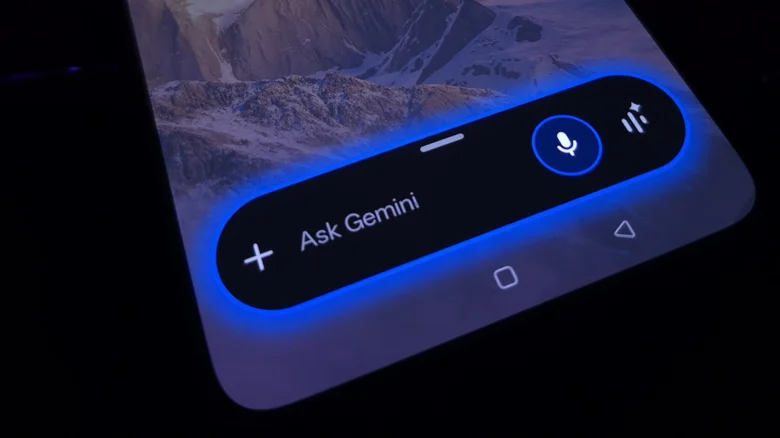
Ask Gemini to check your calendar every morning and estimate travel time between appointments using Maps.
“Check my events for the day and estimate total travel and driving time using Maps every morning at 7:30AM.”
Get a daily briefing on news
Gemini can search the web at a set time and summarize what it thinks matters most on topics you care about.
Plan the weekend before it starts
Ask Gemini to suggest weekend itineraries with different dinner places every Friday and Saturday. Give it access to your location so it finds nearby cafes and restaurants without you having to ask.
“Every Friday morning, plan my weekend with different ideas for cafes and restaurants to visit.”
Turn repeat prompts into skills
Create skills to remember preferences across conversations. Define instructions once, then trigger them with a command like slash skillname. Gemini applies your settings every time without you listing them again.
Let Spark handle your inbox
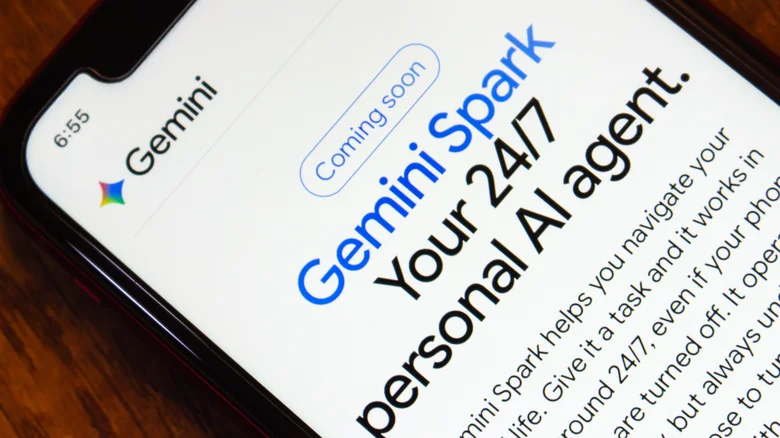
Gemini Spark is an always-on agent for AI Pro and Ultra subscribers that works when your devices are off. It scans emails, summarizes important ones and adds appointments to your calendar automatically.
Spark checks before taking major actions
Google says Spark is designed to check with you before taking any major actions, so it will not suddenly delete your important emails and files. Connect it to Gmail, Calendar and Drive first.
“Spark is designed to check with you before taking any major actions, so it won't suddenly delete your important emails and files.”
The main idea
Gemini can automate everyday tasks like checking calendars, summarizing news and planning weekends when you set up scheduled actions and connect your apps.





