From Engadget · Gabriela Vătu · · 1m 30s
Fix Netflix's muffled audio with one menu change
Netflix's automatic surround sound setting often backfires on basic TV speakers, but a simple audio track switch restores clarity.
In brief
Netflix's automatic surround sound setting often backfires on basic TV speakers, but a simple audio track switch restores clarity. Switch from surround sound to standard stereo audio in Netflix's Audio and Subtitles menu to fix muffled dialogue on most TVs. Originally reported by Engadget.
Why Netflix sounds muffled
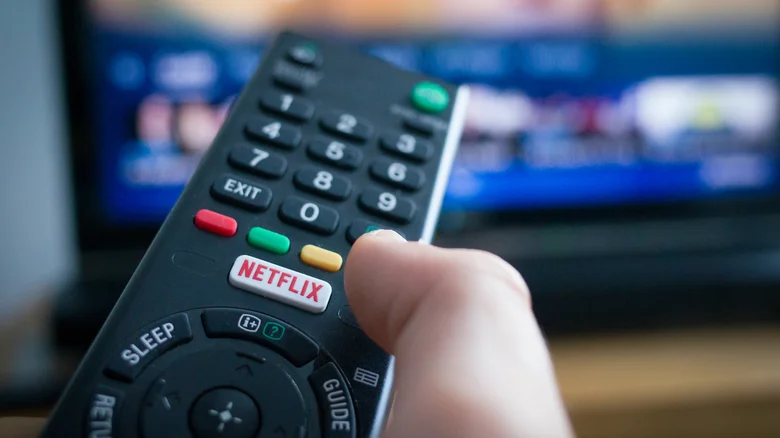
Netflix automatically sends surround sound (5.1 or Dolby Atmos) to any device that claims to support it. Most smart TVs can't actually handle this with their basic speakers, so the audio gets compressed and sounds quiet or garbled.
The one-minute fix

Open the Audio and Subtitles menu during playback and switch from the surround version (like English Original 5.1) to the standard stereo version. Netflix remembers this choice, so you only need to do it once.
“If you're only using your TV's built-in speakers rather than a dedicated surround system, this single change often resolves quiet or muffled audio immediately.”
Check your cables and firmware
If you're using an external soundbar or audio system and the problem persists, test a different HDMI cable or bypass the external device temporarily. Also check for firmware updates on your streaming device or TV.
Boost Netflix's audio bitrate
Log into Netflix on a web browser, go to Account > Playback settings, and set data usage per screen to High. This streams the highest audio bitrate: up to 640 kilobits per second for 5.1 and 768 for Atmos.
Premium tier unlocks best sound
High-fidelity spatial audio and Dolby Atmos are only available with Netflix Premium. If you want the absolute best audio experience, you'll need to upgrade from a lower subscription tier.
At a glance
Switch from surround sound to standard stereo audio in Netflix's Audio and Subtitles menu to fix muffled dialogue on most TVs.




