From Engadget · Jack Peachey · · 1m 30s
Get your iPhone ready for iOS 27
A five minute checklist that keeps the big Siri update from turning into a bad afternoon.
In brief
A five minute checklist that keeps the big Siri update from turning into a bad afternoon. Free up 18 to 25GB, stay plugged in on Wi-Fi, and back up before you tap install. Originally reported by Engadget.
iOS 27 reaches back to the 11
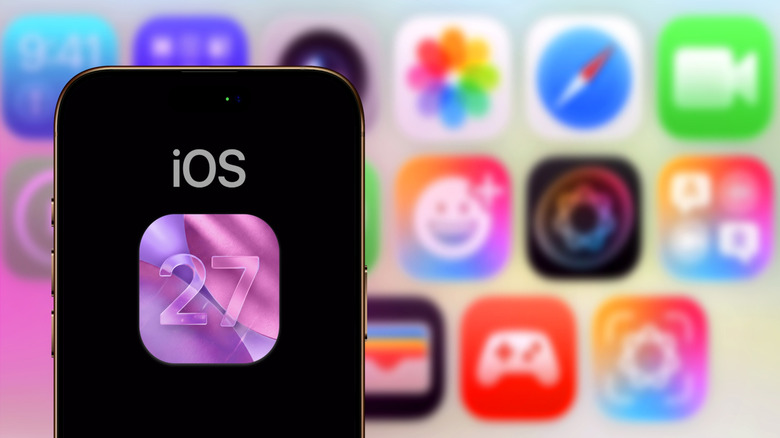
The update brings UI refinements and a rebuilt Siri meant to compete with Gemini and ChatGPT. It runs on iPhones as old as the iPhone 11.
Clear 18 to 25GB first
The installer needs room for the download plus temporary files. Aim for roughly 18 to 25GB free before you start.
“The update process requires room for temporary files along with the main download”
Plug in, stay on Wi-Fi
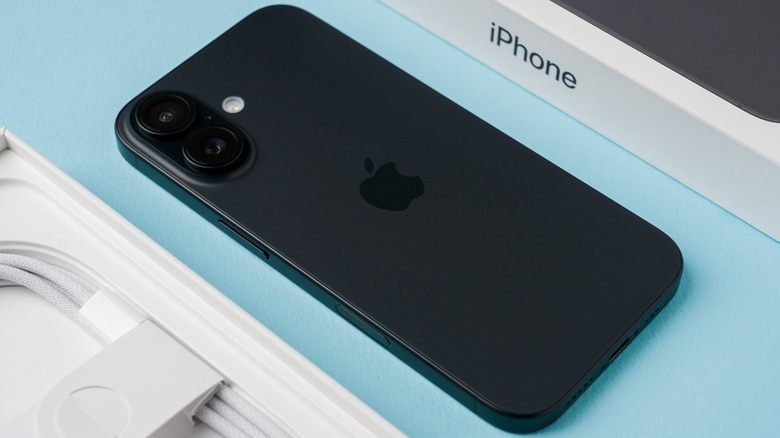
Fifty percent battery should survive the install, but a charger is safer. Keep the phone on Wi-Fi the whole time.
Overnight or right now
Settings > General > Software Update > Automatic Updates decides it. Automatic installs overnight while charging, which can land days or weeks late, so wait on the Software Update page if you want it immediately.
Install iOS 26.6 first
That release includes an indexing update that smooths the handoff to the new Siri in iOS 27. Check for it before you jump.
Back up, then install

Big updates can go wrong and take data with them. Use Settings > Apple Account > iCloud > iCloud Backup > Back Up Now, or a Mac or PC, and keep your Apple ID credentials nearby.
“don't forget to back up your device”
At a glance
Free up 18 to 25GB, stay plugged in on Wi-Fi, and back up before you tap install.