From Engadget · Jack Peachey · · 1m 30s
How to enter VR mode on Steam
Steam's SteamVR app lets you play virtual reality games right now with compatible headsets, in just a few simple steps.
In brief
Steam's SteamVR app lets you play virtual reality games right now with compatible headsets, in just a few simple steps. Steam users can access VR gaming immediately through the free SteamVR app, which works with most major headsets and requires only basic setup. Originally reported by Engadget.
Valve's Steam Frame arrives slowly
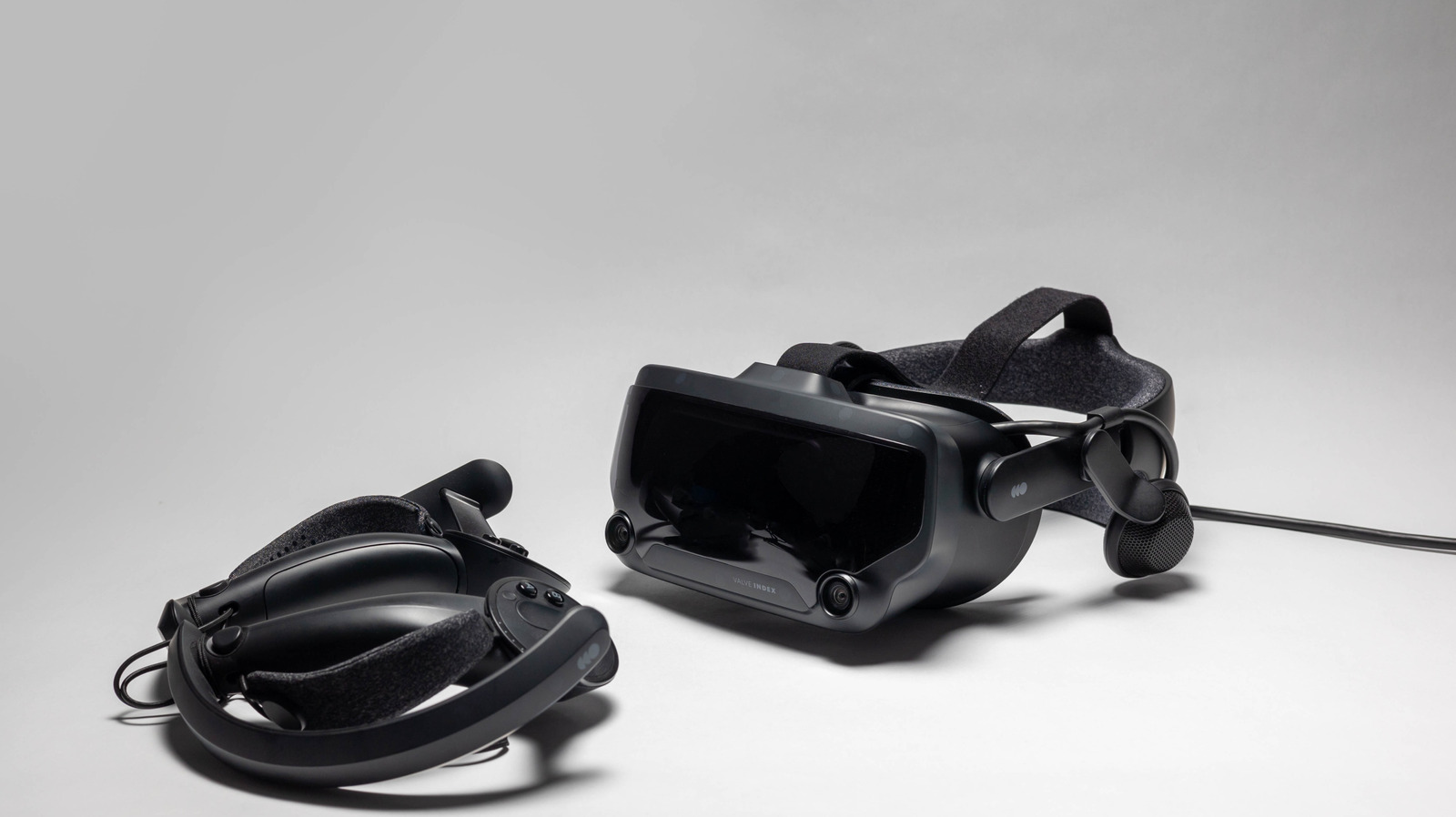
Valve's new thousand dollar Steam Frame VR headset is rolling out via reservation lottery to prevent scalping. But you can play VR on Steam now with existing hardware.
SteamVR works with most headsets
Steam's free SteamVR app links your VR headset to the Steam launcher. It supports Valve, HTC, Meta, and many other headsets.
Install and connect your hardware
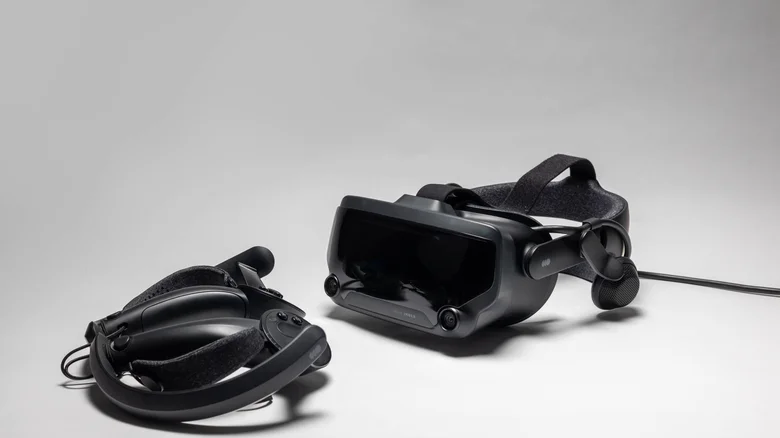
Search for SteamVR in Steam and install it free. Plug in your headset, controllers, and sensors. For wireless, use Steam Link on compatible Quest or Vive headsets.
Set up your play space
SteamVR guides you through setup. Choose Room-Scale or Standing Only, prepare your space (about six point five by five feet), then calibrate headset and controller tracking.
Explore SteamVR Home and dashboard

You enter SteamVR Home, a digital hub to chat with friends via avatars. Press your controller's menu button to access the dashboard and browse VR games.
Fine-tune your VR settings

Use the dashboard settings to adjust brightness, resolution, and graphics. Advanced options include Motion Smoothing to reduce motion sickness and Controller Bindings.
What to remember
Steam users can access VR gaming immediately through the free SteamVR app, which works with most major headsets and requires only basic setup.





