From Engadget · Robin Bea · · 1m 10s
How to fix motion blur sickness in GTA 6
Grand Theft Auto 6's motion blur can cause nausea. Rockstar made it easy to adjust or disable from the settings menu.
In brief
Grand Theft Auto 6's motion blur can cause nausea. Rockstar made it easy to adjust or disable from the settings menu. GTA 6 players experiencing motion sickness from motion blur can adjust or disable it through the Display settings using a slider. Originally reported by Engadget.
Motion blur makes GTA 6 players sick
Grand Theft Auto 6 players report motion blur causes dizziness and nausea. Motion blur is standard in modern games but some players want to avoid it completely.
“motion blur commonly contributes to motion sickness, causing dizziness and nausea in some players”
Adjust motion blur from the pause menu
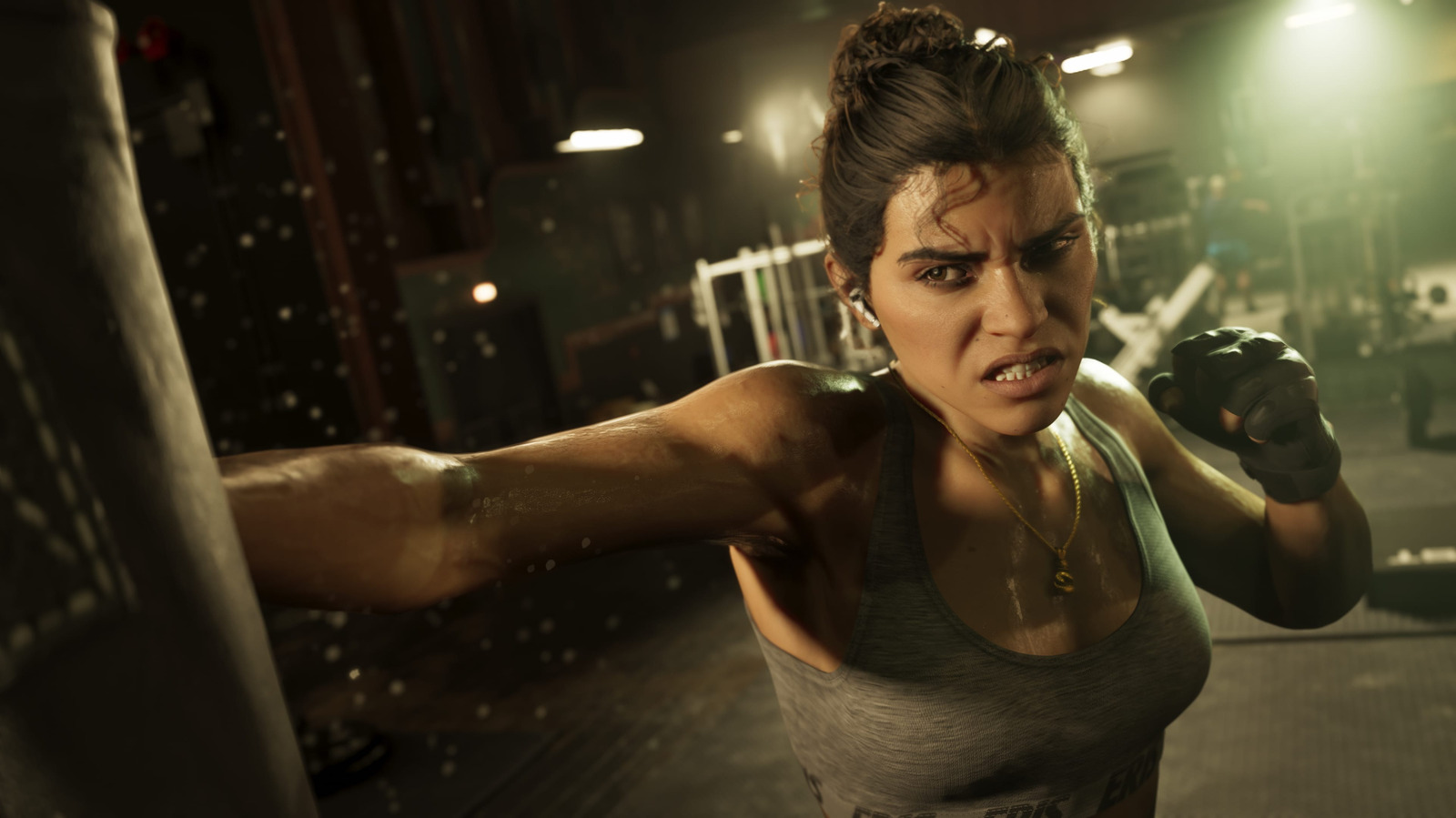
Pause GTA 6 and select Settings. Go to the Display tab and find Motion Blur Strength under visual effects. A slider lets you adjust it from zero to ten.
Default setting is three out of ten
Motion Blur Strength defaults to three out of ten. You can lower it without turning it off completely, or set it to zero to disable motion blur entirely.
“By default, it's set to three out of 10”
Lower settings help at thirty frames per second
GTA 6 targets thirty frames per second on consoles. At lower frame rates, motion blur can smooth out jittery camera movements, so even minimal blur helps.
“Since GTA 6 targets 30 fps on consoles, rather than 60 fps, those jarring camera movements may be a bigger deal”
The headline
GTA 6 players experiencing motion sickness from motion blur can adjust or disable it through the Display settings using a slider.
Read the TL;DR — this story on one card.