From Engadget · Calvin Wankhede · · 1m 30s
How to manually update Android Auto
Android Auto rides along on your phone, not your car, so a stale version is a Play Store problem you can fix in a minute.
In brief
Android Auto rides along on your phone, not your car, so a stale version is a Play Store problem you can fix in a minute. Android Auto updates through the Play Store like any app, so check it there first and reset or roll back the app if bugs persist. Originally reported by Engadget.
Your phone runs the show
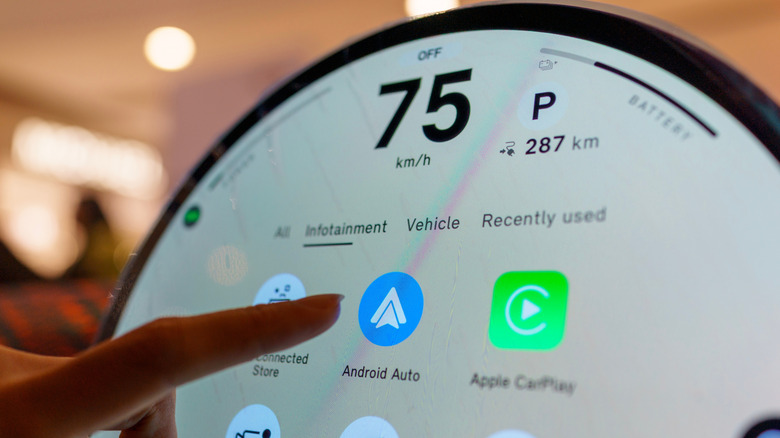
Android Auto shows up on the car's dashboard, but every feature comes from the phone in your pocket. That is why it gets updates over the internet instead of from your car maker.
“all of its features are powered directly by your smartphone”
It is just an app
Google ships Android Auto through the Play Store rather than as a core system component. If it were the latter, new features would only arrive with a full Android release.
Why auto updates stall
Background updates can fail, or sit forever if your phone never sees Wi-Fi. By default the Play Store refuses to spend cellular data on automatic app updates.
Check the Play Store
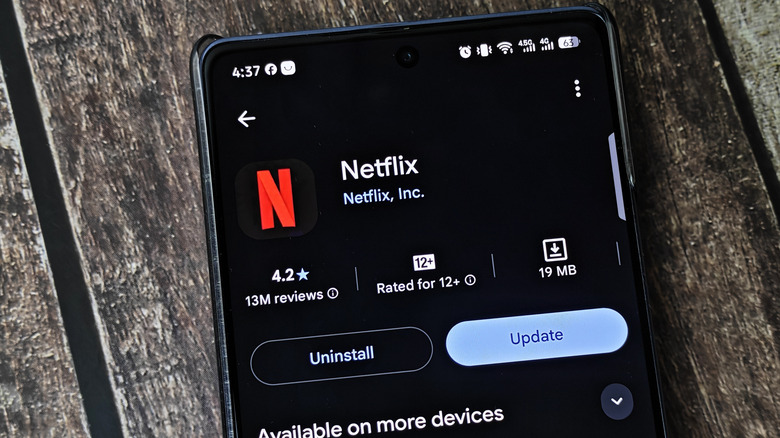
Search for Android Auto in the Play Store. An Update button means you are behind; only an Uninstall button means you already have the newest version for your device.
“If you simply see the Uninstall button here, it means you're already on the latest version”
Old phones hit a wall
You need Android 9.0 or newer to keep getting updates. That version landed in 2018, so almost every phone still in use clears the bar.
Reset or roll back
Still glitchy? Go to Settings, Apps, Android Auto, Storage and cache, then Clear storage. If that fails, use Uninstall updates to drop back to the version your phone shipped with.
“This will reset any preferences you've saved within the Android Auto interface”
The one thing
Android Auto updates through the Play Store like any app, so check it there first and reset or roll back the app if bugs persist.


