From Engadget · Husain Parvez · · 1m 50s
How to pick the right Ethernet switch for home
Match port count and speed to your network needs, not the biggest specs on the box.
In brief
Match port count and speed to your network needs, not the biggest specs on the box. Choose a switch with enough ports for growth and speed matching your router and devices, then stop shopping. Originally reported by Engadget.
When you need an Ethernet switch
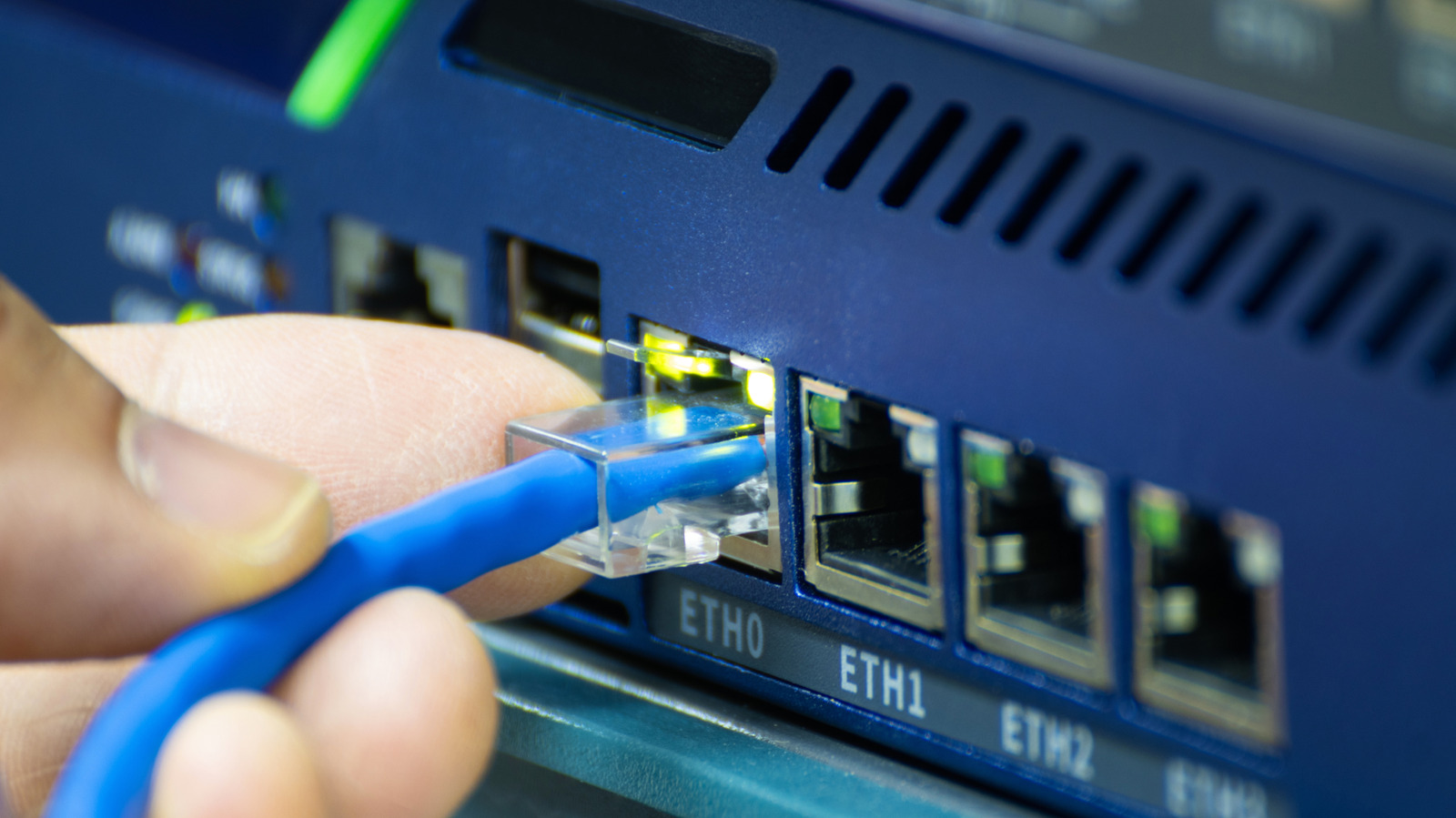
If you're running out of Ethernet ports but your Wi-Fi coverage is fine, a switch adds ports without replacing your router. It's simpler than upgrading and works for PCs, game consoles, TVs and network storage.
Count ports, but plan ahead
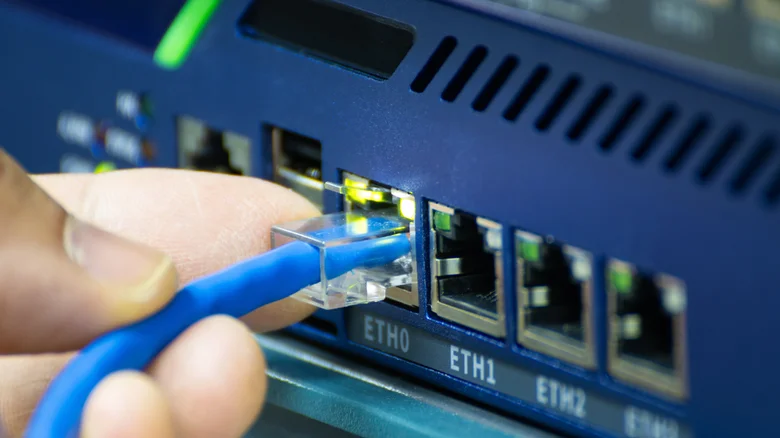
A five-port switch uses one port to connect to your router, leaving four for devices. An eight-port switch gives you seven usable ports and room to grow without buying another switch later.
Match speed to your setup
If everything maxes out at Gigabit, a 1GbE switch works fine. If you have multi-gig internet, a newer PC with 2.5GbE, or fast network storage, step up to 2.5GbE. Avoid the bottleneck: the switch speed shouldn't be slower than your router or devices.
Speed matters beyond internet
Two devices on the same 2.5GbE switch can move files much faster than your internet plan allows. This matters for large backups or video files. And 2.5 gigabit runs over existing Cat5e cabling, so you don't need to rewire.
Skip managed switches unless needed
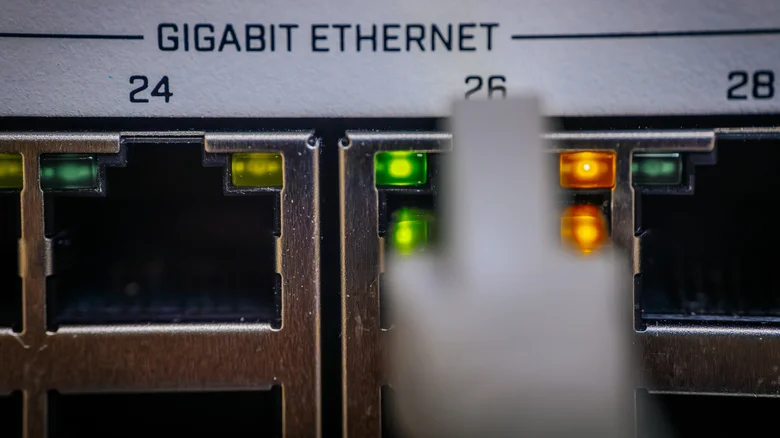
Most homes just need an unmanaged switch. Plug it in and it works. Managed switches cost more and add features like VLANs and traffic monitoring that most people never use. Only buy one if you're building a complex network.
Check Power over Ethernet details
Power over Ethernet can run power and data on one cable, useful for security cameras and access points. But check the total power budget: a switch with many PoE ports may not power them all at maximum simultaneously.
Here's the gist
Choose a switch with enough ports for growth and speed matching your router and devices, then stop shopping.





