From Engadget · Ben Stegner · · 1m 50s
How to scan your PC for malware
Modern malware hides quietly. Here's how to find it with free tools.
In brief
Modern malware hides quietly. Here's how to find it with free tools. Run Microsoft Defender's full scan first, then use Malwarebytes for a second opinion. Prevention matters more than cleanup. Originally reported by Engadget.
Modern malware stays hidden
Today's attacks avoid obvious signs like pop-ups. They quietly steal your data and hide their tracks to stay undetected as long as possible.
Signs your PC might be infected
Watch for sudden slowdowns, frequent freezes, or unfamiliar processes running in the background. These can indicate a security problem worth investigating.
Start with Microsoft Defender
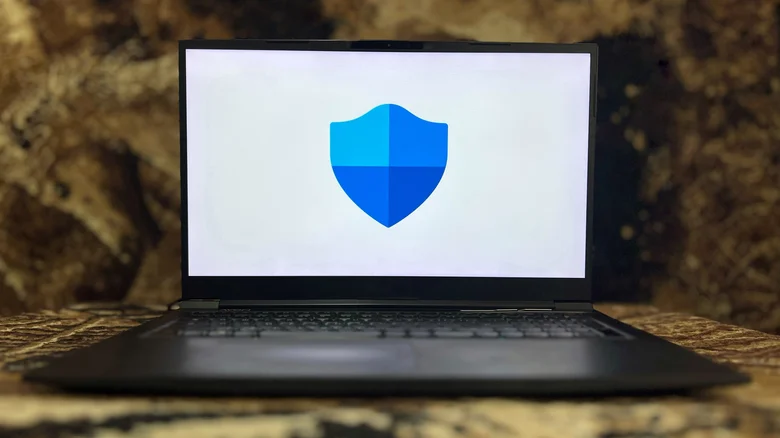
Windows 11 includes Microsoft Defender, built into Windows Security. Check the Virus & threat protection section to see your protection status and scan history.
Run a full scan with Defender
Quick scans check common threat locations, but choose Full scan for deeper inspection. The offline scan option restarts your PC to catch threats that hide from normal scans.
Enable your firewall protection
In Windows Security, check Firewall & network protection and ensure it's on for all three connection types. Default settings block unauthorized incoming connections.
Get a second opinion with Malwarebytes
Malwarebytes' free version offers on-demand scanning to catch threats Defender might miss. Run Quick, Custom, or Deep scans depending on your needs.
Other scanning tools to try
Microsoft's Malicious Software Removal Tool updates monthly. ESET Online Scanner, Emsisoft Emergency Kit, and VirusTotal offer additional scanning options for stubborn infections.
Skip third-party antivirus replacements
You don't need to replace Defender with another antivirus. Third-party tools often nag you to upgrade, while Microsoft has incentive to keep Defender strong for Windows security.
Prevention beats cleanup
Avoid email attachments from strangers, shady download sites, and fake security warnings. Antivirus can't protect you from weak passwords, phishing, or phone scams.
The short version
Run Microsoft Defender's full scan first, then use Malwarebytes for a second opinion. Prevention matters more than cleanup.