From Engadget · Alec Hively · · 3m
How to send HDMI further than one cable can go
Attenuation kills your picture past 25 feet, but five cheap accessories can carry the signal across the house.
In brief
Attenuation kills your picture past 25 feet, but five cheap accessories can carry the signal across the house. Match the fix to the distance: couplers for a few extra feet, repeaters to about 100, active or Ethernet extenders for hundreds. Originally reported by Engadget.
Signals fade as they travel
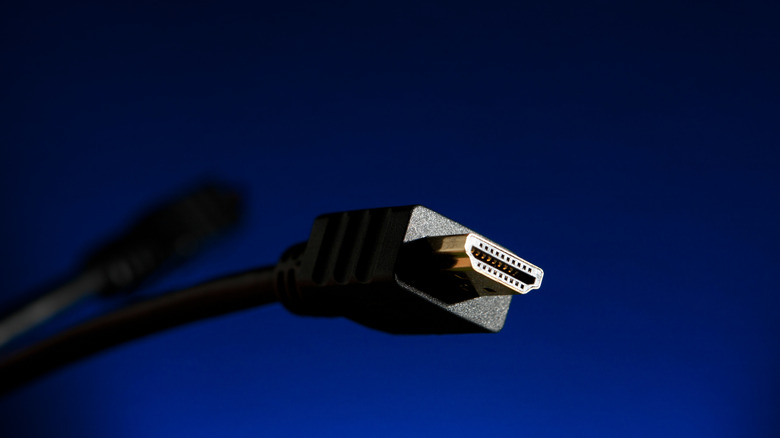
HDMI suffers from attenuation, so a run longer than about 25 feet starts flickering, pixelating or losing audio. Sometimes the picture drops out entirely.
“Due to a phenomenon known as attenuation, HDMI signals weaken as they travel.”
Most homes never hit this
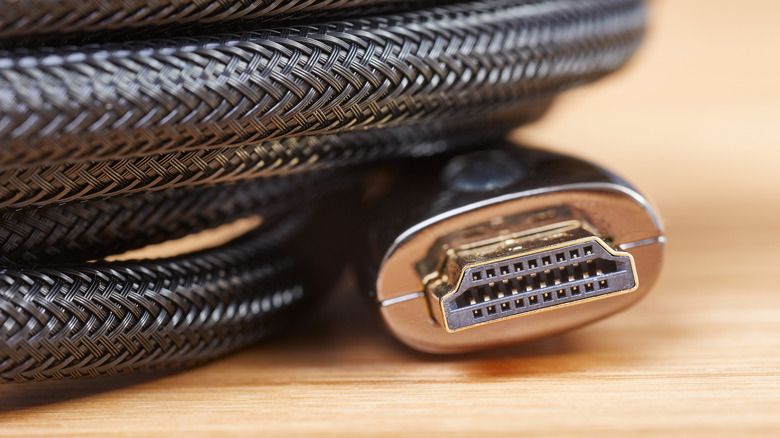
Short, high quality cables handle a normal living room fine. The problem shows up when you want a porch TV, a second screen upstairs or two conference rooms linked.
Couplers join two cables
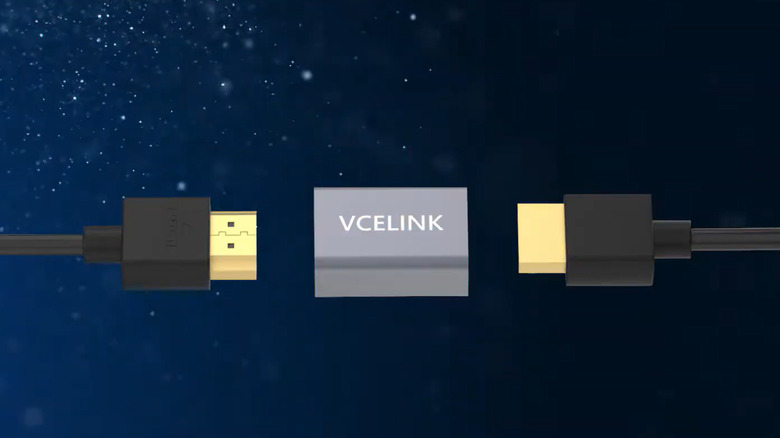
A coupler is a small box with a female HDMI port at each end. Plug the male end of one cable into each side and the signal carries straight through.
Cheap and surprisingly capable
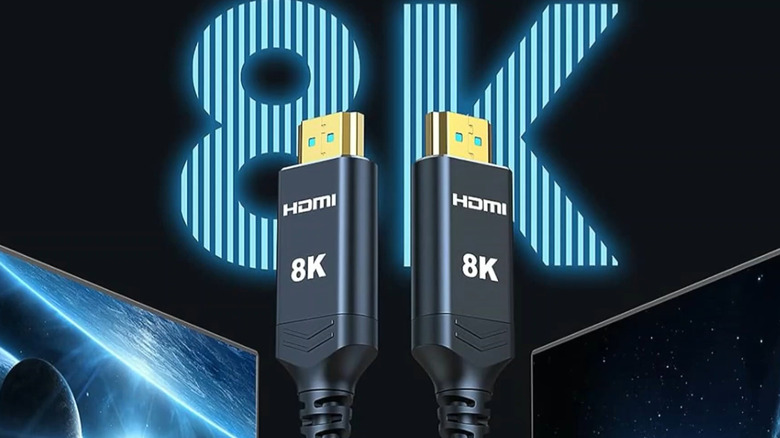
Couplers cost less than most long cables, and many handle 8K and 48 Gbps, roughly HDMI 2.1 specs. Good enough to stretch an outdoor projector for movie night.
“This option has been a godsend for my family's outdoor movie nights.”
Where couplers fall down
Chaining cables past 25 feet still degrades the signal. Newer Ultra High Speed cables have a shorter effective length, and the coupler has to support that standard too.
Repeaters rebuild the signal
A repeater looks like a coupler but refreshes the feed instead of just passing it along. It's as if the signal were created new at that point.
“In effect, it's as if the signal were created anew.”
About 100 feet per repeater
One repeater starts around $20 and can push a signal across an office, classroom or patio. Chain a few and the cost climbs fast, so two or three is the sweet spot.
Active cables boost themselves
Newer cables can attenuate after just 9 feet. Active cables pack chips into the wiring to amplify the signal as it goes.
Copper or fiber optic
Active copper uses built-in repeaters and can pass 100 feet. Fiber optic sends pulses of light down glass strands and some runs stretch beyond 300 feet.
Active comes with strings
These cables only run one direction, so plan your source and display first. Some draw power from the port, so check your device supports HDMI cable power. Copper runs $35 to $80, fiber $40 to $120.
Go wireless across floors
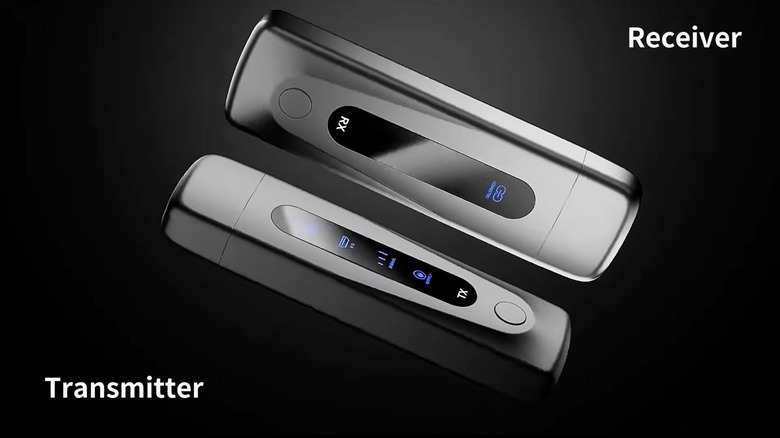
A transmitter plugs into your source and converts HDMI to a wireless signal; a receiver at the display picks it up. Some models reach over 1,300 feet, and some receivers accept several inputs at once.
Ethernet for the long haul
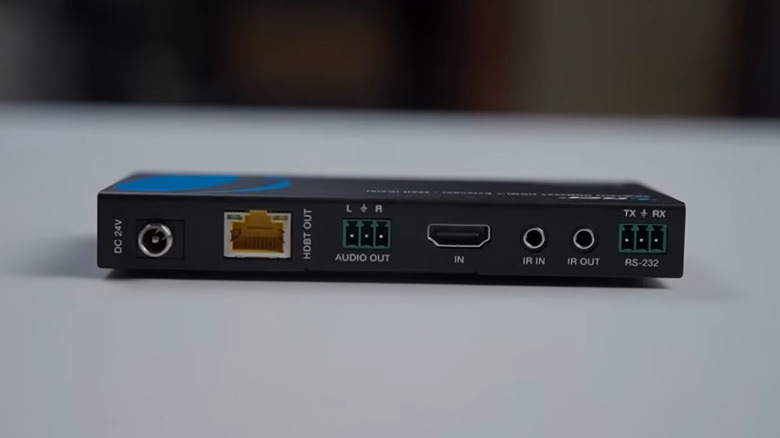
A transmitter converts HDMI into something CAT5e, CAT6 or CAT6a can carry hundreds of feet, either on a dedicated run or as IP traffic on your home network. Dual-purpose units also split to multiple screens.
The key point
Match the fix to the distance: couplers for a few extra feet, repeaters to about 100, active or Ethernet extenders for hundreds.





