From Engadget · Filipe Espósito · · 1m 50s
How to set up Apple CarPlay for the first time
Apple CarPlay setup takes a minute. Here's how to connect by cable or wirelessly, and what to do when it won't work.
In brief
Apple CarPlay setup takes a minute. Here's how to connect by cable or wirelessly, and what to do when it won't work. Apple CarPlay is built into more than eight hundred vehicle models. Setup is simple: plug in by USB or connect wirelessly through settings, then pair your iPhone with your car. Originally reported by…
More than 800 cars support CarPlay
There are currently more than 800 vehicle models compatible with Apple CarPlay. If you buy a new car today, it will likely have the feature built-in, though some automakers have been phasing it out.
Two ways to connect your iPhone
CarPlay works wired or wirelessly. Wired is usually easiest: start your car and plug your iPhone into the USB port, sometimes marked with a CarPlay or phone symbol.
Wired setup: tap Connect
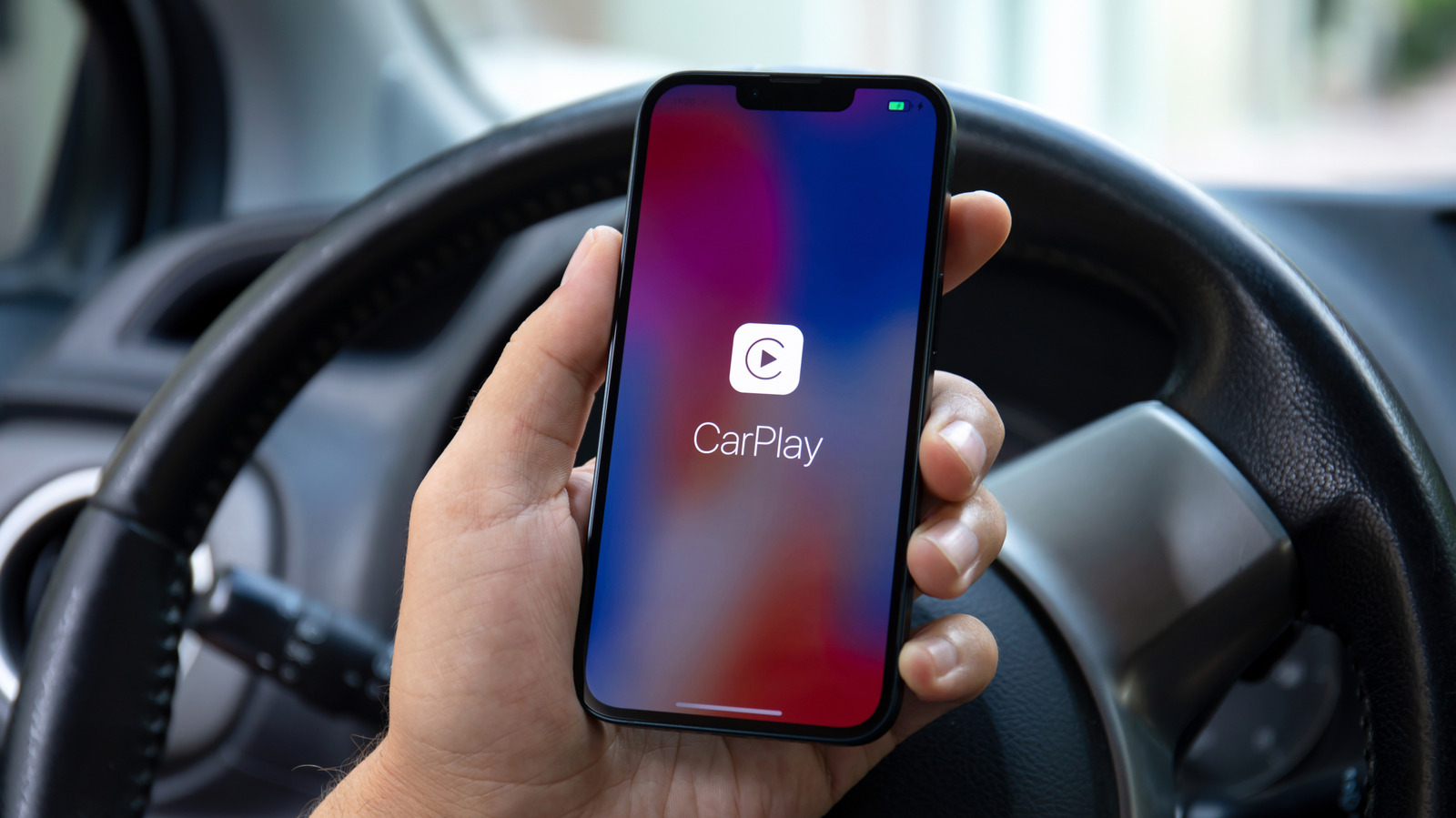
Your iPhone will ask for permission to use CarPlay.Tap Connect and the interface appears on your car's dashboard screen.
Wireless setup: use Settings
For wireless-only cars, hold the voice command button on the steering wheel with Bluetooth on.On your iPhone, open Settings, go to Wi-Fi and connect to the CarPlay network.
Fix connection problems
If CarPlay isn't working, try swapping the USB cable or using a different USB port. For wireless, make sure Wi-Fi and Bluetooth are enabled and Auto-Join is on for the CarPlay network.
Confirm your car is compatible
Apple provides a list of vehicles with CarPlay built-in. If your car is not on it, buying a portable CarPlay screen might be worth the investment.
The short version
Apple CarPlay is built into more than eight hundred vehicle models. Setup is simple: plug in by USB or connect wirelessly through settings, then pair your iPhone with your car.
Read the TL;DR — this story on one card.