From Engadget · Adnan Ahmed · · 1m 30s
How to switch between two phones on CarPlay
CarPlay only connects one iPhone at a time, but there are several ways to switch between paired devices in your car.
In brief
CarPlay only connects one iPhone at a time, but there are several ways to switch between paired devices in your car. Use your car's infotainment system to set a preferred phone, or toggle Bluetooth off on the other device to force a reconnection. Originally reported by Engadget.
CarPlay only connects one phone
You can pair multiple iPhones to your car, but CarPlay will only project one at a time. If your car connects to the wrong phone, you'll need to manually switch.
“Though you can set up CarPlay for multiple iPhones in the same vehicle, you can only use one of them with CarPlay at a time.”
Set a preferred phone in settings
Most car infotainment systems let you choose a primary phone that gets priority when multiple iPhones are nearby. Look in your car's Bluetooth or device management menu.
Quick fixes for switching phones
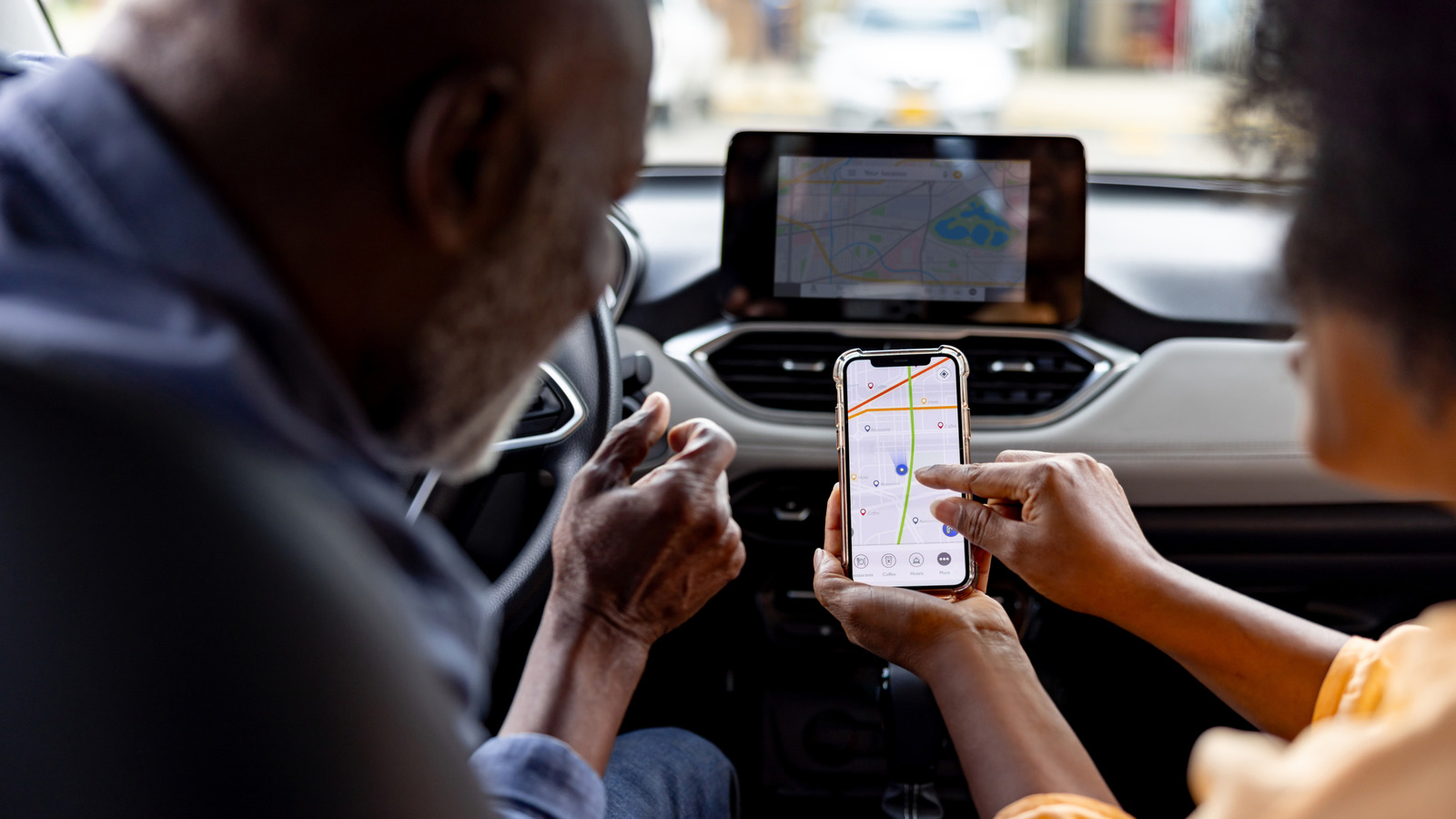
Turn off Bluetooth and Wi-Fi on the other iPhone to force your car to reconnect to the right device. Some manufacturers like Hyundai let you switch on the go.
Use SharePlay for passenger control
iOS 17 added SharePlay support for CarPlay, letting passengers join the driver's Apple Music session and control the queue from their own phones without needing a subscription.
Spotify Jam offers the same feature
Spotify's Jam feature lets everyone in the car contribute to the music queue from their own phones, even without a Premium subscription.
Music control is the only workaround
SharePlay and Spotify Jam only let passengers control music. For navigation or messages, you still need to manually switch CarPlay connections using your car's infotainment system.
In short
Use your car's infotainment system to set a preferred phone, or toggle Bluetooth off on the other device to force a reconnection.





