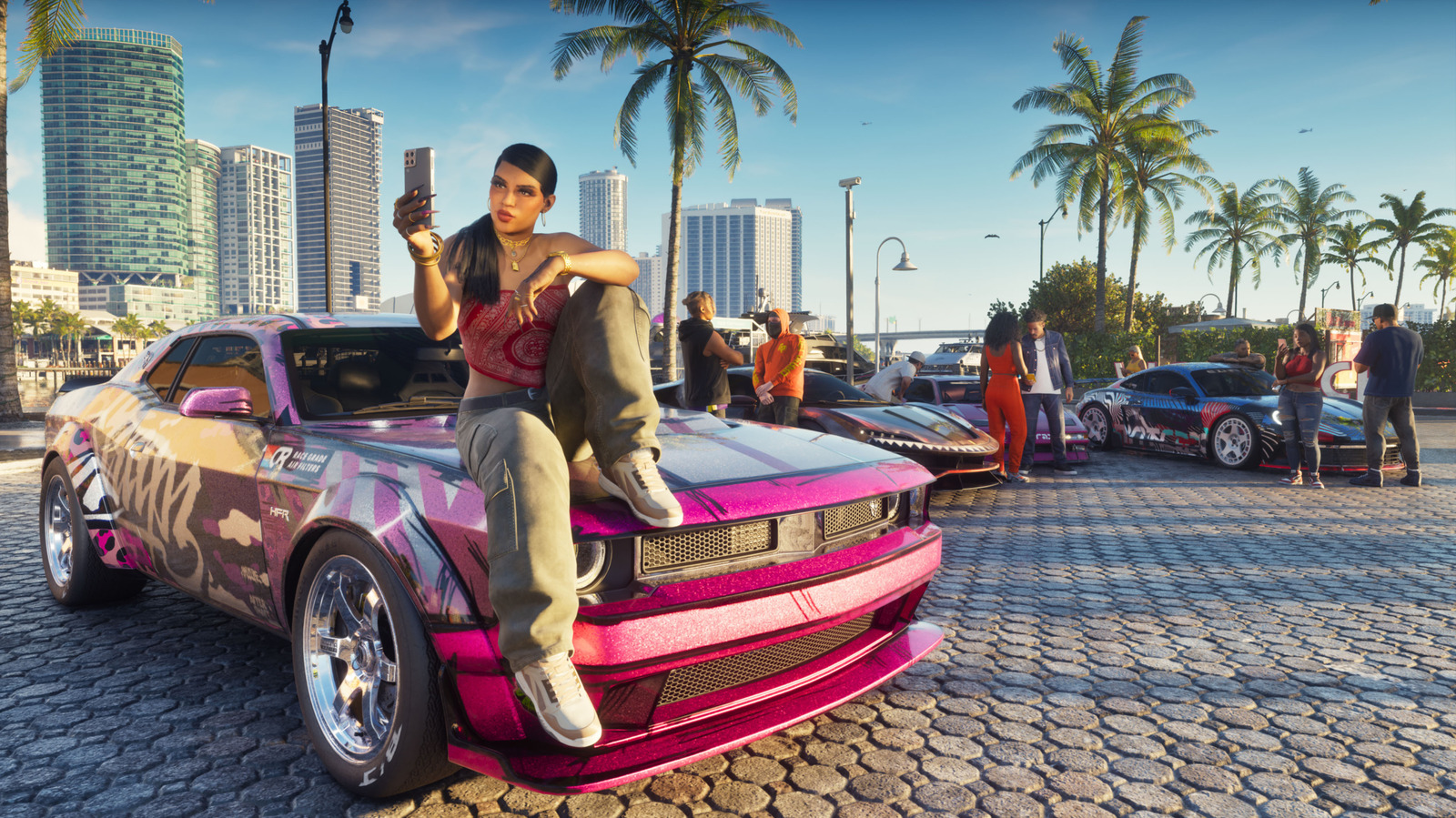
From Engadget · Kris Holt · · 1m
TL;DR: How to switch camera views in GTA 6
Grand Theft Auto 6 lets you adjust camera height and follow speed, switch to cinematic mode while driving, and access limited first-person perspectives.
GTA 6 offers camera customization through settings and on-the-fly adjustments, with first-person perspective available only in limited circumstances. Grand Theft Auto 6 lets you adjust camera height and follow speed, switch to cinematic mode while driving, and access limited first-person perspectives. In the camera tab of GTA 6 settings, adjust camera height while on foot and horizontal and vertical follow speeds.
- Customize your camera in settings
- Switch camera height while driving
- First-person view is very limited
Read the story version — the same reporting as a swipeable deck of 3 cards.