From Engadget · Thomas Godwin · · 1m 50s
iPhone Clock app has a hidden limit at 4:39
The iPhone Clock app's alarm scroll stops at 4:39, a quirk that went viral in mid-2025 and remains unexplained by Apple.
In brief
The iPhone Clock app's alarm scroll stops at 4:39, a quirk that went viral in mid-2025 and remains unexplained by Apple. The iPhone Clock app's alarm settings scroll stops at 4:39 (or 16:39 in military time), a hidden limit most users never discover because it requires rapid scrolling to reach. Originally reported by…
The Clock app has a secret limit
The iPhone Clock app's alarm hour and minute scrolls appear infinite but stop at 4:39, or 16:39 in military time. Most people never notice because reaching it requires rapid scrolling.
The oddity went viral in mid-2025
This small curiosity hiding within the alarm settings went viral in mid-two thousand twenty-five. The specific endpoint at four thirty-nine seems random and unexplained.
Apple hasn't explained the limit
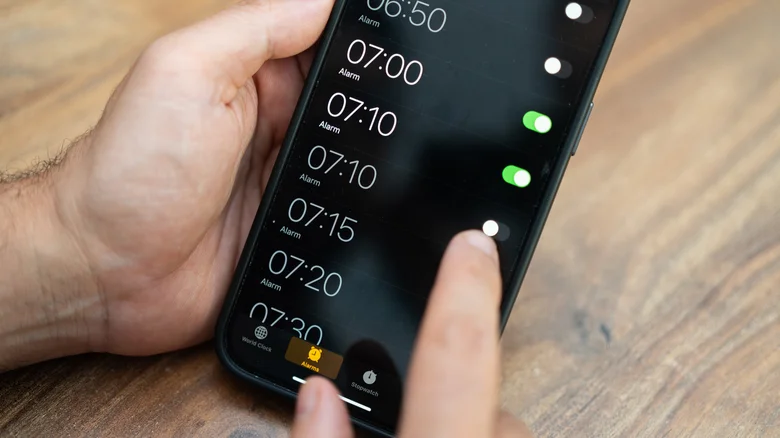
Apple has not weighed in on why the alarm stops at 4:39. Online discussions offer differing explanations, including something called Tableview, but the numbers don't add up to anything obvious.
The Clock icon tells the time
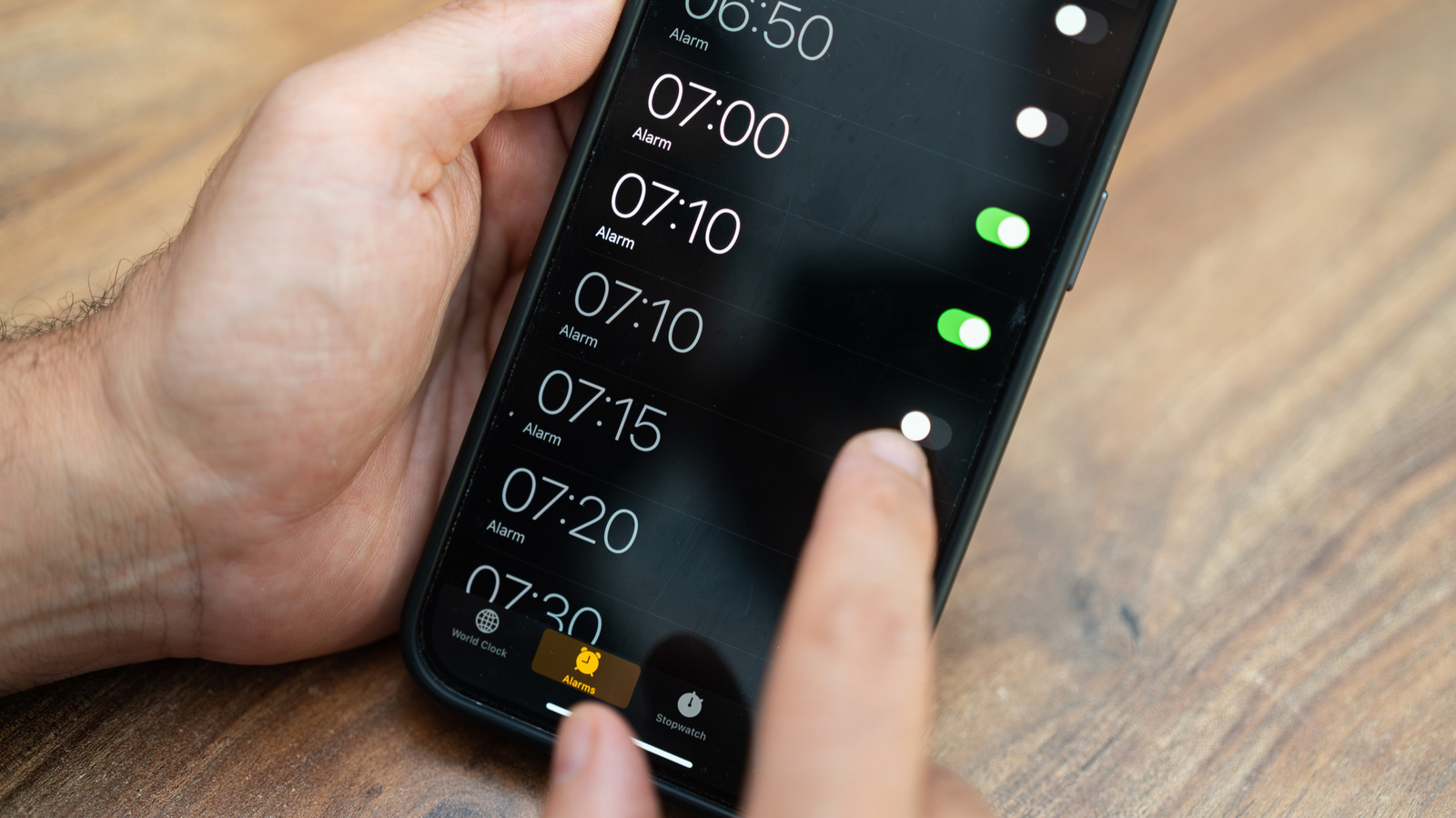
The Clock app icon is not static.It tells the current time with a moving second hand, a feature Apple introduced in iOS 7.Users who open the app to check the time never needed to.
Low Power Mode changes the second hand
On iOS 26.1 devices and later, Low Power Mode changes the second hand motion from continuous sweeping to a once-per-second tick, like a traditional quartz clock.This is only a visual change with no audible ticking.
Stopwatch has a hidden feature
Open Stopwatch inside the iPhone Clock app and swipe across the display to switch between digital and analog stopwatch faces without installing another app. This is a documented feature in the iPhone user guide.
StandBy mode displays clock options
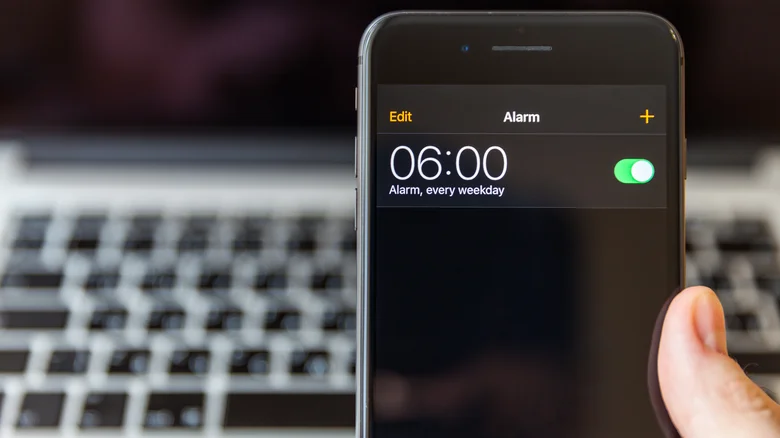
Connect your iPhone to a charger and stand it on its side to enter StandBy mode, which displays widgets, photos or a clock.
The takeaway
The iPhone Clock app's alarm settings scroll stops at 4:39 (or 16:39 in military time), a hidden limit most users never discover because it requires rapid scrolling to reach.





