From Engadget · Filipe Espósito · · 1m 20s
Join FaceTime calls without an iPhone
Android and Windows users can now join FaceTime calls through their web browser, though with some limitations.
In brief
Android and Windows users can now join FaceTime calls through their web browser, though with some limitations. Any Android or Windows user can join a FaceTime call if an iPhone user sends them a link, no Apple account needed. Originally reported by Engadget.
FaceTime works on Android now
You can join FaceTime calls from Android phones or Windows PCs using a web browser. An iPhone user needs to send you a link to the call.
This feature arrived in 2021
Apple added cross-platform FaceTime support with iOS 15 and macOS Monterey in 2021, but many people still don't know about it.
How to join a call
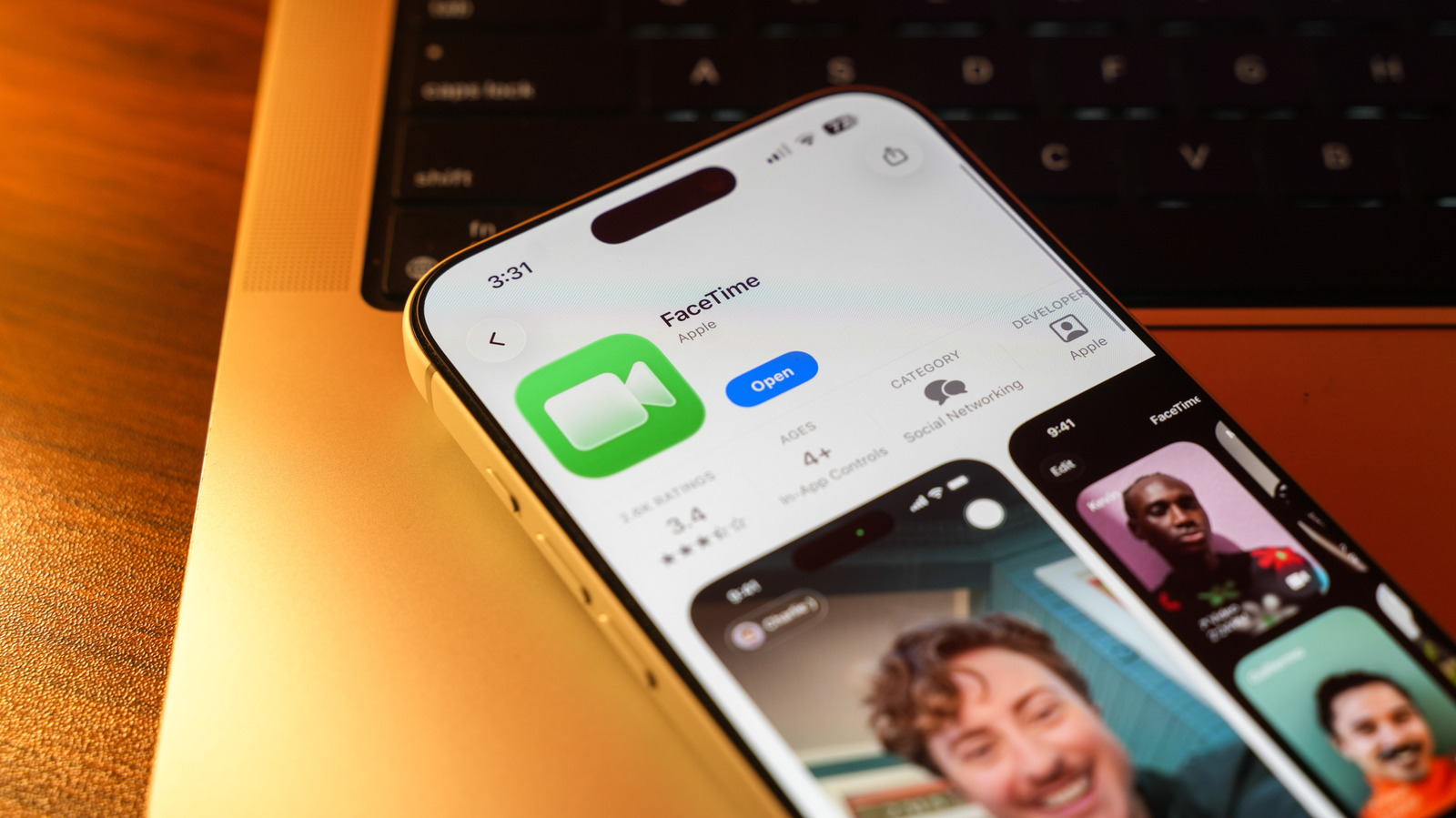
Open the link sent by an iPhone user, enter your name, grant camera and microphone permissions, and tap Join. Use Chrome or Edge for best results.
iPhone users send the invite
Open FaceTime on iPhone, tap New Call, then tap the green link button to generate a shareable link. Send it via Messages, WhatsApp, or any app.
Some features don't work
Screen sharing and SharePlay are not available when joining from Android or Windows. You get basic audio and video calling with mute and camera flip options.
Consider other options too
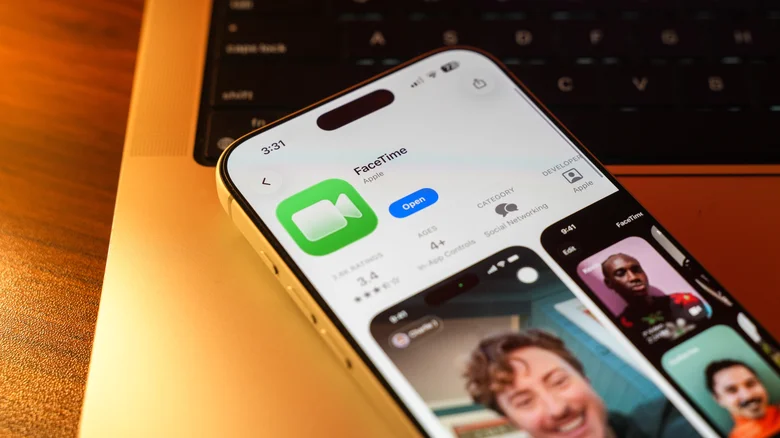
WhatsApp, Telegram, Zoom, and Google Meet all work across platforms and may offer a better experience than using FaceTime through a web browser.
The headline
Any Android or Windows user can join a FaceTime call if an iPhone user sends them a link, no Apple account needed.