From Engadget · Filipe Espósito · · 1m 30s
MagSafe vs USB-C: how to charge a MacBook
One connector saves your laptop from a tripped cable, the other saves space in your bag. Here is when each wins.
In brief
One connector saves your laptop from a tripped cable, the other saves space in your bag. Here is when each wins. MagSafe is the safer, faster default for most MacBooks, but a good USB-C cable is the one you want when you are packing light. Originally reported by Engadget.
Two ways to fill the battery
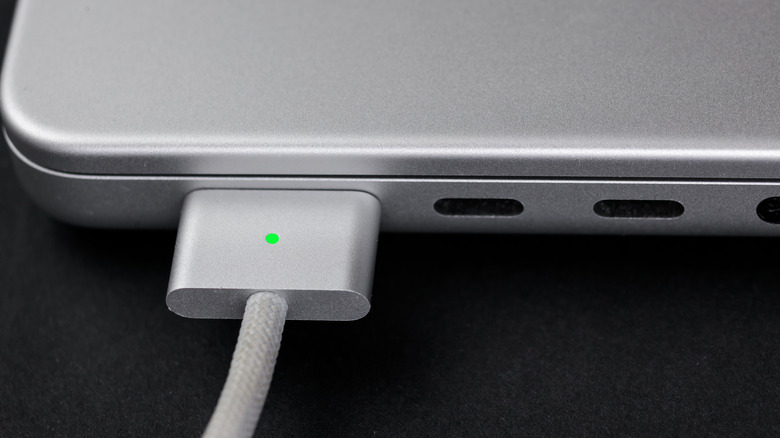
Modern MacBooks take a charge through the magnetic MagSafe port or through USB-C. You cannot use both at once, and either one does the job.
“they can both be great charging options depending on what you need at a given moment”
Not the iPhone MagSafe
The iPhone version runs on the Qi wireless standard. The MacBook uses a proprietary plug, and MagSafe 1, 2 and 3 are not cross-compatible with each other.
The trip-over test
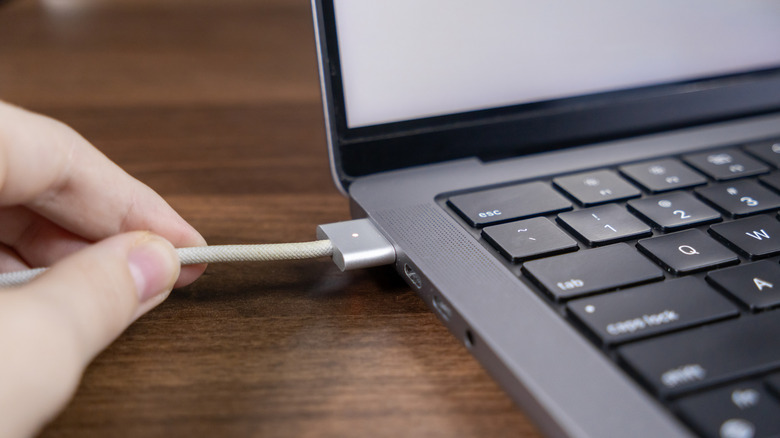
Yank a MagSafe cable and it pops off the laptop. Yank a USB-C cable and there is a good chance the Mac comes with it, onto the floor.
“It won't pull your MacBook down with it.”
MagSafe charges faster
On a 2021 MacBook Pro or 2022 Air and later, MagSafe hits 140W with Apple's $99 adapter. That is 50 percent battery in half an hour.
“a 50 percent charge in just 30 minutes”
Most USB-C cables are slow
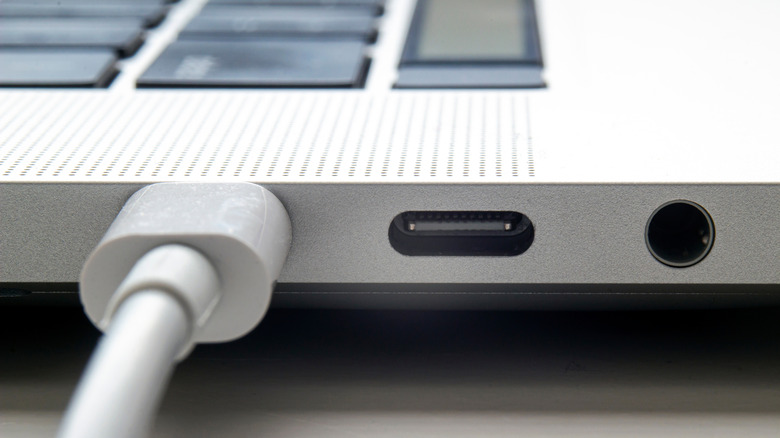
The usual USB-C cable tops out at 60W, less than half of MagSafe. Only special cables push 100W or 240W, so check before you buy.
One cable for everything
USB-C wins for travel: a single charger covers Mac, iPhone and iPad. MacBook Pros after November 2023 also take 240W over USB-C. Pack one of each.
“MagSafe is for Macs only.”
The one thing
MagSafe is the safer, faster default for most MacBooks, but a good USB-C cable is the one you want when you are packing light.





