From Engadget · Husain Parvez · · 1m 50s
NVMe vs. SATA SSD: Speed and practicality
NVMe drives are faster, but SATA SSDs still have a place in your PC depending on your needs and budget.
In brief
NVMe drives are faster, but SATA SSDs still have a place in your PC depending on your needs and budget. NVMe SSDs offer much faster speeds than SATA, but SATA remains viable for older PCs, secondary storage, and budget builds where performance gains may not justify the cost. Originally reported by Engadget.
Two types of solid-state drives
When buying an SSD, you choose between SATA and NVMe. Both use flash memory and are much faster than mechanical hard drives, but they communicate with your computer differently.
SATA has a speed ceiling
SATA III has a theoretical maximum of six hundred megabytes per second, though fast consumer drives generally run around five hundred to five hundred sixty megabytes per second.
NVMe is built for speed
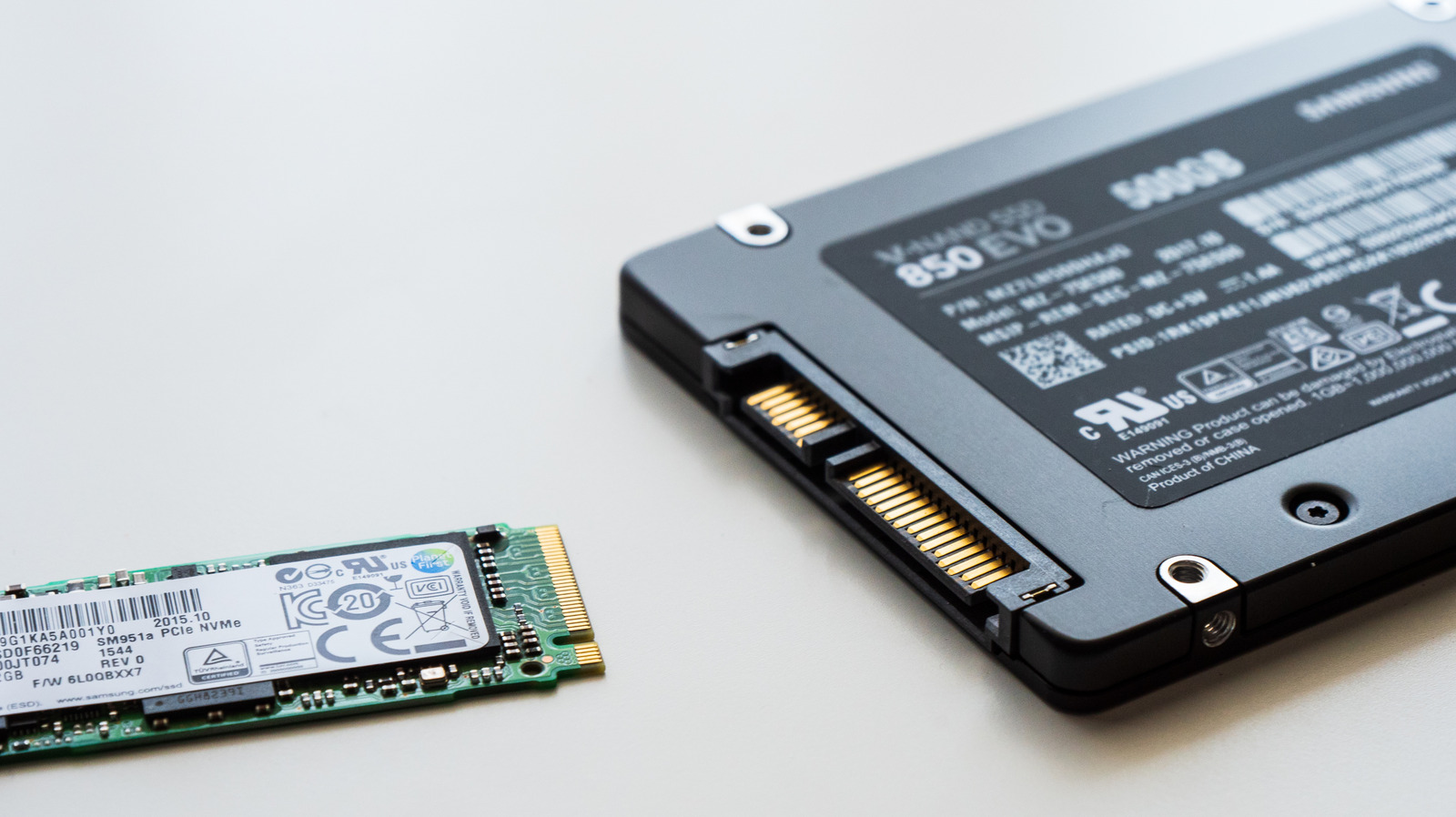
NVMe, short for Non-Volatile Memory Express, was designed for solid-state storage and communicates over P C I e. An older P C I e Gen three drive achieves about three thousand five hundred megabytes per second, while current Gen five drives approach fifteen thousand megabytes per second.
Your motherboard slot matters
Not all M.2 slots on a motherboard are wired the same way. A high-performance drive might use four P C I e lanes, but another slot may provide only two lanes or run at an older P C I e generation, becoming a bottleneck.
Real-world performance gains are modest
NVMe excels with large file transfers and video editing, but under normal use the speed difference is less pronounced. Windows boot times, browser opening and game loading won't be several times faster just from upgrading to NVMe.
When to choose each drive type
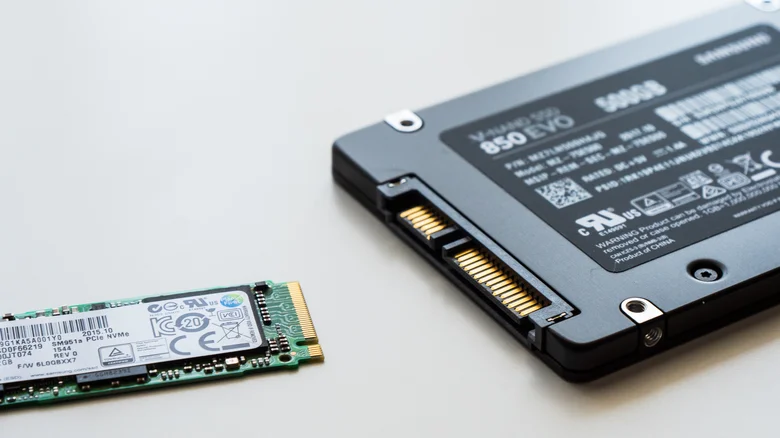
If your PC supports NVMe and a compatible drive costs about the same as SATA, choose NVMe. SATA remains viable for older PCs, secondary storage, or desktops that have used up their M.2 slots. Microsoft lists NVMe as required for Windows eleven games using DirectStorage.
The takeaway
NVMe SSDs offer much faster speeds than SATA, but SATA remains viable for older PCs, secondary storage, and budget builds where performance gains may not justify the cost.





