From Engadget · Calvin Wankhede · · 1m 50s
Revive your old PC with free ChromeOS Flex
Google's ChromeOS Flex lets you install a lightweight operating system on aging Windows PCs for free, extending their useful life after security updates end.
In brief
Google's ChromeOS Flex lets you install a lightweight operating system on aging Windows PCs for free, extending their useful life after security updates end. ChromeOS Flex is a free, official way to breathe new life into old computers that no longer receive security updates, requiring only modest hardware and about an…
When your PC stops getting updates
Windows 10 reached end of life in October 2025, and older Macs will lose support soon too. But outdated hardware doesn't have to become useless.
ChromeOS Flex offers a lightweight alternative
Google's ChromeOS requires fewer resources than Windows and runs smoothly on older computers. You can now install it on your own hardware for free.
Check your hardware first

You need an Intel or AMD CPU from 2013 or later, 4GB of RAM, and 16GB of storage. These are modest requirements compared to Windows 11.
Gather what you need
Get an 8GB USB flash drive, a working computer with Chrome installed, and the Chromebook Recovery Utility extension. The whole process takes about an hour.
Create installation media
Open the Recovery Utility in Chrome, select ChromeOS Flex from the dropdown, and let it prepare your USB drive. This creates the bootable installation media.
Boot and install the OS
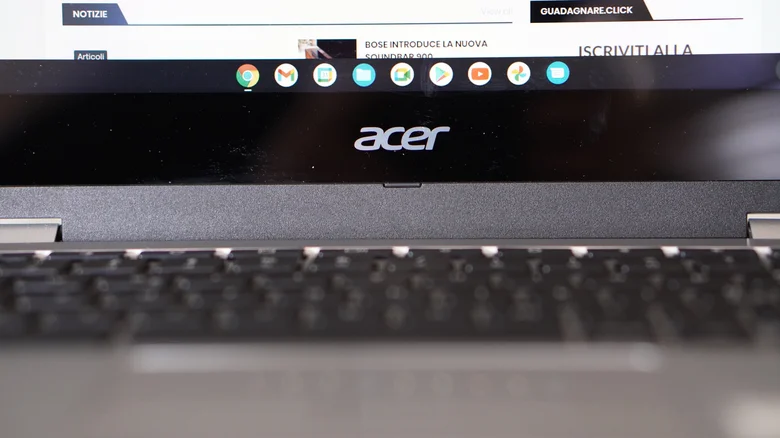
Insert the USB drive into your target PC, press F10, F12, or Delete during startup to enter the boot menu, select the USB drive, and follow the setup wizard to install.
Know the limitations

ChromeOS Flex lacks biometric login, the Google Play Store, and Android apps. Support duration varies by hardware, and you can't officially dual-boot with Windows.
Perfect for lightweight computing
ChromeOS Flex is ideal for old but functional PCs that mainly need web browsing. It's simpler than installing Linux and requires no technical expertise.
The bottom line
ChromeOS Flex is a free, official way to breathe new life into old computers that no longer receive security updates, requiring only modest hardware and about an hour to install.





