From Engadget · Robin Bea · · 1m 30s
Samsung's Now bar fix costs you a feature
Moving Samsung's lock screen Now bar to the bottom requires turning off either your fingerprint reader or the bar itself.
In brief
Moving Samsung's lock screen Now bar to the bottom requires turning off either your fingerprint reader or the bar itself. Samsung's One UI automatically moves the Now bar up when a bottom-mounted fingerprint reader is active, and users must disable one feature to restore the bar's default position. Originally reported…
The positioning problem
On some phones, the Now bar sits in the middle third of the screen instead of at the bottom by default, covering other widgets and making them harder to read or tap.
Why it moves up
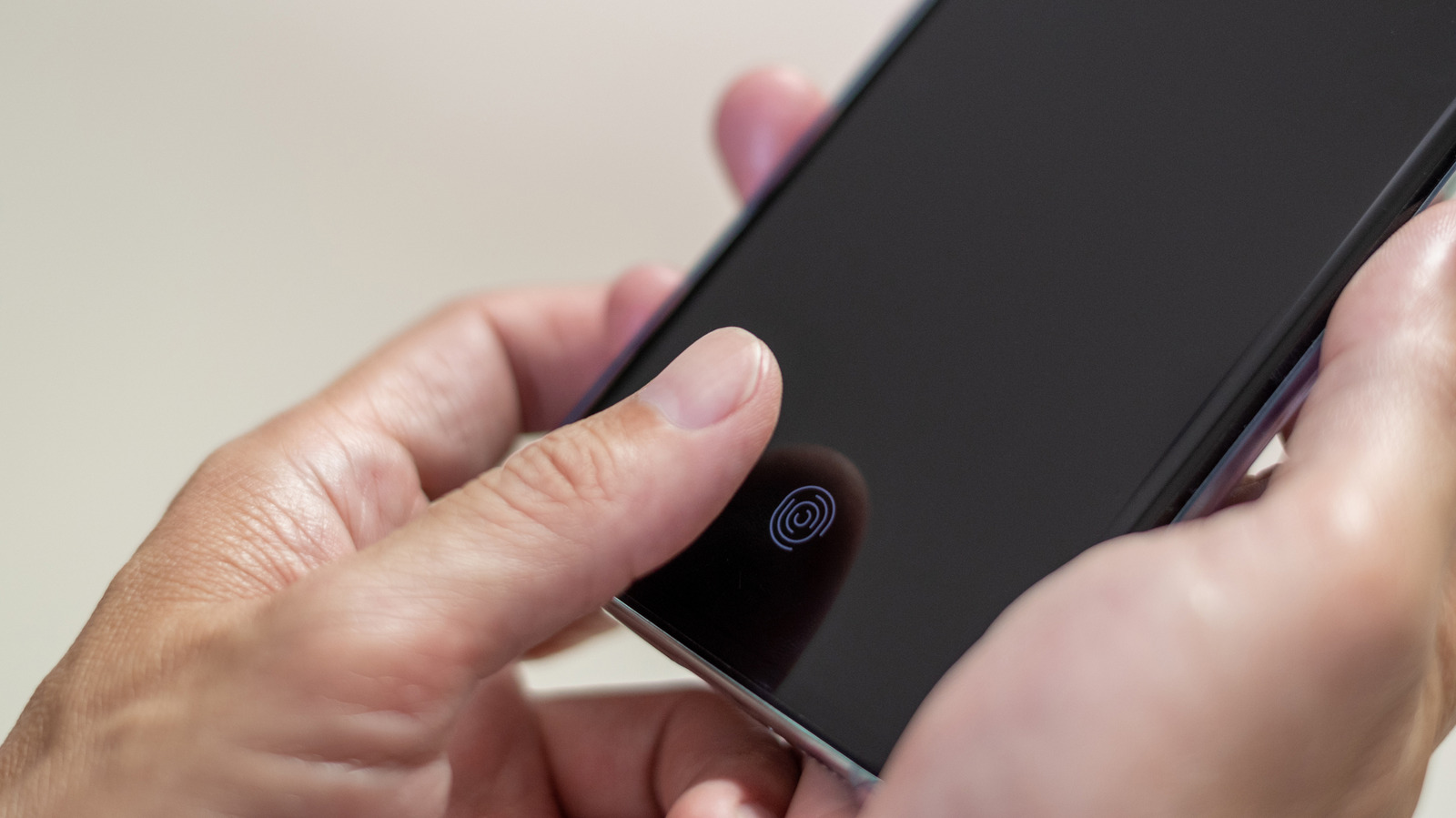
One UI automatically pushes the Now bar up above the fingerprint reader when both are turned on so they do not overlap. There is no way to reposition either feature.
Solution one: disable fingerprint
To move the Now bar back to the bottom, turn off your fingerprint reader entirely in Settings, Security and privacy, then Screen lock and biometrics. You can use a password or face recognition instead.
Solution two: disable the Now bar
Turn off the Now bar in Settings, Lock screen, then Now bar. You can toggle which apps have access individually. Keep media player on if you want lock screen media controls.
The short version
Samsung's One UI automatically moves the Now bar up when a bottom-mounted fingerprint reader is active, and users must disable one feature to restore the bar's default position.
Read the TL;DR — this story on one card.