From Engadget · Karissa Bell · · 1m 30s
Snap's new AI assistant works with AR glasses
Snap launches Specs Intelligence, an AI service built for its redesigned AR glasses and available as standalone apps.
In brief
Snap launches Specs Intelligence, an AI service built for its redesigned AR glasses and available as standalone apps. Snap is betting on AI as a core part of its hardware strategy, positioning Specs Intelligence as a productivity tool that works across glasses, mobile, and desktop. Originally reported by Engadget.
Snap bets big on AI
Snap is introducing Specs Intelligence, a standalone AI assistant designed to work with its new AR glasses and available through mobile and desktop apps.
It learns your priorities
Specs Intelligence builds understanding of your goals, priorities, relationships, and routines by connecting to outside accounts like Google.
“Specs Intelligence builds an understanding of your goals, priorities, relationships, and routines from the apps and tools you choose to connect”
Productivity features built in
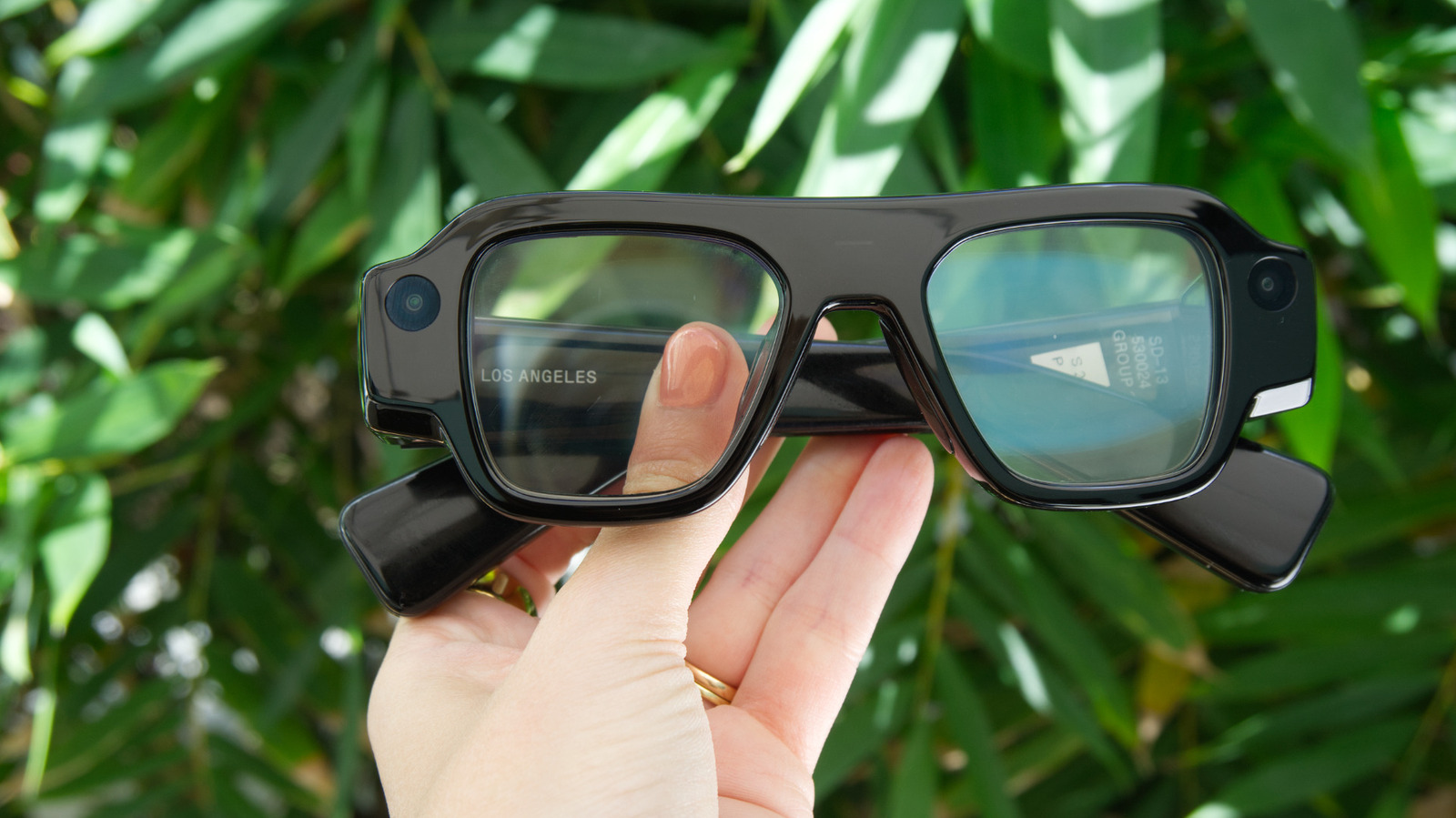
The assistant can highlight questions to ask before meetings, show travel plans ahead of trips, and organize tasks into different contexts like work and family.
Voice control on glasses
Specs owners can ask questions by saying "Hey Specs" to surface relevant information directly in their field of view, similar to how Meta AI works with its glasses.
Privacy promises included
Snap says it won't use Specs Intelligence to train AI models or serve ads, and that Snap personnel cannot view or access your personal content.
“Snap personnel cannot view or access the personal content you use with the service”
Limited preview available now
A preview version is available on iOS through the Specs app, letting users connect Google accounts to see insights about their time and attention, with full features coming invite-only on Mac.
The big picture
Snap is betting on AI as a core part of its hardware strategy, positioning Specs Intelligence as a productivity tool that works across glasses, mobile, and desktop.





