From Engadget · Adnan Ahmed · · 1m 30s
Steal MagSafe for your Android phone
Two cheap tricks let almost any Android phone snap onto Apple's magnetic accessories.
In brief
Two cheap tricks let almost any Android phone snap onto Apple's magnetic accessories. A magnetic case or a stick-on ring adapter unlocks the whole MagSafe accessory shelf for an Android phone, no Qi2 required. Originally reported by Engadget.
MagSafe actually stuck
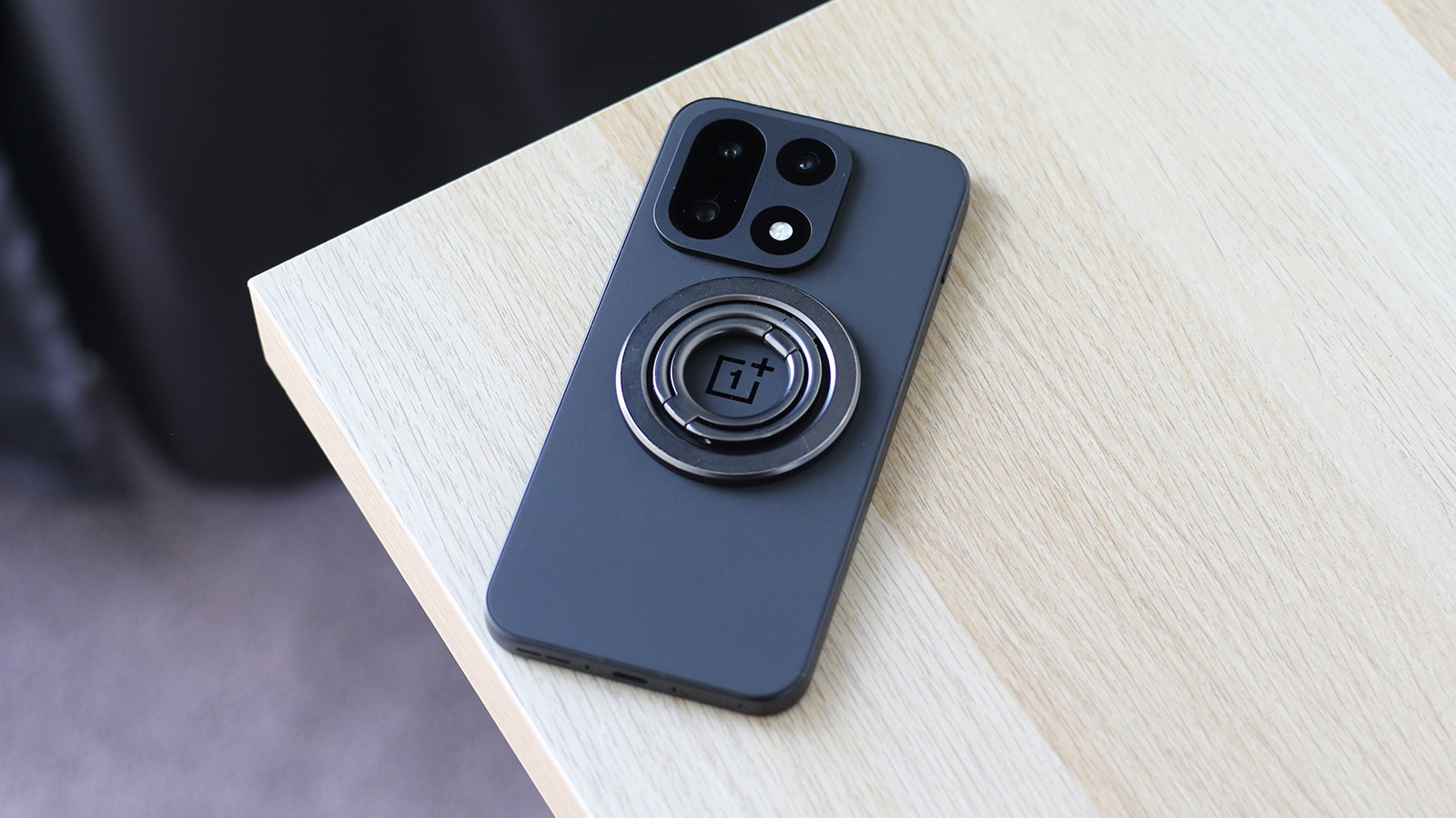
Magnetic phone accessories had flopped before, with Moto Mods and Essential's connector both dying off. Apple's 2020 version became core to the iPhone instead.
“MagSafe has become part of the iPhone's DNA”
Android is catching up slowly
Qi2 brought magnets to a handful of Android phones, like Google's Pixelsnap and the 2024 HMD Skyline. Most Android phones still ship without them.
You don't need built-in magnets
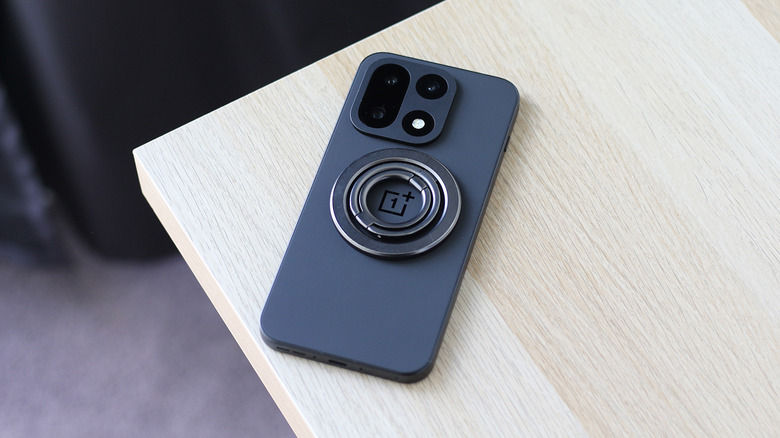
The right case or a stick-on magnetic ring makes nearly any Android phone work with MagSafe gear. Wireless charging needs the magnets aligned, but wallets and PopSockets work regardless.
Option one: a magnetic case
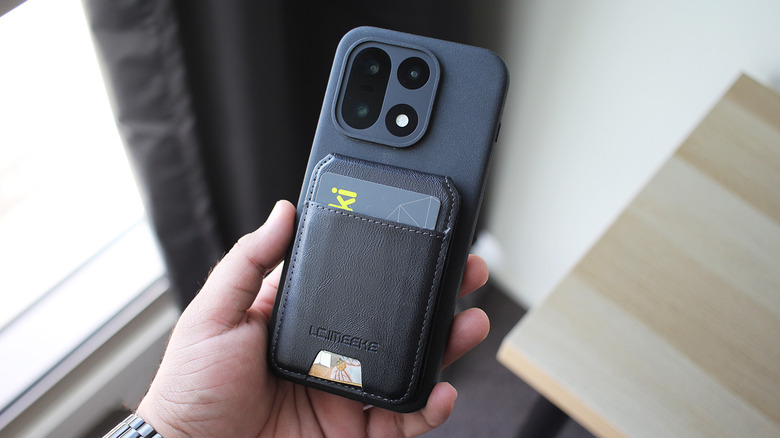
Samsung and OnePlus sell official magnetic cases, and third-party versions are often much cheaper. Look for the ring printed on the back or visible inside the case.
“Just slide your phone in, and you're ready to start using MagSafe accessories.”
Option two: a ring kit
Conversion rings stick onto your existing case with 3M adhesive. ESR's MagSafe Sticker has over 12,500 Amazon reviews, but it is meant for a case, not bare glass.
Test the grip first
Before trusting a car mount or a wallet, tug on it and make sure the hold is solid. Plenty of third-party cases actually grip harder than a bare iPhone does.
“many third-party cases actually offer a stronger magnetic hold than you'd get with a caseless iPhone”
Here's the gist
A magnetic case or a stick-on ring adapter unlocks the whole MagSafe accessory shelf for an Android phone, no Qi2 required.