From Engadget · Kari Paul · · 2m
Stop fake virus pop-ups scaring you into malware
Scareware tactics trick millions into downloading actual malware by mimicking urgent security warnings.
In brief
Scareware tactics trick millions into downloading actual malware by mimicking urgent security warnings. Fake virus pop-ups are scams designed to panic users into installing malware or calling bogus support numbers; closing them safely and blocking notification permissions prevents infection. Originally reported by…
What scareware actually is
Fake virus pop-ups are scams called scareware that trick you into downloading real malware or calling bogus tech support numbers. They use alarming warnings to create panic.
How widespread the problem is
One scareware strain called CypherLoc has hit more than two point eight million people since the start of twenty twenty-six, according to security firm Barracuda.
What scammers want from you
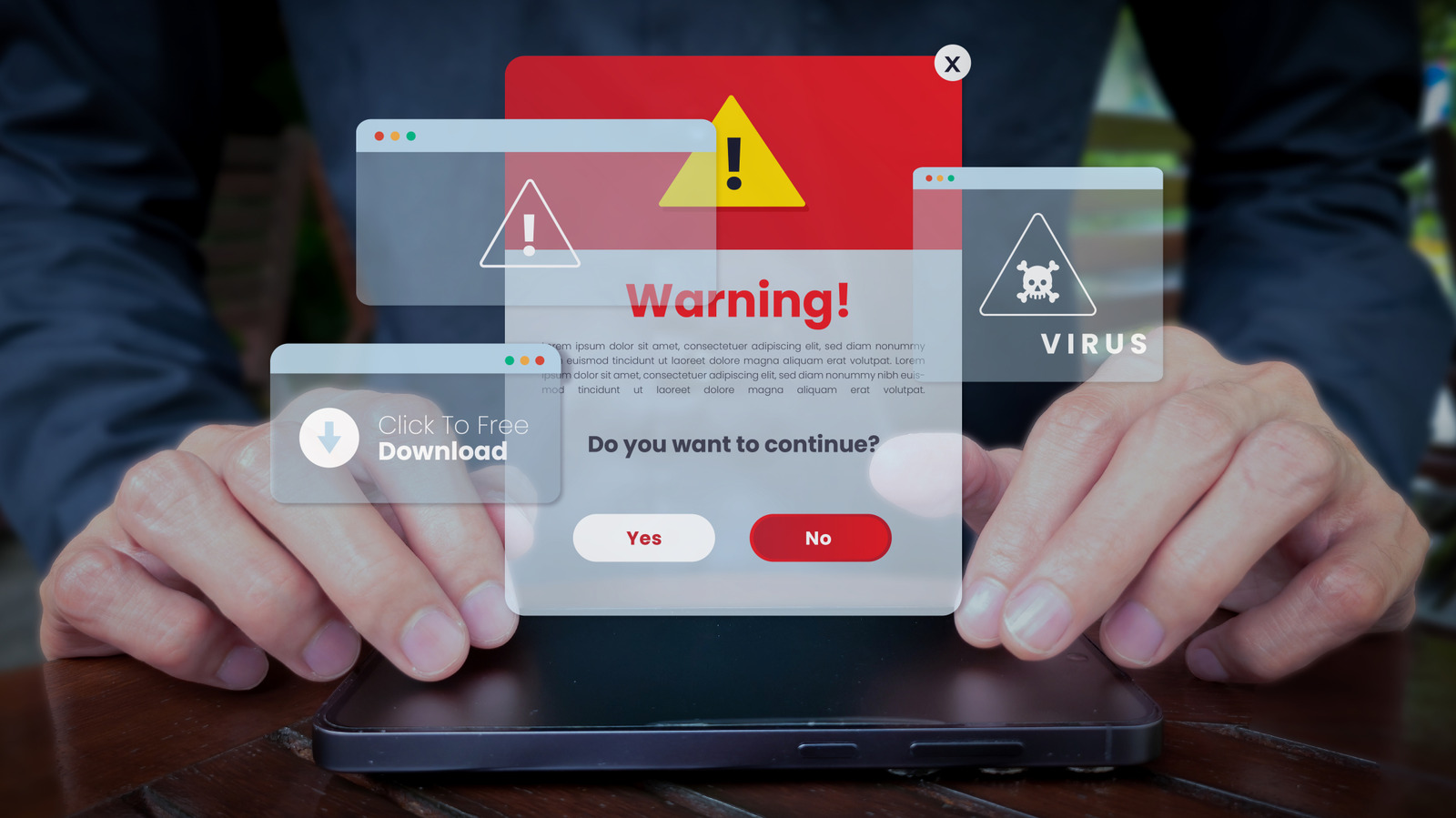
Scareware attacks aim to gain computer access or steal money. They direct you to call fake support numbers, download malicious anti-malware scanners, or hand over payment information.
How scareware creates urgency
Pop-ups use dramatic wording like Critical Threat Detected, flashing lights, bright colors and alarm sounds. Some play robotic voices announcing critical Microsoft security alerts or display your IP address.
“Critical Threat Detected!”
How you get infected
Fake virus alerts come from unsafe links, malicious websites or rogue ads on legitimate pages. Cybercriminals abuse advertising spaces so clicking a compromised banner redirects you to fake security warnings.
Notification permission abuse
Websites trick you into allowing notifications by saying Click Allow to read more. Once approved, sites send push notifications through Windows notification center that look like official warnings.
“Click Allow to read more.”
Close full-screen pop-ups safely
Do not click anything on full-screen virus warnings. Use Shift plus Escape in Chrome, Edge or Firefox to open the browser task manager and close the suspicious tab with End Task.
Force-quit your browser if needed
If the task manager does not work, press Ctrl plus Shift plus Esc to open Task Manager, find your browser in the Processes tab and choose End task to close it completely.
Block future notifications
Delete recent cookies with Ctrl plus Shift plus Del. Check notification permissions in Settings, then Privacy and security, Site settings, Notifications and remove unknown websites from the allowed list.
Protect yourself going forward
Run regular computer scans with Microsoft Defender or Malwarebytes. Install the Malwarebytes Browser Guard extension for extra protection against malicious pop-ups and trackers.
What to remember
Fake virus pop-ups are scams designed to panic users into installing malware or calling bogus support numbers; closing them safely and blocking notification permissions prevents infection.