From Engadget · Isaac Egbon · · 1m 30s
Turn your Galaxy Z Fold 8 into a desktop PC
Samsung DeX now works on the Z Fold 8's massive inner screen thanks to a clever third-party app.
In brief
Samsung DeX now works on the Z Fold 8's massive inner screen thanks to a clever third-party app. The Gadesk app lets you run Samsung DeX directly on your Z Fold 8's 7.6-inch inner screen without needing an external monitor. Originally reported by Engadget.
Samsung DeX turns phones into desktops
Since 2017, Samsung DeX has let users connect their Galaxy devices to external displays and use them like full desktop computers with mouse and keyboard support.
“Samsung DeX is an excellent tool that allows users to easily turn their Galaxy device into a full-on desktop.”
Foldable screens changed the game
The Z Fold 8's 7.6-inch inner screen is finally large enough to run a desktop interface directly, making external monitors unnecessary.
Meet Gadesk, the enabling app
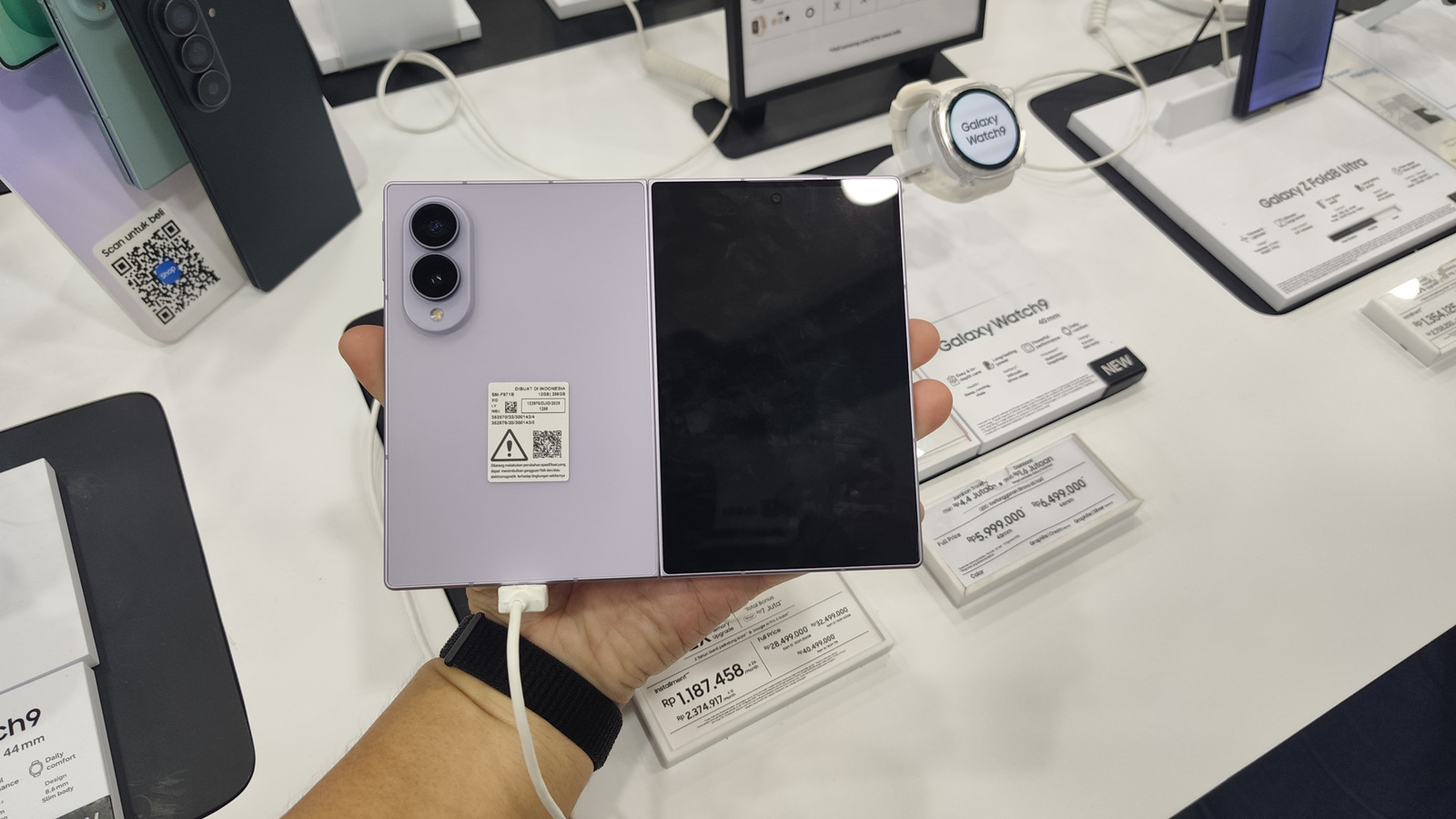
Gadesk is a Play Store app that tricks your Z Fold 8 into thinking it's connected to an external display, letting you run DeX directly on the inner screen.
Setup takes just a few minutes
Turn off Auto Blocker, enable wireless debugging in Developer options, pair your device with Gadesk, grant accessibility permissions, and tap Start desktop.
Customize your desktop experience
Switch from landscape to portrait mode for better multitasking, enable a virtual trackpad with custom gestures, and adjust opacity to your liking.
Free version has limits
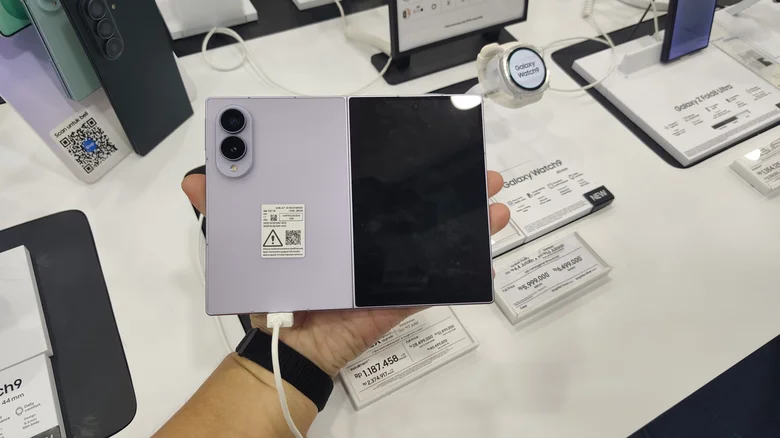
The free Gadesk app caps DeX sessions at 15 minutes and shows ads. A one-time twenty dollar upgrade removes both restrictions.
Works on other devices too
Gadesk supports other DeX-capable Galaxy phones running One UI 8 or later, plus Google Pixel devices with built-in desktop Android mode.
The short version
The Gadesk app lets you run Samsung DeX directly on your Z Fold 8's 7.6-inch inner screen without needing an external monitor.