From Engadget · Filipe Espósito · · 1m 40s
Turn your iPad into a second screen for Mac or PC
Your iPad can become a productive external display with built-in tools or third-party apps, boosting your workspace anywhere.
In brief
Your iPad can become a productive external display with built-in tools or third-party apps, boosting your workspace anywhere. Sidecar makes it free and easy for Mac users, while Windows users have paid alternatives like Duet Display or Luna Display. Originally reported by Engadget.
iPad as external display
Your iPad can work as a portable second screen for your Mac or Windows PC, boosting productivity on the go without needing a dedicated external monitor.
Sidecar: Mac's built-in solution
Sidecar is Apple's free tool that turns your iPad into a secondary display for Mac. Both devices must be signed into the same iCloud account to work.
How to enable Sidecar
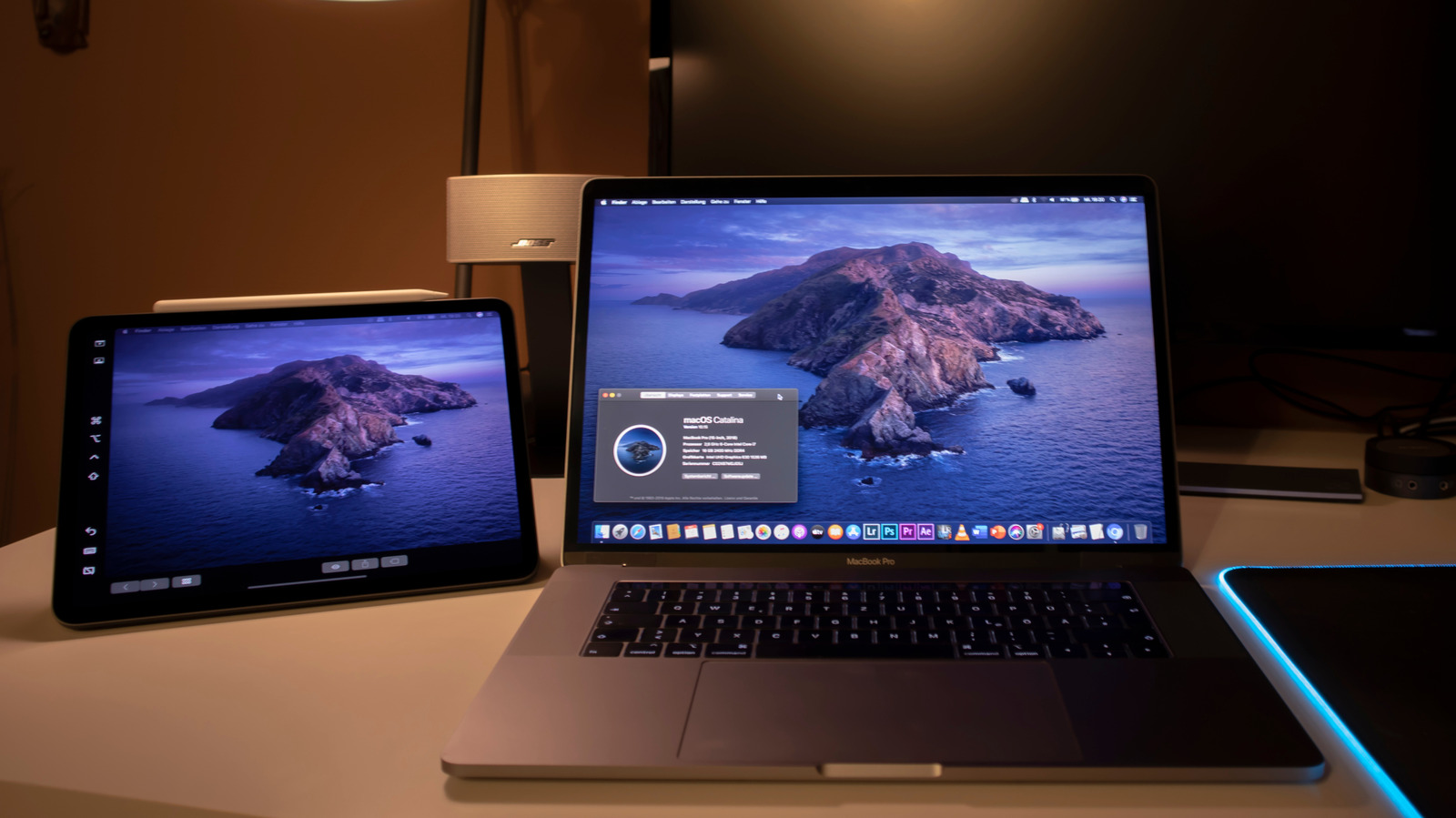
Open Control Center on your Mac, find Screen Mirroring, and select your iPad. It instantly becomes a secondary display with full resolution and adjustable placement.
Universal Control for seamless input
Universal Control lets you move your cursor between Mac and iPad, send input either way, and drag and drop files between devices. Both must use the same iCloud account and have two-factor authentication enabled.
Duet Display for Windows
Duet Display replicates Sidecar's features on Windows and Mac, offering more controls than Apple's solution. It requires a paid license and installation on both devices.
Luna Display: dongle-based option
Luna Display uses a seventy-nine dollar dongle that plugs into your computer for wireless transmission. No subscription needed, and it works with Mac or Windows, plus offers headless mode for Mac mini.
Apple Pencil and accessories
All three solutions let you use your Apple Pencil for navigation and drawing on your Mac, turning your iPad into a graphics tablet. A stand and wired connection improve the experience.
The takeaway
Sidecar makes it free and easy for Mac users, while Windows users have paid alternatives like Duet Display or Luna Display.





