From Engadget · Max Miller · · 3m
Tweak your Samsung display to match your needs
Samsung phones ship with display settings locked down. Here's how to unlock resolution, refresh rate, brightness and more.
In brief
Samsung phones ship with display settings locked down. Here's how to unlock resolution, refresh rate, brightness and more. Samsung Galaxy phones have hidden display settings that let you boost resolution, refresh rate and brightness, though they drain battery faster. Originally reported by Engadget.
Samsung locks down display power
Samsung Galaxy flagship phones arrive with resolution and refresh rate artificially capped below their actual capabilities. Users can unlock these features through settings.
Boost resolution and refresh rate
Open Settings, select Display, then Motion smoothness and set to Adaptive. Go back to Display, tap Screen resolution and select the highest option available.
Higher settings drain battery faster
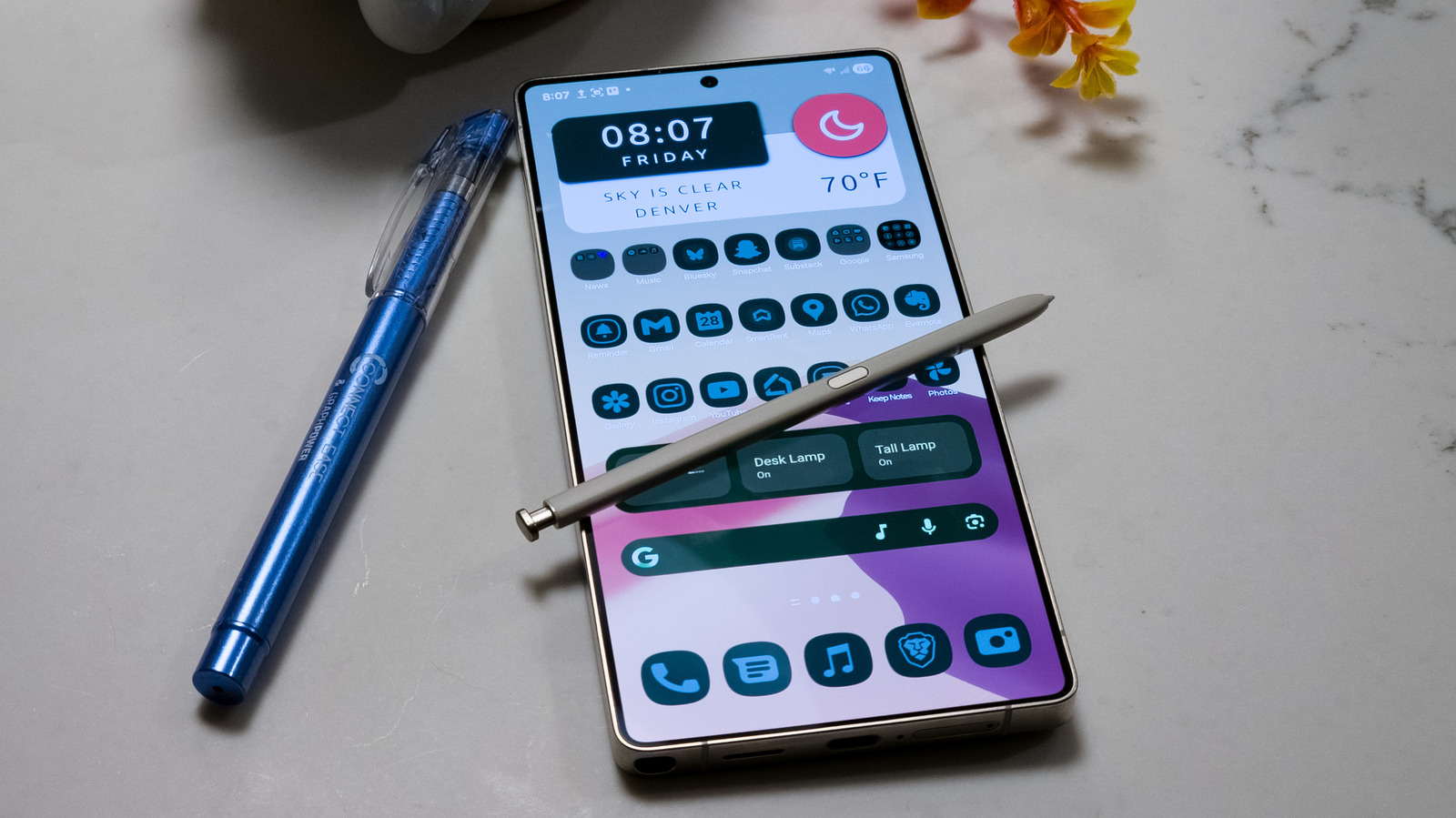
Both maximum resolution and refresh rate consume extra battery. Users should consider whether they are willing to make that trade-off before enabling them.
Choose your color mode
Samsung defaults to Vivid mode, which boosts sharpness and saturation but sacrifices accuracy. Switch to Natural for true-to-life colors or customize Vivid further.
Make your screen brighter in sunlight
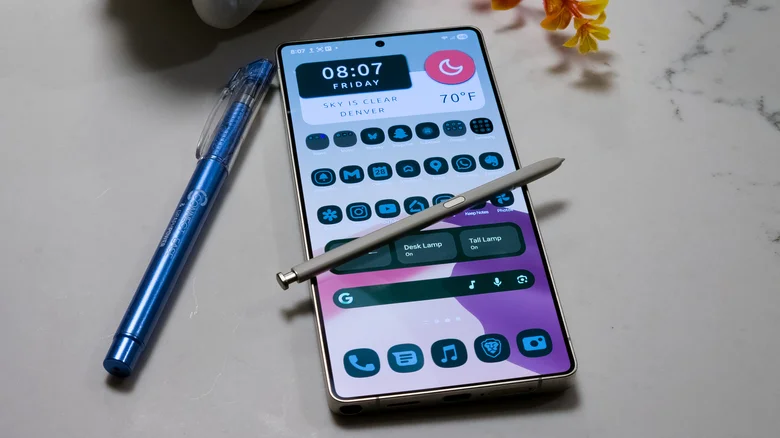
Turn off Adaptive brightness in the Quick Panel brightness settings. A new Extra brightness toggle will appear, letting the screen exceed normal maximum brightness.
Dim your screen for bedtime
Go to Accessibility, then Vision enhancements and toggle on Extra dim. Enable the Extra dim shortcut option to add a Quick Panel toggle for instant access.
Keep screen on without sleep mode
Download Good Lock from the Galaxy Store and install the Display Assistant module. This adds a Keep screen on toggle to the Quick Panel for half-hour intervals.
Filter blue light for comfort
Find Eye comfort shield in the Quick Panel or Display settings. Hold down the toggle to choose Adaptive or Custom temperature modes and set a daily schedule.
Here's the gist
Samsung Galaxy phones have hidden display settings that let you boost resolution, refresh rate and brightness, though they drain battery faster.
Read the TL;DR — this story on one card.