From Engadget · Thomas Godwin · · 1m 20s
USB-C flash drives are not always faster
USB-C wins on convenience, but speed still comes from the drive, port and USB standard.
In brief
USB-C wins on convenience, but speed still comes from the drive, port and USB standard. Buy for the devices you actually use, then check read and write speeds before trusting the connector. Originally reported by Engadget.
USB-C wins convenience
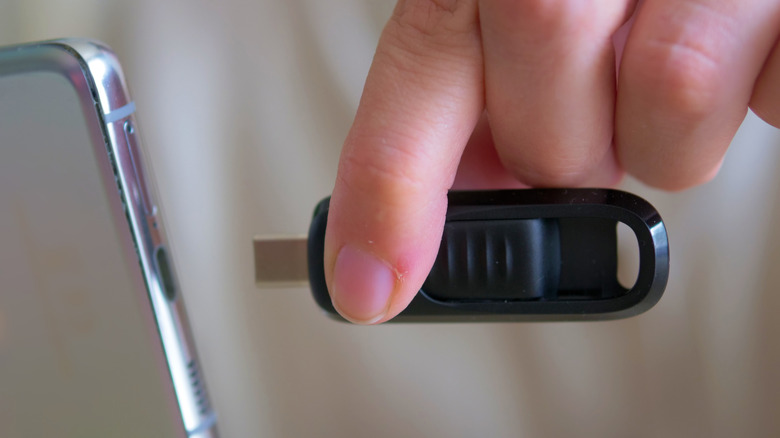
USB-C is smaller, reversible and common on newer phones, tablets and laptops. For moving photos, videos and documents from a phone, it is the easier fit.
“USB-C beats USB-A on convenience.”
Speed is separate
A USB-C plug does not make a drive fast. A USB-C drive using USB 2.0 can lose to a USB-A drive using USB 3.2.
“USB-A and USB-C are merely descriptors”
Ports set limits too
The device port matters as much as the drive. A fast USB-C stick in a USB 2.0 port will only run at USB 2.0 speeds.
“You can't assume one is faster than the other based on the connection technology.”
USB-A still works
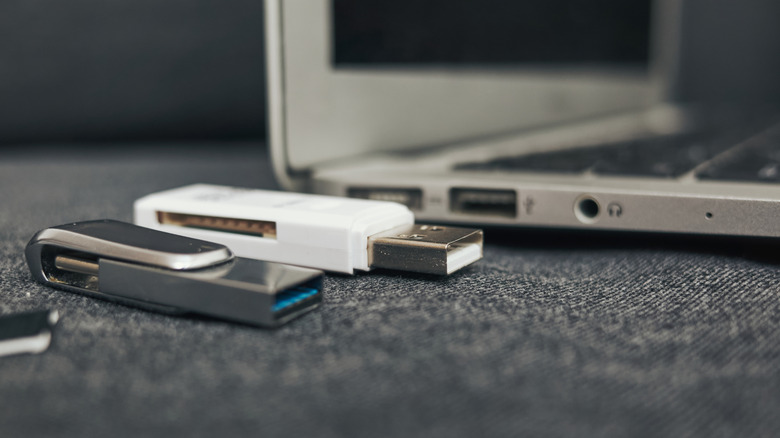
USB-A remains common on desktops, TVs, cars, game consoles, routers and older laptops. It is still handy for boot drives, firmware updates and shared equipment.
“USB-A remains a practical option and is anything but obsolete.”
Pick by your gear
Choose USB-C for newer computers and phone transfers. Choose USB-A when compatibility with older devices matters more than convenience.
Dual-ended is safest
A dual USB-C and USB-A drive avoids adapters, but it is not automatically fast. Check the maker's read and write specs before buying.
“The most flexible option is a dual-ended USB-C/USB-A flash drive.”
The key point
Buy for the devices you actually use, then check read and write speeds before trusting the connector.





