From Engadget · Deven McClure · · 1m 50s
What the orange light on your PlayStation 5 means
The orange glow on your PS5 isn't a warning. It just means the console is in Rest Mode, saving power while staying ready to work.
In brief
The orange glow on your PS5 isn't a warning. It just means the console is in Rest Mode, saving power while staying ready to work. An orange light on a PlayStation 5 indicates Rest Mode, a power-saving feature that lets the console perform basic tasks while consuming only a few watts. Originally reported by Engadget.
Orange light means Rest Mode
An orange light on your PlayStation 5 is not a warning. It simply means the console has entered Rest Mode, a power-saving feature that is nothing to worry about.
“Unlike many orange icons and lights, this one isn't a warning sign.”
What Rest Mode does
Rest Mode saves power while allowing your PlayStation 5 to perform basic tasks. Depending on your settings, it can charge controllers and download games while consuming only a few watts.
How to enter Rest Mode
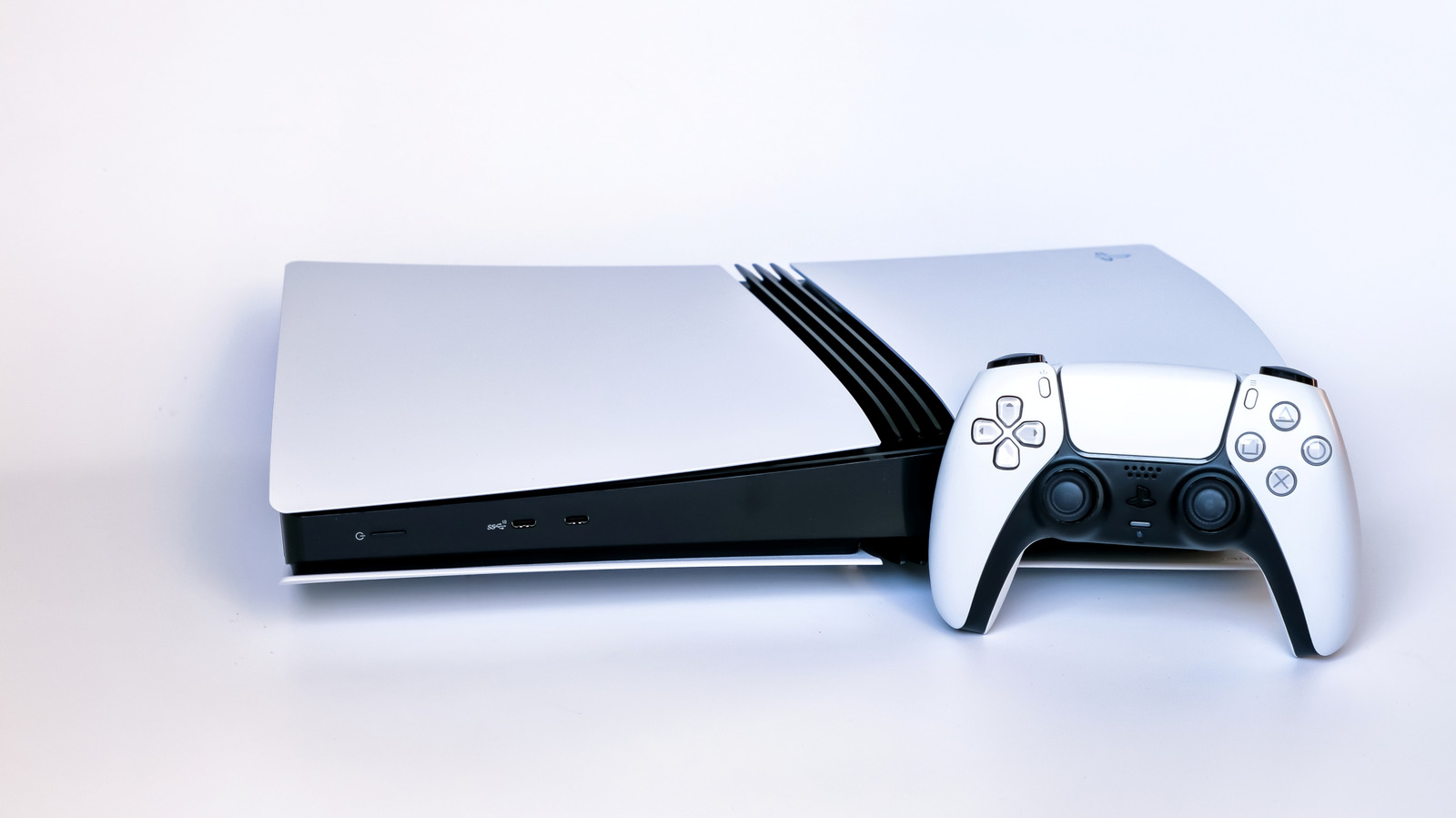
Press the power button on the front of your console for a moment. Alternatively, press the PS button on your controller, go to Power, then select Enter Rest Mode.
Adjust Rest Mode timing
From your home screen, select Settings, then System, then Power Saving. Choose Set Time Until PS5 Enters Rest Mode to adjust when your console enters Rest Mode after inactivity.
Configure Rest Mode features
In Power Saving settings, select Features Available in Rest Mode to choose what your PS5 does while resting. You can enable USB power, game updates, cloud saves, or remote play.
Real warning signs to watch

Overheating is a common PS5 problem, shown by unexpected shutdowns, loud air flow, or on-screen temperature warnings. GPU failure appears as screen flickering, static, or multicolored lines.
When to seek professional repair
If overheating persists after cleaning dust and improving ventilation, have a professional replace the thermal paste. For GPU failure, send your console to Sony for repair or visit a specialized repair shop.
What to remember
An orange light on a PlayStation 5 indicates Rest Mode, a power-saving feature that lets the console perform basic tasks while consuming only a few watts.