From Engadget · Roger Fingas · · 1m 50s
What's actually in your home network
Understand the difference between routers, modems and gateways, and why you should consider buying your own equipment instead of renting from your ISP.
In brief
Understand the difference between routers, modems and gateways, and why you should consider buying your own equipment instead of renting from your ISP. Most home networks use modems, routers or combined gateways, but ISP-supplied equipment is often outdated. Buying your own router can save money and unlock faster…
Why home networking matters
Most people ignore their home network until something breaks. Understanding your equipment helps you troubleshoot problems, know what you're paying for, and decide what you actually need.
What a modem does
A modem, short for modulator-demodulator, translates signals from a cable or phone line into digital form your devices understand. It is the device that talks to the internet.
“a modem is the device that talks to the internet”
What a router does
Routers steer modem data to individual devices over Wi-Fi or Ethernet cables. They also direct local data, act as smart home hubs, and defend your network through firewalls and traffic management tools.
What a gateway is
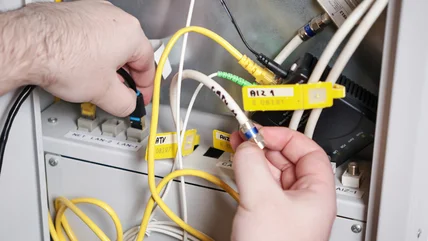
A gateway merges a modem and router into a single device. ISPs frequently include gateways at no additional charge in monthly plans, offering simplicity but limited features compared to separate units.
ISP equipment is outdated
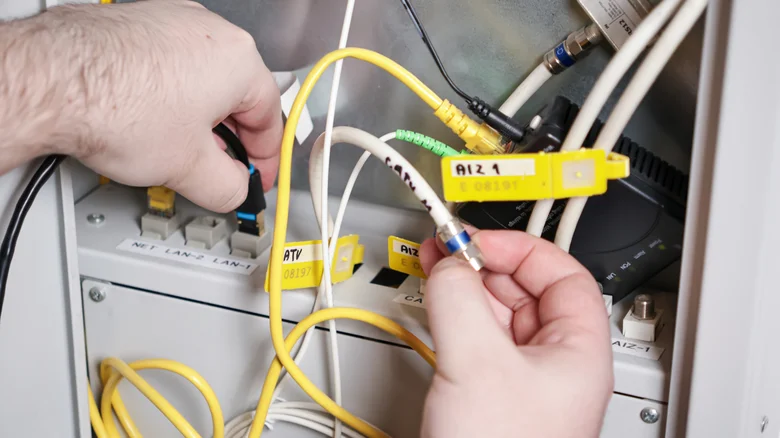
ISP-supplied gateways or routers are cheap, lowest-common-denominator setups. They often lack Wi-Fi 6E or 7, which include a faster six gigahertz band, and use non-mesh configurations that create dead zones.
The cost of renting upgrades
AT and T's All-Fi Pro costs twenty five dollars per month for Wi-Fi seven and mesh extenders. In two years you spend six hundred dollars, enough to own your own mesh system outright.
Buy your own router instead
Owning your own mesh system costs less than two years of rental fees and works with any ISP. Put ISP equipment into bridge mode to use your own router and unlock modern speeds and coverage.
The short version
Most home networks use modems, routers or combined gateways, but ISP-supplied equipment is often outdated. Buying your own router can save money and unlock faster Wi-Fi standards like Wi-Fi 7.