From Engadget · Jonny Evans · · 2m
Why you should turn off your phone to swap SIM cards
You can swap SIM cards with your phone on, but powering down first prevents software glitches and takes just minutes.
In brief
You can swap SIM cards with your phone on, but powering down first prevents software glitches and takes just minutes. Modern phones let you swap SIM cards while powered on, but turning off your device first helps avoid network errors and is worth the few minutes it takes. Originally reported by Engadget.
When you might swap SIM cards
You may switch to an MVNO to save money, use a cheaper local carrier while travelling, or replace a damaged card sent by your carrier.
Modern phones are hot-swappable
Most smartphones let you switch SIM cards with the phone powered on. You don't need to turn your device off for the process.
How to replace a physical SIM
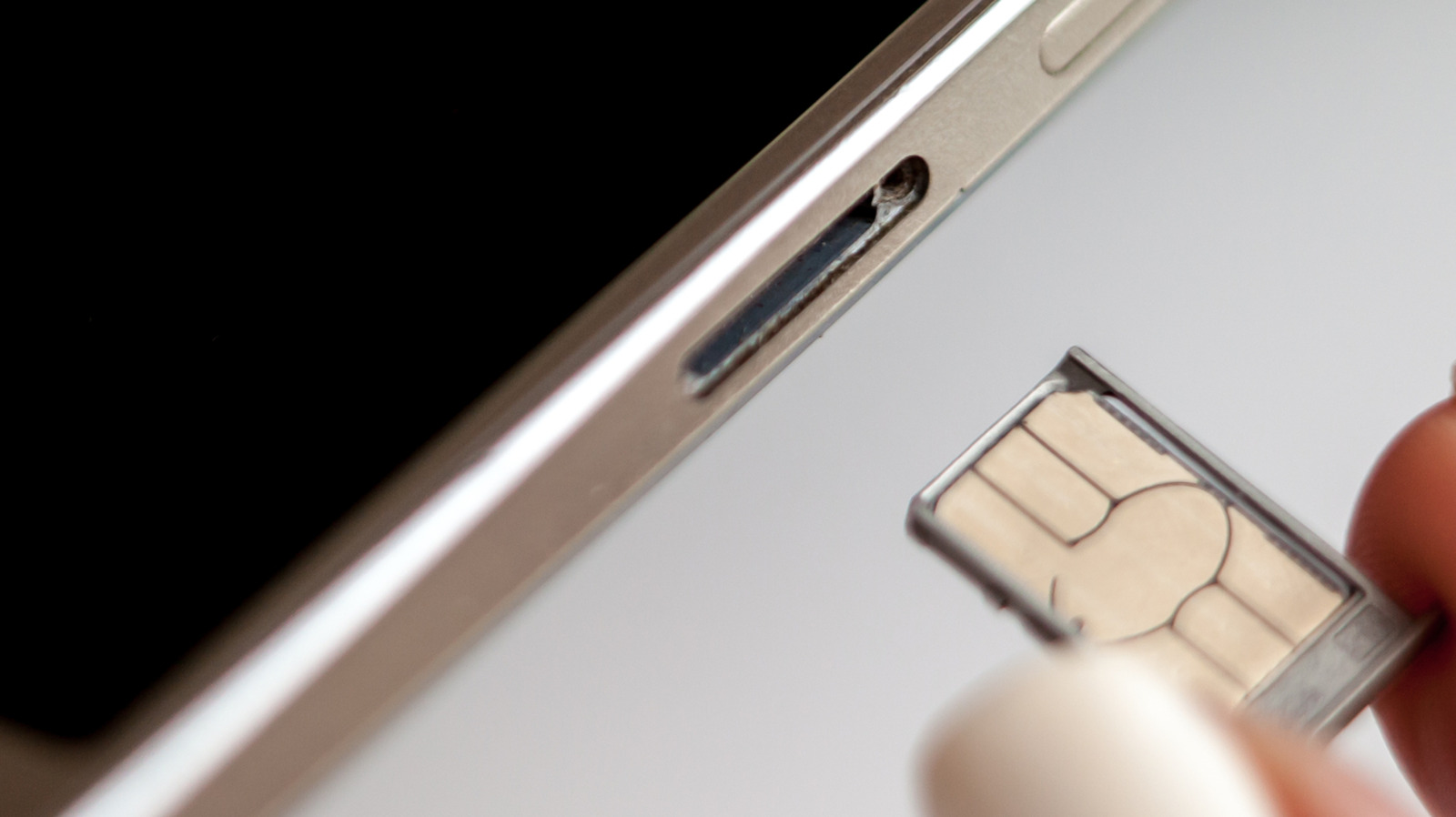
Optionally power down or enable airplane mode.Pop out the tray using a paperclip or SIM ejector tool.Change the card, ensuring correct size.Pop the tray back in.Enter your PIN or restart if requested.
Physical risks of SIM swapping
You might insert dirt or moisture into the tray, force a larger card into a smaller slot, or break the tray.A damaged card may cause the phone to drain battery and overheat trying to connect.
The benefit of powering down
Turning off your phone forces it to read fresh information from the new SIM when it powers on, helping register on the new network faster and reducing software-based network error messages.
Airplane mode as an alternative
You don't need to power off completely. Turn on airplane mode, wait thirty seconds before swapping the SIM, then turn airplane mode off. This prevents carrier hiccups during the process.
Warning for Android users with SD cards
Some Android devices have a microSD card slot in the same tray as the SIM. Unmount the SD card before removing the SIM to prevent losing data.
If you encounter a network error
The benefits of powering down are slight, but switching off prevents software glitches. If you encounter a network error after swapping, always try restarting your device first.
What it means
Modern phones let you swap SIM cards while powered on, but turning off your device first helps avoid network errors and is worth the few minutes it takes.