From Engadget · Jack Peachey · · 1m 40s
Why your iPhone photos come out blurry
Blurry iPhone photos usually stem from a dirty lens or poor lighting, but several camera settings and tools can help you fix them.
In brief
Blurry iPhone photos usually stem from a dirty lens or poor lighting, but several camera settings and tools can help you fix them. iPhone users can reduce blurry photos by cleaning their lens, adjusting camera settings like focus lock and Night Mode, and using tripods or third-party apps for manual control. Originally…
Phone cameras are everywhere
Smartphones have made casual photography accessible to millions in a lightweight package. While phone cameras won't match devices designed exclusively for photos and video, they can still take excellent pictures with the right approach.
Blurry photos plague iPhone users
While any phone can take blurry photos, complaints centre on iPhones due to their proliferation. The good news is iPhones have many camera settings to avoid blurry pictures without needing fancy AI tools.
Start by cleaning your lens

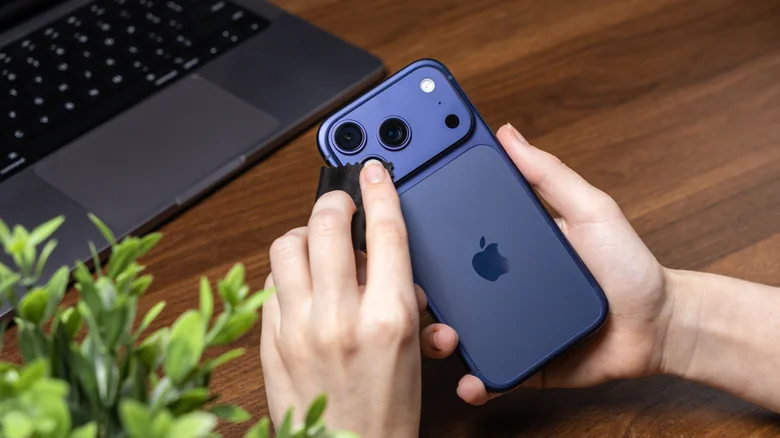
Before adjusting settings, check if your camera lens is causing the problem. Don't use tissue paper or your shirt. Instead, take off the case, grab a microfiber cloth, and wipe the lens down gently.
Low light is the main culprit
Low light levels make cameras struggle to focus reliably, often require slower shutter speeds, and introduce more noise. All of this leaves photos and videos looking blurry, grainy, or blocky after compression.
Use focus lock and Night Mode
In camera settings, tap and hold on the area you want to focus on until the AE/AF LOCK prompt appears.
Use apps and tripods for control
Third-party apps like Camera+ let you adjust shutter speeds and ISO settings manually. A tripod stabilises shots during longer exposures, reducing camera shake that turns small movements into visible blur, especially in low light.
The key point
iPhone users can reduce blurry photos by cleaning their lens, adjusting camera settings like focus lock and Night Mode, and using tripods or third-party apps for manual control.





