From Engadget · Giancarlo Valdes · · 1m 40s
Why your Roku TV is suddenly talking to you
A screen reader accessibility feature can be accidentally triggered on Roku TVs. Here's how to turn it off.
In brief
A screen reader accessibility feature can be accidentally triggered on Roku TVs. Here's how to turn it off. Roku TVs have a screen reader that narrates on-screen text for visually impaired users, but it can be accidentally activated by pressing the Options button four times on the remote. Originally reported by…
A voice narrating your Roku TV
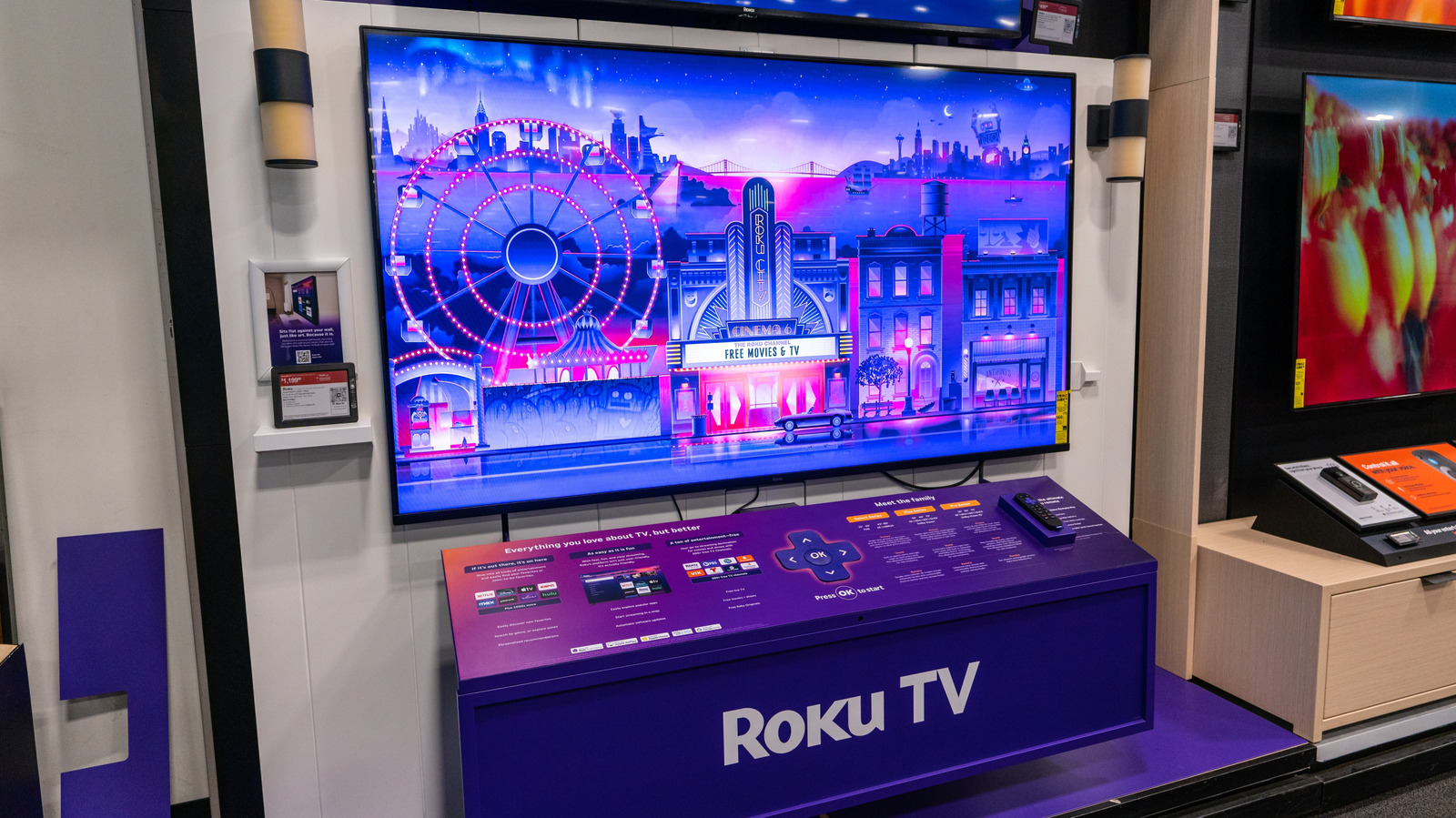
If you hear a disembodied voice narrating everything on your Roku TV screen at night, you are not losing your mind. The voice is the screen reader, a text-to-speech accessibility feature.
What the screen reader does
The screen reader makes the app easier to navigate for people who are visually impaired by constantly narrating all the on-screen text. It is an accessibility tool, not a malfunction.
How it gets turned on by accident
By default, the Roku remote has a screen reader shortcut that activates when you press the Options button, the one with the little star, four times in a row. It can easily trigger if the remote slips between couch cushions.
Turn it off with the remote
To turn off the screen reader using the remote, simply press the Options button four more times. This will disable the feature and stop the voice narration immediately.
Turn it off through the menu
You can also disable the screen reader through Roku's menu. Press Home, open Settings, then Accessibility, scroll to Screen Reader and select Off to stop the narration.
Disable the shortcut permanently
To prevent the screen reader from being accidentally triggered again, go to the Screen Reader section under Accessibility, find the Shortcut option and turn it off entirely.
The short version
Roku TVs have a screen reader that narrates on-screen text for visually impaired users, but it can be accidentally activated by pressing the Options button four times on the remote.





