From Engadget · Calvin Wankhede · · 1m 30s
Why your smart TV should stay in standby mode
Standby mode keeps your TV running smoothly, updates software automatically, and costs almost nothing to maintain.
In brief
Standby mode keeps your TV running smoothly, updates software automatically, and costs almost nothing to maintain. Leave your smart TV in standby mode for faster startup, automatic updates, and panel maintenance, especially on OLED screens. Only unplug during extended absences. Originally reported by Engadget.
Your TV never fully powers off
Modern TVs enter standby mode instead of shutting down completely. They use minimal power but stay ready to start instantly, unlike older TVs that took time to warm up.
Boot times are surprisingly long
Smart TVs run full operating systems like WebOS, Google TV, and Roku OS that can take as long as smartphones to start up. Many take even longer due to lower-end processors.
Standby mode handles background updates
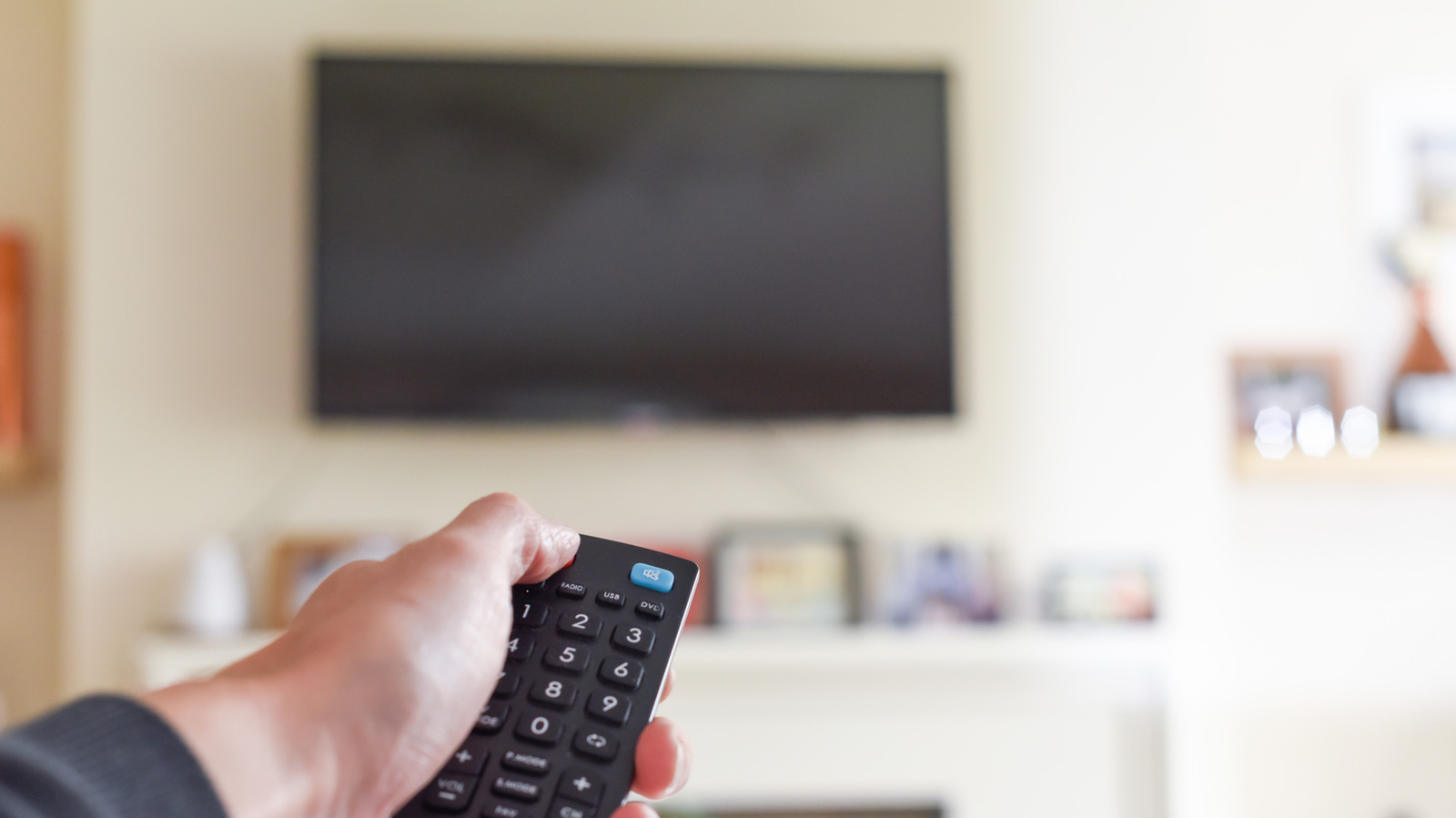
Your TV's operating system and streaming apps like Netflix and YouTube update automatically in standby mode. This means you won't wait for updates when you want to watch.
OLED TVs need standby for survival
OLED displays run automatic compensation cycles in standby to prevent burn-in and image retention. Unplugging immediately after use skips this critical maintenance and risks permanent damage.
“OLED TVs rely on standby mode for a critical function: panel maintenance.”
Standby costs almost nothing
Energy Star certified TVs use one watt or less in standby, adding about one dollar fifty to your annual power bill. Only unplug during extended trips away from home.
“ENERGY STAR-certified TVs must use no more than one watt while in standby”
Restart when your TV gets sluggish
A full reboot clears background processes and can restore responsiveness if your TV feels slow. Check your manual for proper shutdown instructions to avoid interrupting maintenance tasks.
Here's the gist
Leave your smart TV in standby mode for faster startup, automatic updates, and panel maintenance, especially on OLED screens. Only unplug during extended absences.





