From Engadget · Isaac Egbon · · 1m 20s
Why your Steam Deck wants a reboot
Handhelds are full PCs under the hood, and the oldest fix in tech still works on them.
In brief
Handhelds are full PCs under the hood, and the oldest fix in tech still works on them. Restart your handheld about once a week to clear leaked memory, finish updates, and head off glitches before they turn into crashes. Originally reported by Engadget.
It's a PC in disguise
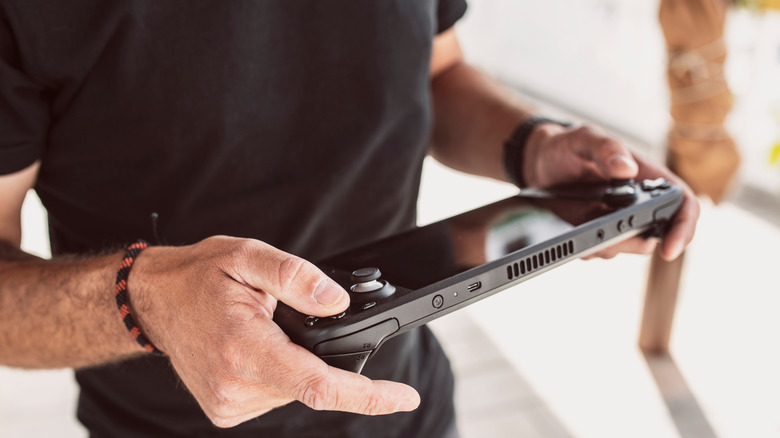
The Steam Deck and ROG Ally run full desktop operating systems, SteamOS or Windows. Same guts, same rules, same fix.
“under that portable hood they're running full PC operating systems”
One restart, many fixes
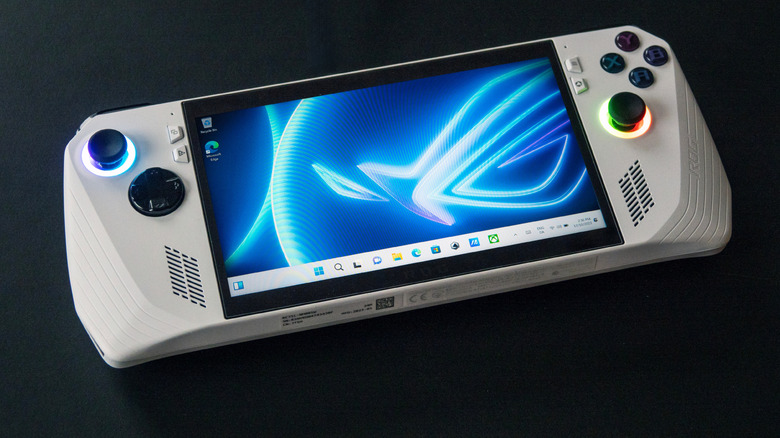
A reboot clears crashing games, sudden frame drops, lag and stuck audio. Valve lists it as a first troubleshooting step on the Steam Deck support page.
RAM fills up quietly
Games and apps often fail to hand memory back after you close them, or leak it outright. That build-up slows the device and you cannot stop it happening.
“it's not something you can prevent”
Updates need the reboot
Bug fixes, security patches and performance tweaks only fully land once the system restarts. Skip the restart and you are running a half-applied update.
Power off versus hibernate
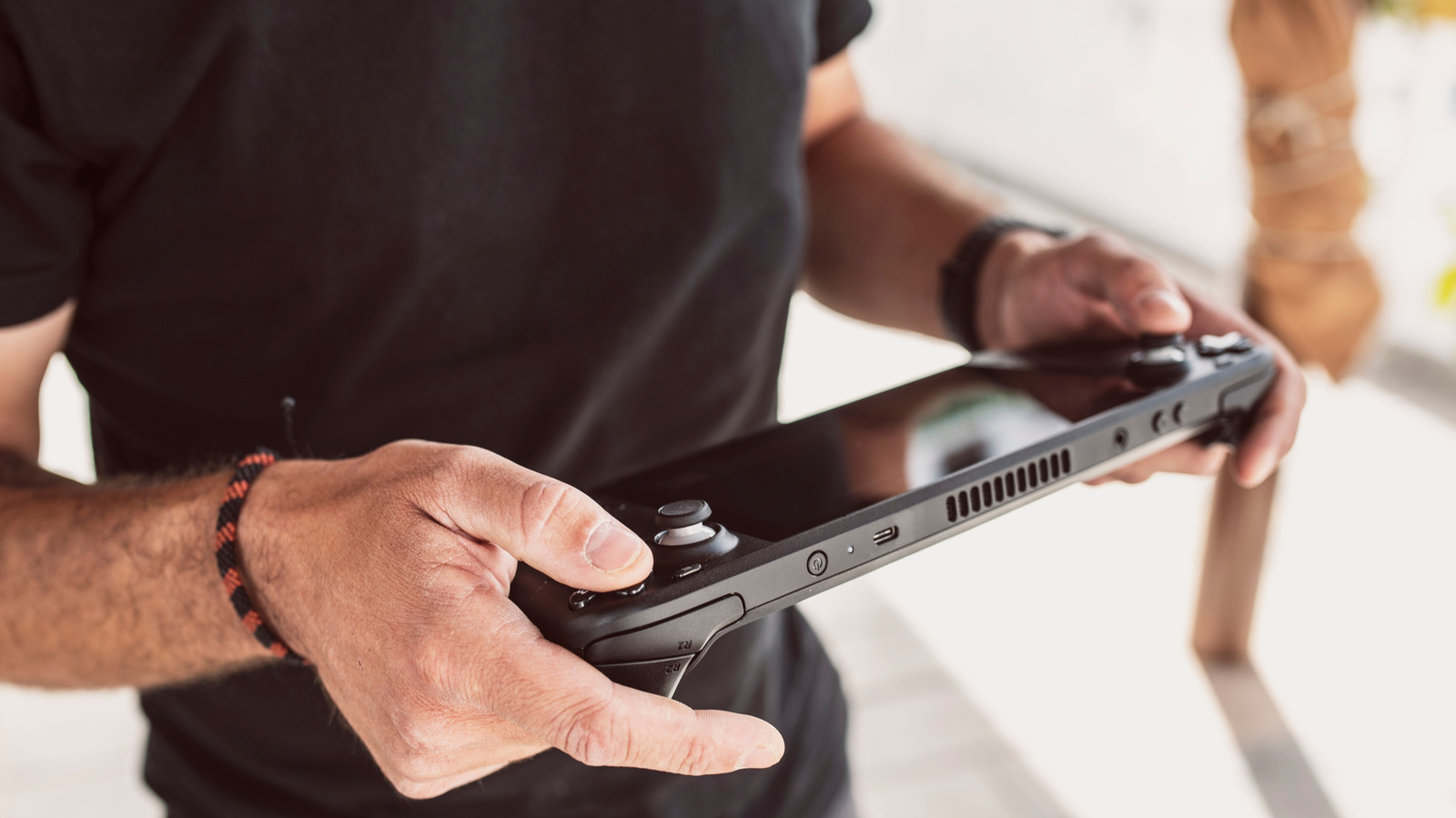
Powering off does the same job as a restart. Hibernating just saves your session to storage with almost no battery drain, so it skips the cleanup entirely.
“hibernating your gaming handheld doesn't give the benefits of a restart or power-off”
Once a week is plenty
There is no official number, but every few days or at least weekly works. Also shut it down before it goes in a bag, where poor airflow risks overheating.
The takeaway
Restart your handheld about once a week to clear leaked memory, finish updates, and head off glitches before they turn into crashes.





