From Engadget · Calvin Wankhede · · 1m 50s
Your router's USB port is doing nothing
That little port next to the LAN jacks can serve files, share a printer, or keep you online when your ISP dies.
In brief
That little port next to the LAN jacks can serve files, share a printer, or keep you online when your ISP dies. Use the router's USB port for casual file and printer sharing, but buy a NAS if the data actually matters. Originally reported by Engadget.
The port you ignore
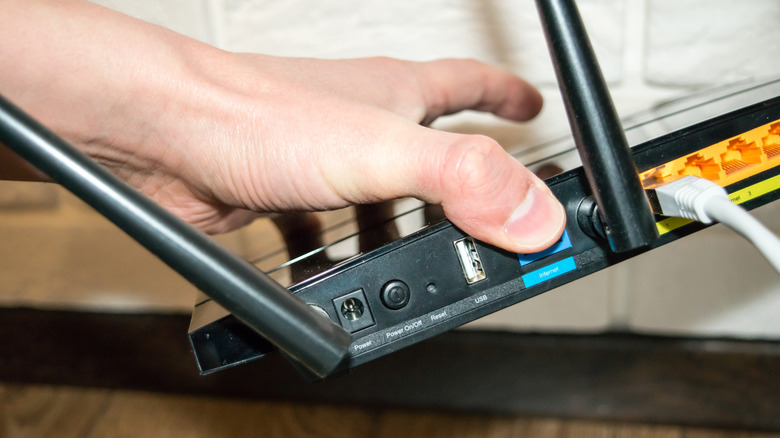
Most routers have a USB port sitting next to the WAN and LAN jacks. Unless you read the manual, you probably have no idea what it does.
“that port is surprisingly versatile”
Routers are tiny computers
Every router runs a CPU, memory and a small operating system. Newer ones have faster USB 3.x ports and enough headroom to run real network features.
Turn a drive into a file server
Plug in a hard drive, SSD or flash drive, switch on the setting called File sharing, USB storage device or ReadySHARE, and every device on the network can reach it over SMB or FTP.
Make a dumb printer wireless
An old printer with no Wi-Fi can accept jobs over the network once it is plugged into the router. Many setups need a helper app like Asus EZ printer sharing on your PC.
A backup internet connection
Some routers accept a 4G or 5G cellular dongle and fail over to it when your ISP drops. That trick is called dual WAN failover, or multi-WAN.
“a fallback for when your ISP goes down”
Or just tether your phone
Modern routers take an Android phone's connection over USB tethering, so your devices stay on the same Wi-Fi network. You lose automatic failover, since you have to plug in every time.
When a NAS wins
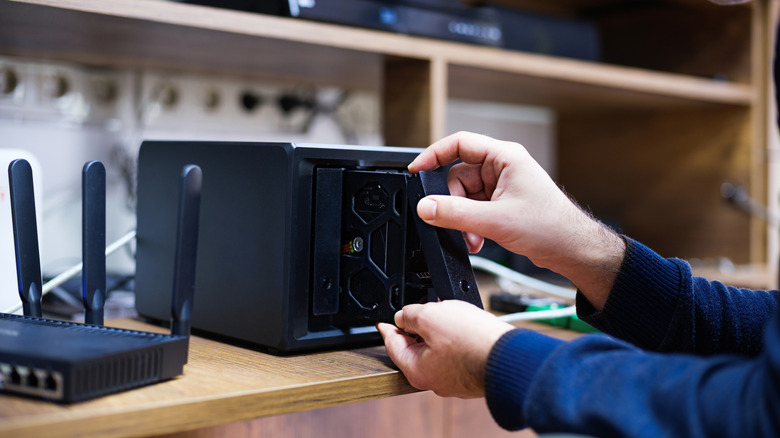
Older routers cap out at USB 2.0, roughly 60MBps, and portable drives often draw too much power. A NAS gives you multiple drives and RAID redundancy instead.
“I wouldn't recommend backing up important data on your networked storage device.”
The key point
Use the router's USB port for casual file and printer sharing, but buy a NAS if the data actually matters.





