From Engadget · Dave Meikleham · · 2m
Your Xbox Series X might be in the wrong HDMI port
Not all HDMI ports on your TV support HDMI 2.1, which your Xbox Series X needs for 4K at 120 frames per second.
In brief
Not all HDMI ports on your TV support HDMI 2.1, which your Xbox Series X needs for 4K at 120 frames per second. Xbox Series X owners should check their TV manual to ensure they are using an HDMI two point one port, as not all ports on modern TVs support the standard needed for maximum performance. Originally reported…
Quick answers
- How many HDMI 2.1 ports does your TV have?
- Most modern high-end sets have three to four HDMI 2.1 ports total. Premium OLED or MicroLED panels bought in the last couple of years likely have all ports compliant.
- What is the key takeaway from Your Xbox Series X might be in the wrong HDMI port?
- Xbox Series X owners should check their TV manual to ensure they are using an HDMI two point one port, as not all ports on modern TVs support the standard needed for maximum performance.
Not all HDMI ports are equal
Your TV may support HDMI 2.1, but that does not mean all of its ports do. Without HDMI 2.1, cutting-edge visual features like Variable Refresh Rate are off the table.
What you can get without HDMI 2.1
If your TV only supports HDMI 2.0, your Xbox Series X is limited to 1440p at 120 frames per second or 4K at 60 frames per second.
What HDMI 2.1 enables
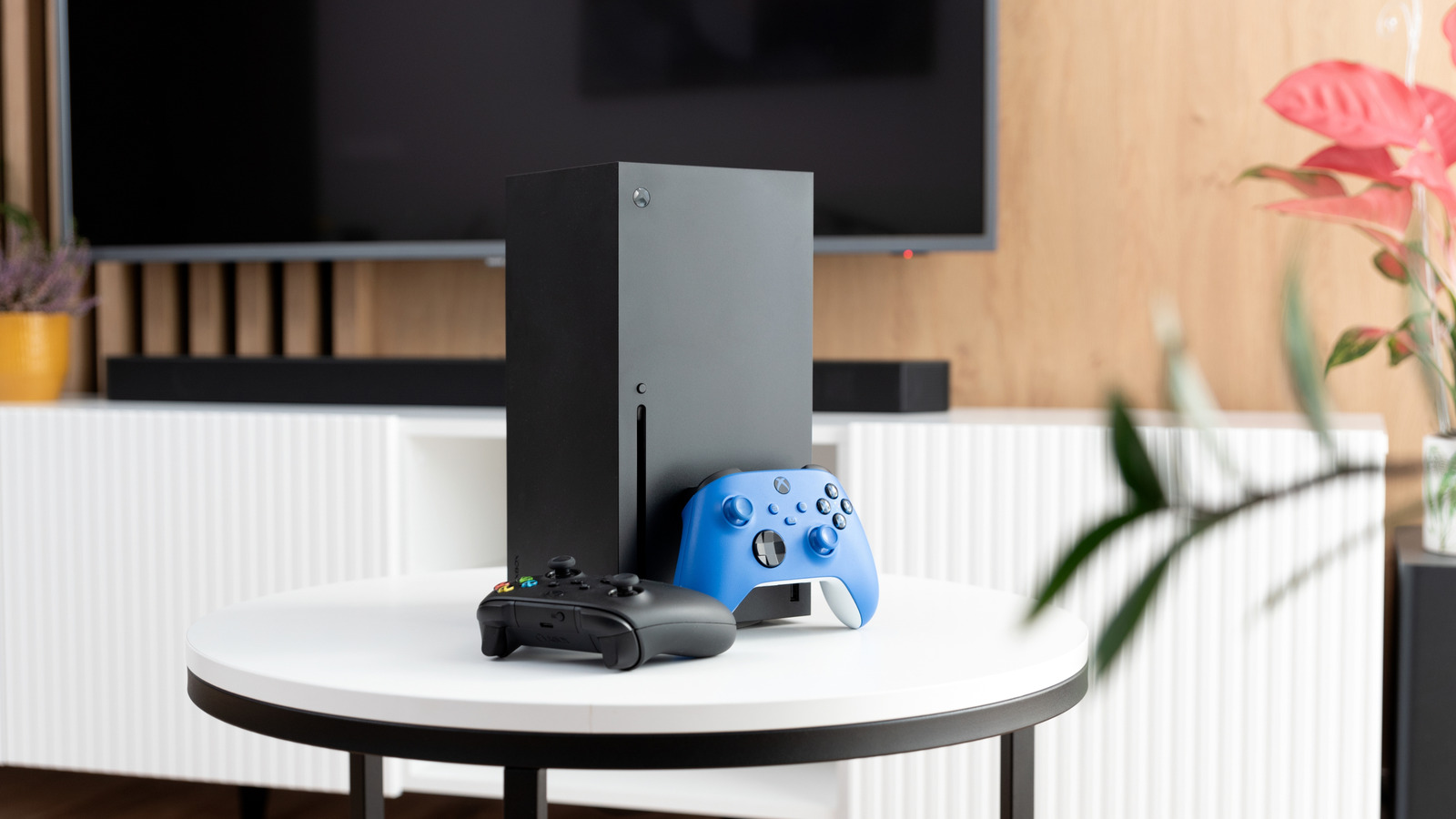
With HDMI 2.1, your Xbox Series X can output 4K at 120 frames per second and use framerate-smoothing VRR, unlocking the console's maximum visual potential.
How many HDMI 2.1 ports does your TV have?
Most modern high-end sets have three to four HDMI 2.1 ports total. Premium OLED or MicroLED panels bought in the last couple of years likely have all ports compliant.
Older TVs may have just one
If your set is a few years old and was one of the first to support HDMI 2.
Check your TV manual
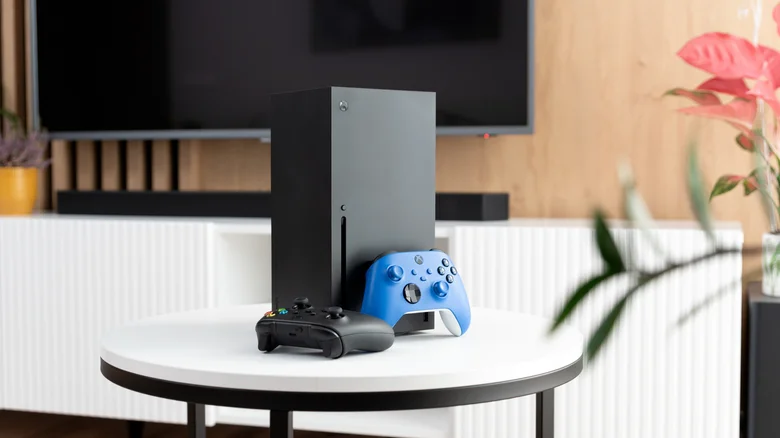
To find which ports support HDMI 2.1 without bending or using a flashlight, check your TV model's online manual. Individual inputs are also labeled on the TV's back.
Keep the cable that came with your Xbox
The Ultra High Speed HDMI cable included with your Xbox Series X is fully HDMI 2.1 compliant and likely to outlast the console. Most players need not upgrade it.
“the Ultra High Speed HDMI cable that came in the box with your beloved Microsoft machine. That puppy is fully HDMI 2.1 compliant”
When you might need a new cable
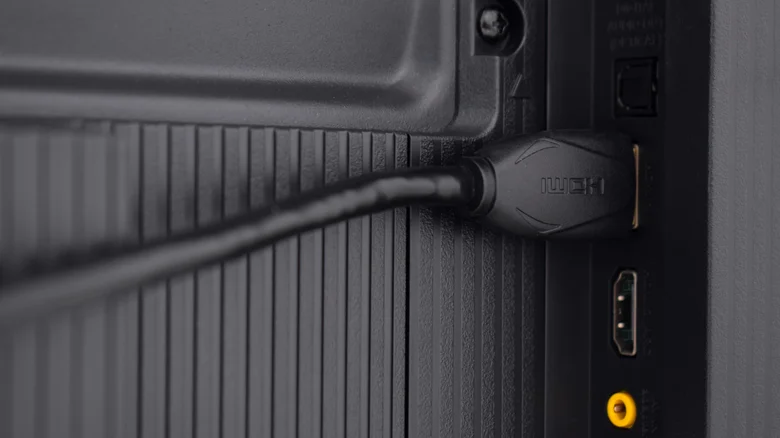
The included cable is 6 feet long. If you cannot place your Series X close to your TV, a longer HDMI 2.1 certified cable is worthwhile. Wall-mounted TVs may need ultra-thin connectors.
The bottom line
Xbox Series X owners should check their TV manual to ensure they are using an HDMI two point one port, as not all ports on modern TVs support the standard needed for maximum performance.
Read the TL;DR — this story on one card.